

 ChatGPT
 Perplexity
 Claude
 Gemini
 Grok
Grok

How to Make a Microlearning Video
UPDATED: 2026-08-06 By Lan He, Senior Video Producer at Pexo
Making a microlearning video takes six steps: isolate one takeaway, script to 90 seconds, choose the format, produce the series, deliver at the point of need, then reinforce on a schedule. A microlearning video takes about 20 minutes to produce.
Quick Version: How to Make a Microlearning Video
- Isolate one takeaway a person could act on immediately.
- Script to 60 to 120 seconds, cutting everything else.
- Choose one format: demonstration, scenario, or explanation.
- Produce the whole series in one session, not one at a time.
- Deliver at the point of need, reachable by search or QR code.
- Reinforce on a spaced schedule after initial training.
How to Make a Microlearning Video Step by Step
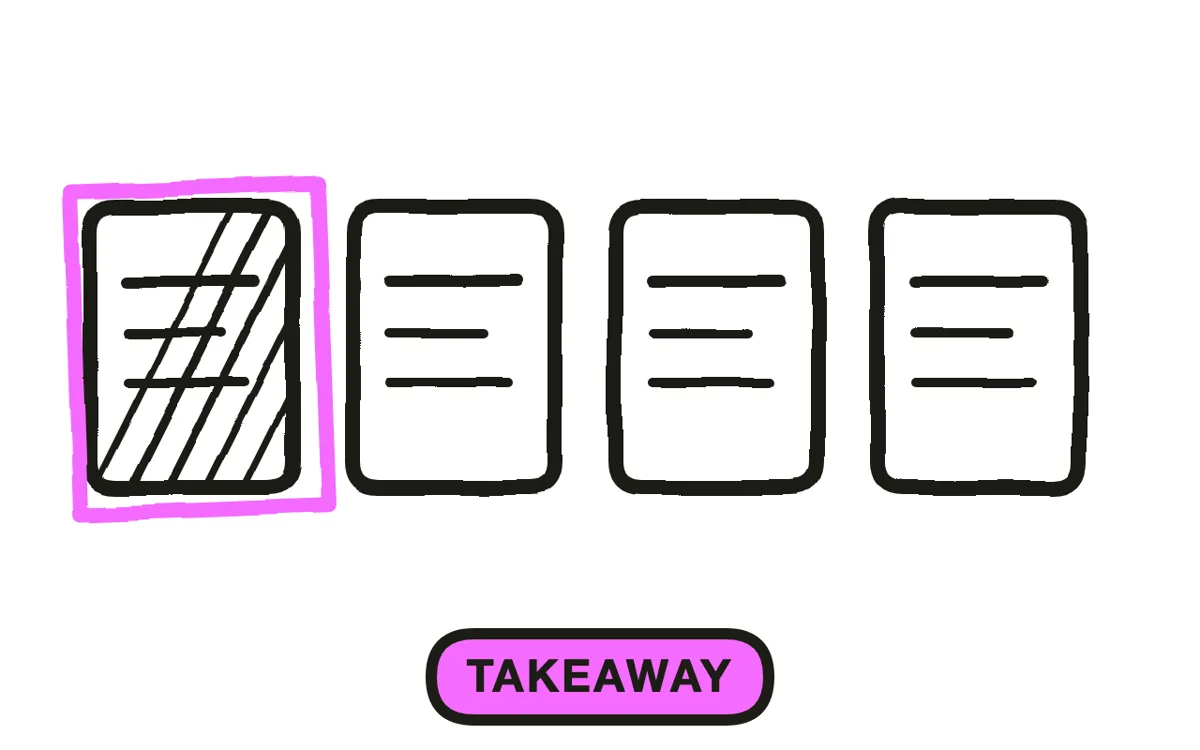
Step 1: Isolate one takeaway
Write the single thing someone will be able to do after 90 seconds: "reset a jammed label printer", "know which discounts need approval", "spot a phishing email by the sender domain". If the sentence needs an "and", it is two videos.
Start from the questions people actually ask. The best microlearning libraries are built from the support tickets, the questions supervisors answer repeatedly, and the errors that keep recurring. Content invented from a topic list produces videos that answer questions nobody has.
Step 2: Script to 90 seconds
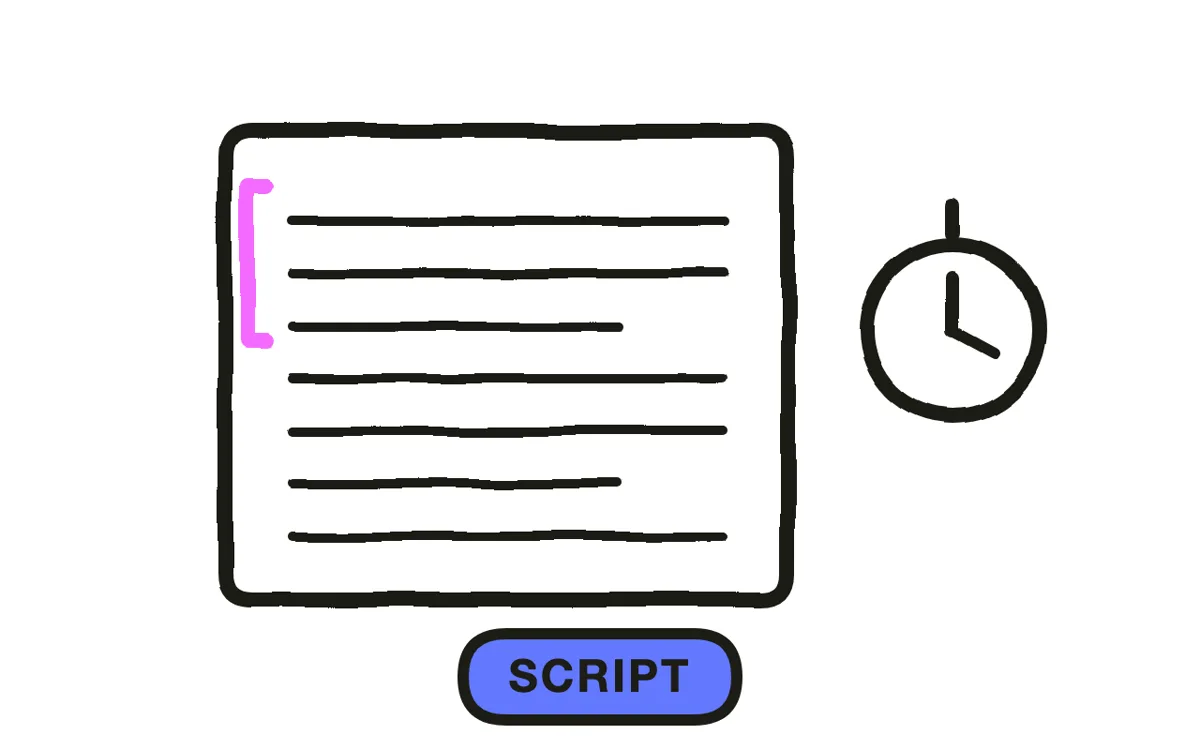
Write 150 to 300 words, which is 60 to 120 seconds at instructional pace. Open on the situation, not on context: "the label printer stops mid-run and shows a red light" puts the viewer exactly where they are when they searched for this.
Cut the introduction, the recap, and the sign-off. In a 90-second video, ten seconds of preamble is eleven percent of the runtime spent on nothing. If the content will not fit, the takeaway was not narrow enough, and the fix is splitting rather than speaking faster.
Step 3: Choose one format
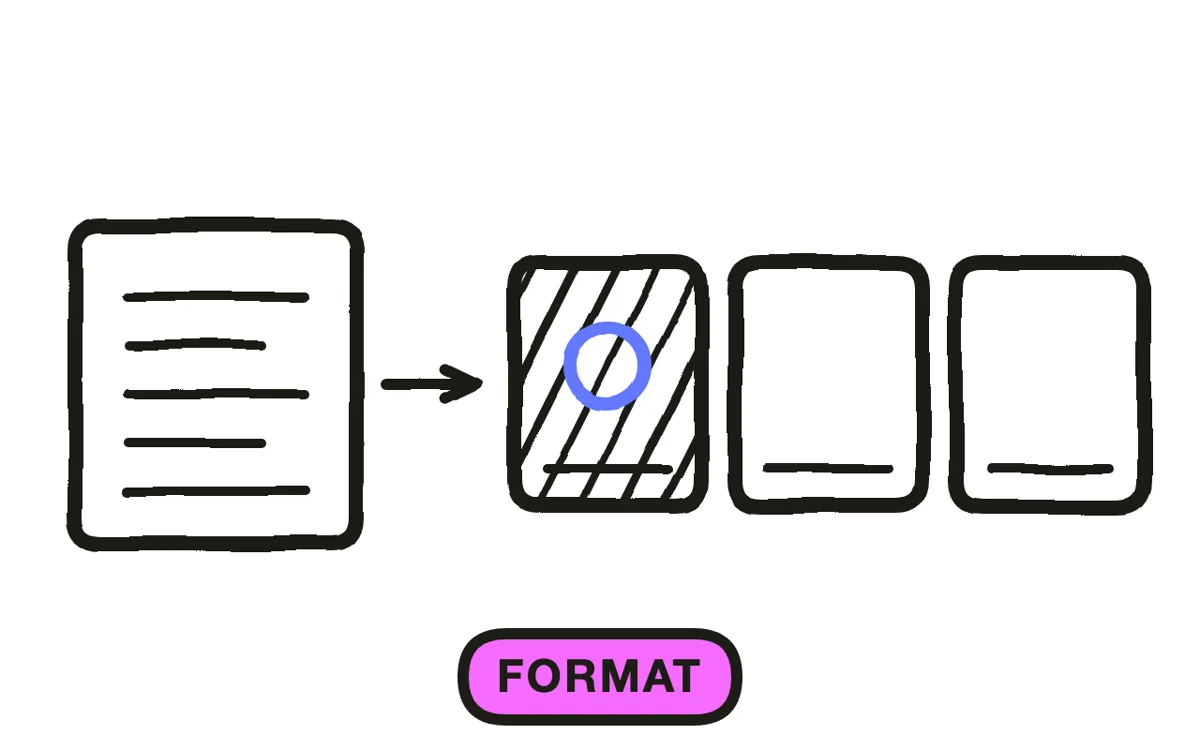
Pick one of three. Demonstration shows a task being performed, which suits anything physical or software-based. Scenario shows a judgment call and its outcome, which suits policy and customer situations. Straight explanation suits a concept or a number.
Do not blend them. Adding a scenario to a demonstration is the most common reason a microlearning video runs to three minutes and stops being microlearning. One format, one takeaway, one video.
Step 4: Produce the series in one session
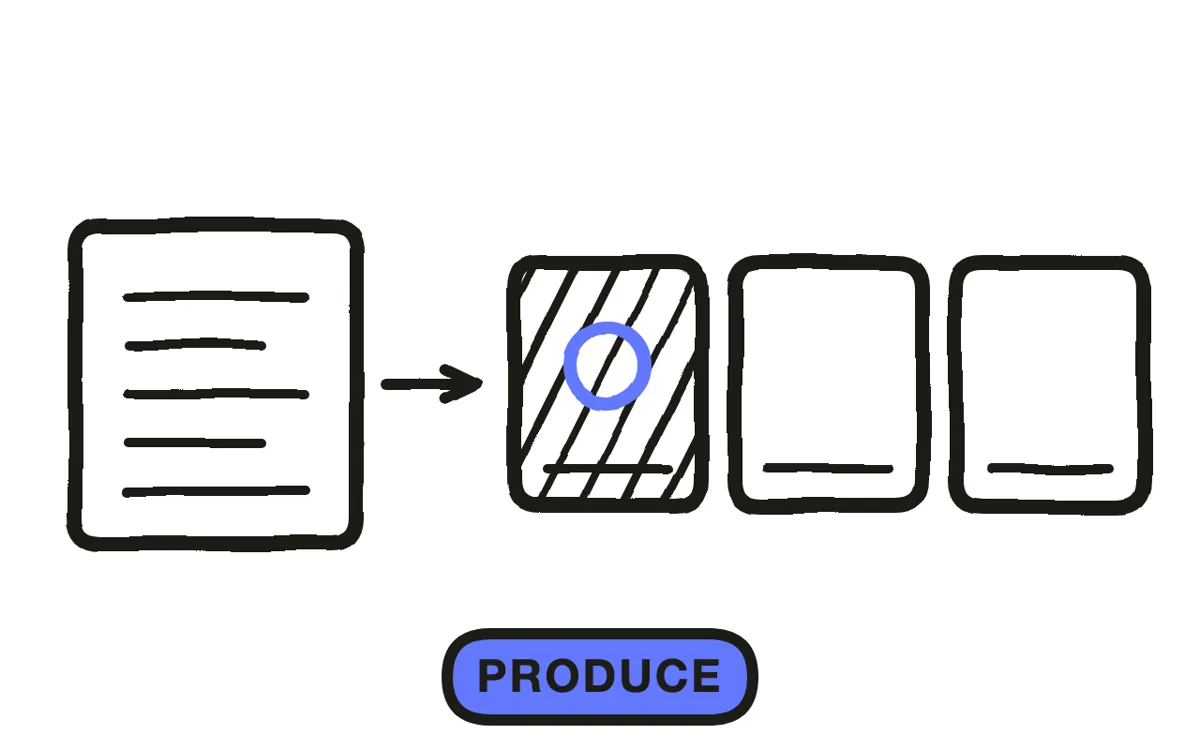
Microlearning only works as a library, so the production question is not how to make one video but how to make forty. Producing them one at a time, weeks apart, is how these programmes stall after five.
Pexo's text-to-video workflow generates each video from a short description, and Hyperframe keeps the same presenter, workplace, and visual style across the whole library. Consistency across forty videos is what makes them read as one system rather than assorted clips, and it is the part that is hardest to hold by hand.
Step 5: Deliver at the point of need
Make each video findable by the words someone would actually type or say when stuck. Title them as questions or symptoms rather than topics: "label printer shows red light" beats "printer maintenance module 3".
Put QR codes where the work happens: on the machine, in the vehicle, at the counter. Microlearning delivered only through an LMS inbox becomes another scheduled item and loses the property that makes it work, which is arriving at the moment the person has the problem.
Step 6: Reinforce on a schedule
Use the library a second way: push a short video at spaced intervals after initial training, since spaced repetition holds knowledge that a single session does not. One video a week beats a refresher course a year later.
Export 9:16 at 1080x1920 for phone delivery on a floor or in a vehicle, and 16:9 for desk and LMS use. Pexo exports both from one project. Track which videos get searched for, not only which get completed: a video nobody searches for is answering a question nobody has.
How to Make a Microlearning Video with Pexo
The six steps above work with any tool. Pexo handles step 4 in a single conversation, which is the step that decides whether a microlearning library reaches forty videos or stops at five.
Open the training video page and describe each piece: "A 90-second microlearning video showing how to clear a jammed label printer on a packing line, over-the-shoulder demonstration, no intro, opening on the red light." Pexo generates the scene, records the narration, and holds the same operator and workspace across the whole series.
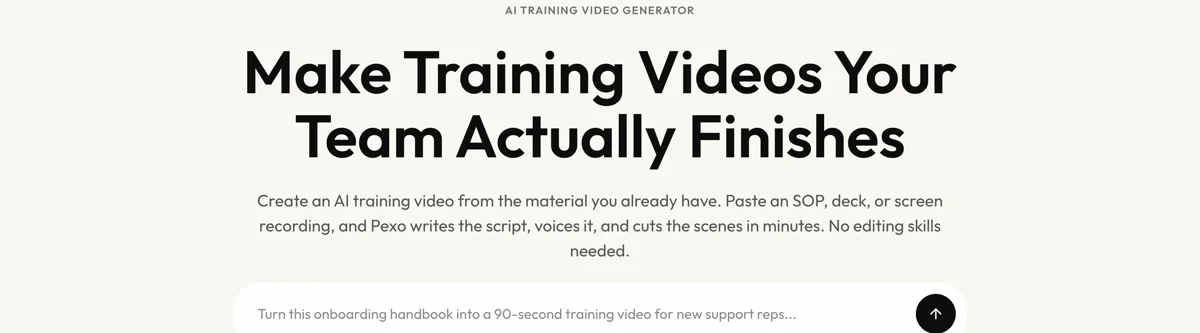
Adjust any video by describing the change in the chat, and Pexo regenerates that one alone. The platform runs across Seedance 2.0, Kling AI, and more.
For related formats, the educational video page covers structured courses, and tutorial video covers longer software walkthroughs.
5 Mistakes That Turn Microlearning Into Chopped-Up eLearning
1. Splitting a course instead of answering a question. Fifteen two-minute clips from a 30-minute course is short eLearning, not microlearning.
2. Keeping the intro. Ten seconds of preamble in a 90-second video is eleven percent of the runtime spent on nothing.
3. Blending formats. Adding a scenario to a demonstration is what pushes the runtime past two minutes.
4. Titling by topic. People search with symptoms and questions. "Printer maintenance module 3" is unfindable at the moment of need.
5. Delivering only through the LMS inbox. Microlearning works because it arrives when the problem does. Scheduled push loses that entirely.
Related Tutorials
- How to make an eLearning video for structured LMS courses
- How to make an SOP video for procedure documentation
- How to make an employee training video for workplace training
- How to make a short video for the vertical format fundamentals




