

 ChatGPT
 Perplexity
 Claude
 Gemini
 Grok
Grok

Making a presentation explainer takes six steps: rebuild the deck for video, cut the slide count hard, write narration rather than notes, add motion between slides, decide on presence, then export. A presentation explainer takes about 25 minutes to produce.
Quick Version: How to Make a Presentation Explainer Video
- Rebuild the deck for a viewer with no presenter in the room.
- Cut to one slide per 15 to 20 seconds.
- Write narration rather than reading speaker notes.
- Add motion between slides so it is not a recording.
- Decide whether a presenter belongs on screen.
- Export 16:9, rebuilding key slides vertically for social.
How to Make a Presentation Explainer Video for Beginners: Step by Step
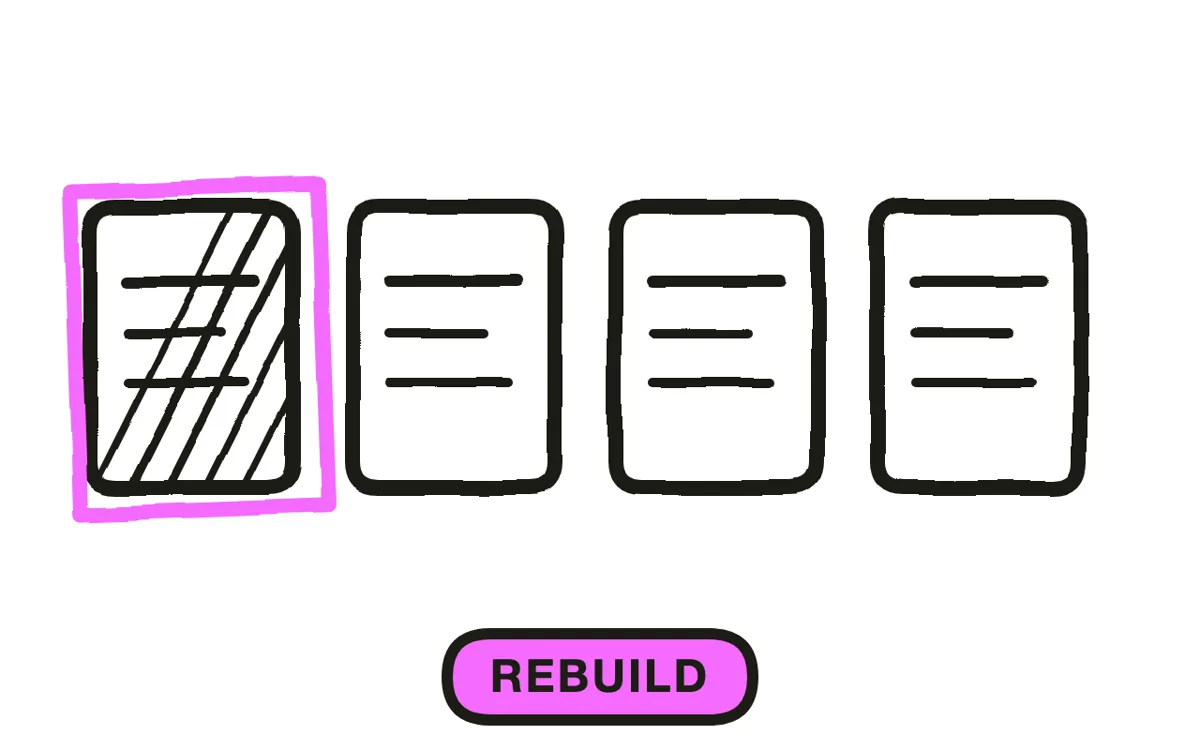
Step 1: Rebuild the deck
A deck is a prop for a live explanation. Its slides are deliberately underspecified because the presenter supplies the argument, which is why recording an existing deck produces bullet points with nothing connecting them.
Rebuild so each slide states its own point. Turn "Q3 Results" into what actually happened; turn a bullet list into the one sentence the list was evidence for. This is the step people skip, and skipping it is why most recorded decks are unwatchable regardless of how well they are narrated.
Step 2: Cut the slide count
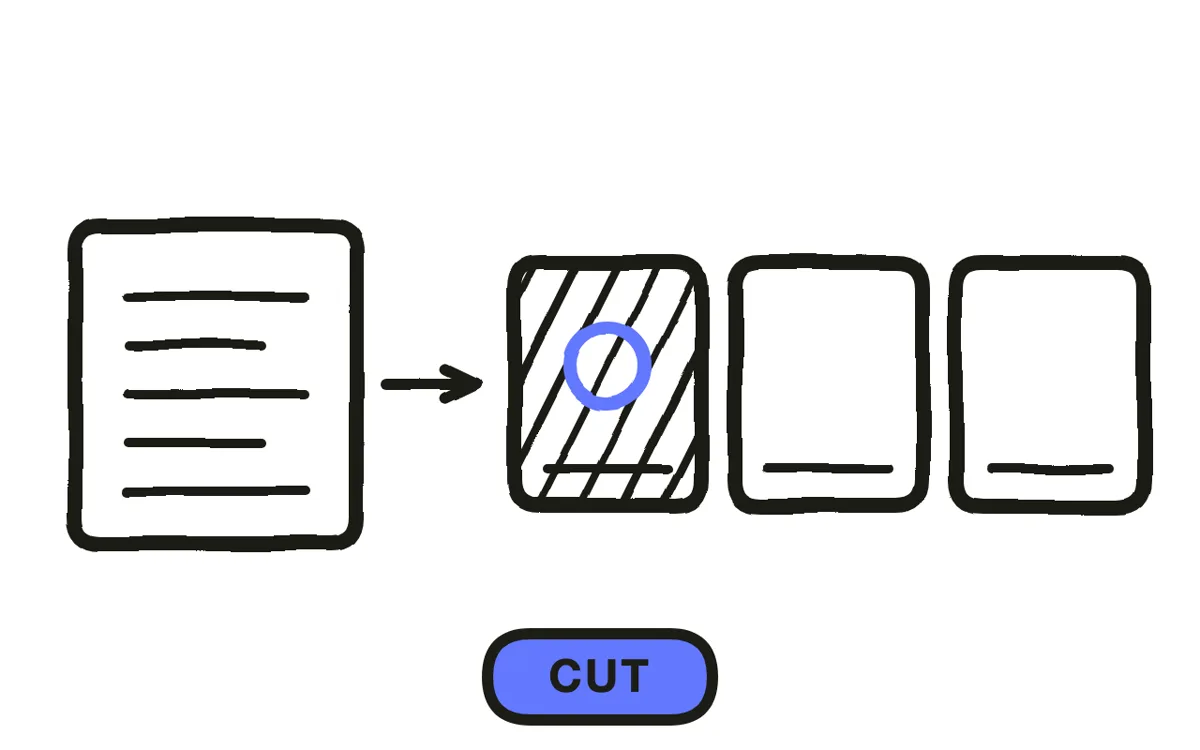
Budget one slide per 15 to 20 seconds, so a three-minute video carries nine to twelve. A 40-slide deck compressed into three minutes gives each slide four seconds, which is less time than it takes to read a title.
Rebuild dense charts as one point per slide. A chart supporting five conclusions works in a room where someone points at each in turn; on video the viewer sees all five simultaneously and reads none. If the content genuinely needs more, split into separate videos by section rather than one long one.
Step 3: Write narration, not notes
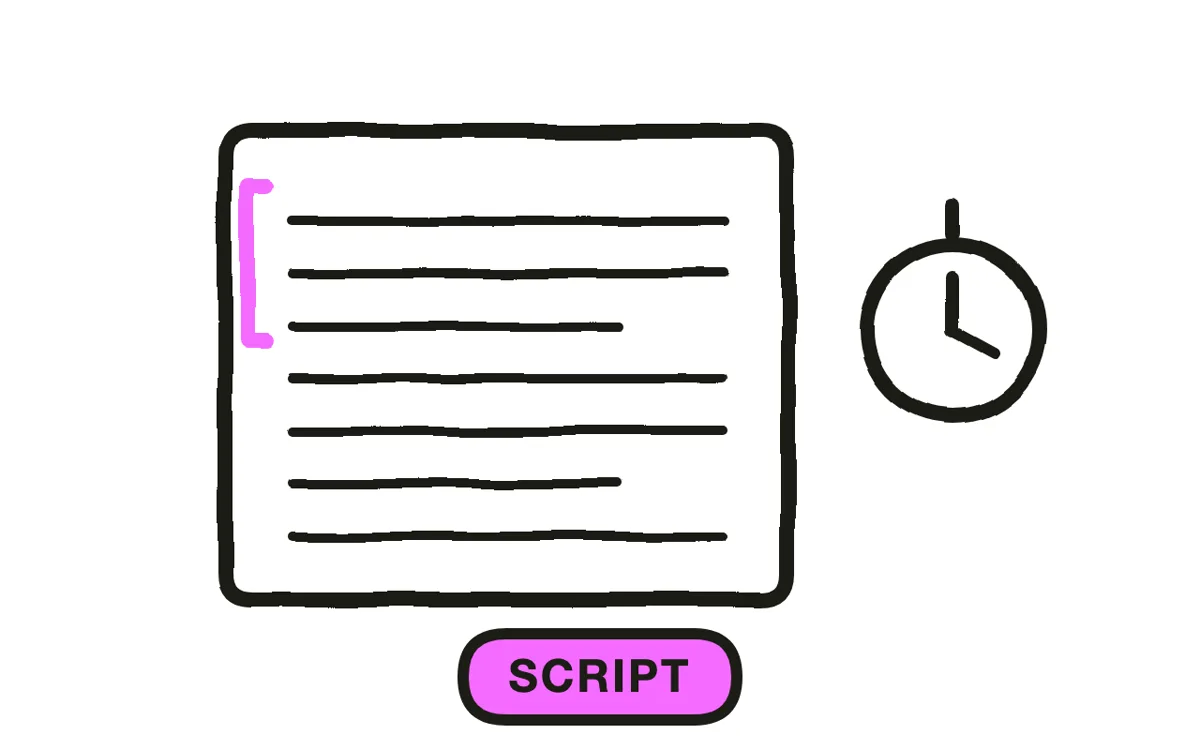
Speaker notes are prompts for someone who already knows the material. Read aloud, they produce the flat, list-shaped delivery that makes recorded presentations hard to sit through. Use them as raw material and write prose from scratch.
Write at roughly 150 words per minute and open with the conclusion rather than the agenda. A live audience will sit through a build-up because leaving is awkward; a video viewer will not, and an agenda slide is the most reliable way to lose them in the first ten seconds.
Step 4: Add motion between slides
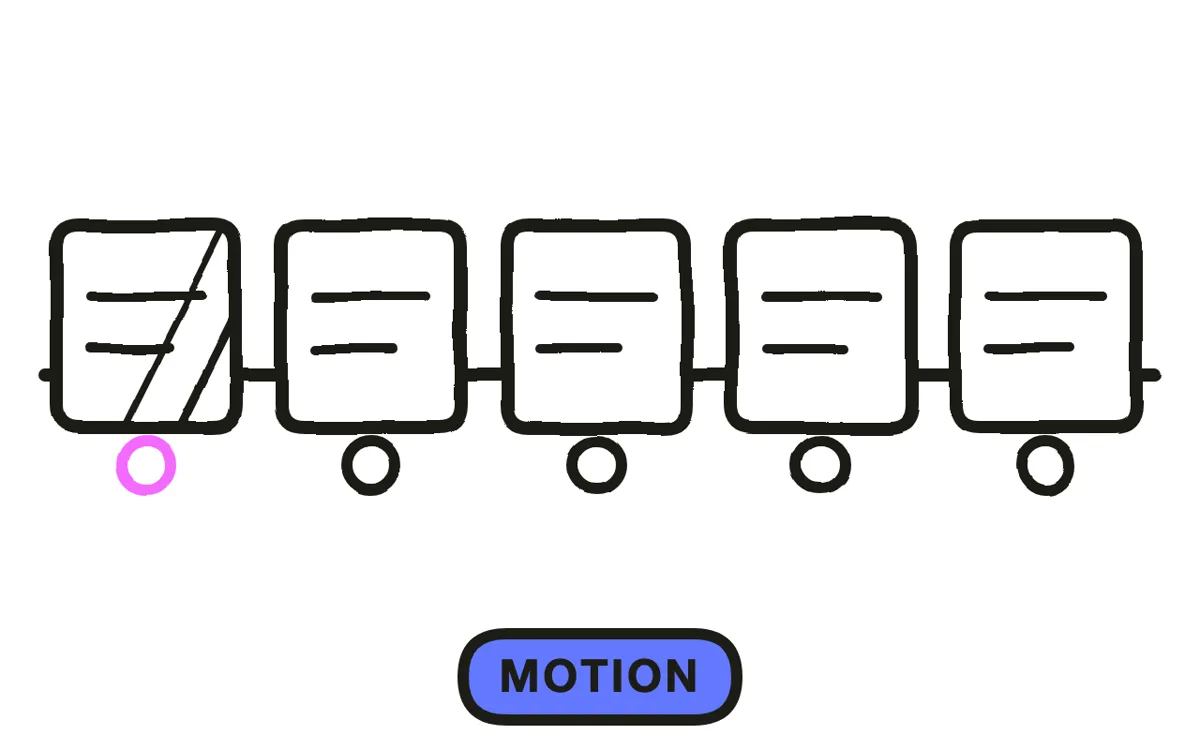
Hard cuts between static slides are what make a video read as a recording. Move between them instead: push into the area being discussed, slide the next slide in from the direction the argument is going, build elements as they are mentioned rather than showing the finished slide at once.
Building elements matters most. A slide that appears complete invites the viewer to read ahead and stop listening, while one that assembles alongside the narration keeps the two in step. Pexo's script-to-video workflow generates the sequence and its motion from the script.
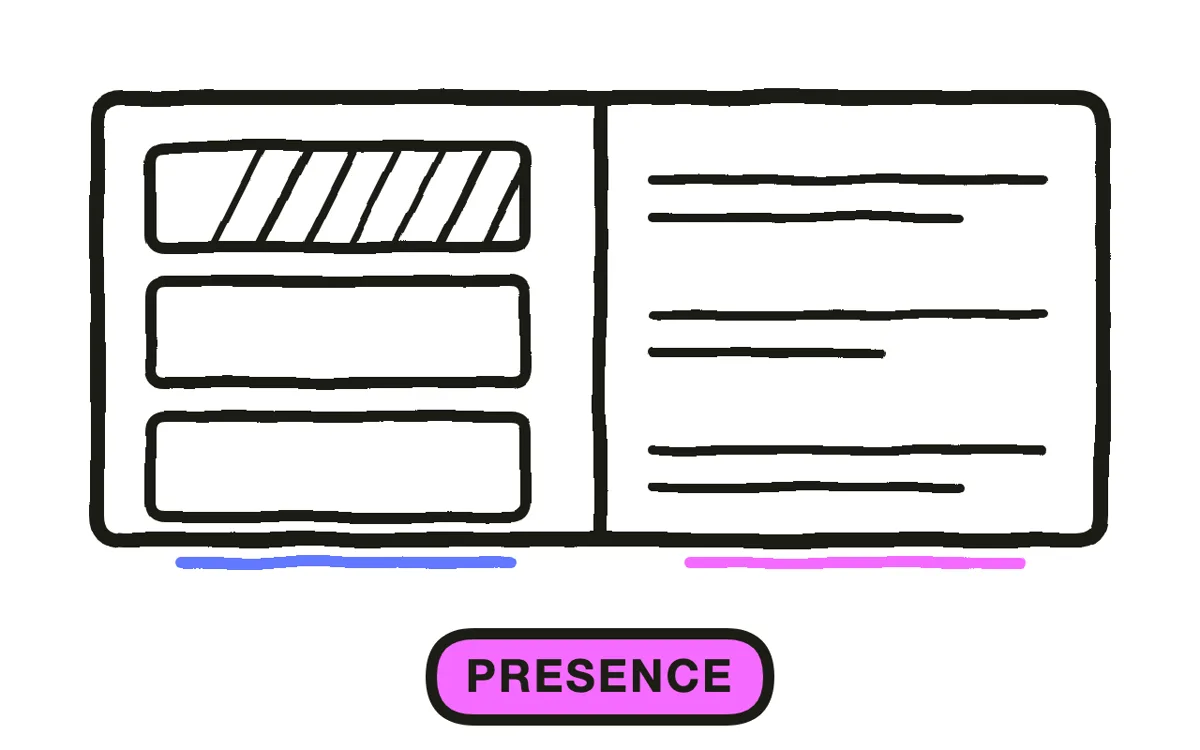
Step 5: Decide on presence
Put a presenter on screen for persuasive content, where an argument lands better coming from a person. Keep them off for reference content people rewatch, where the frame is better spent on the material.
If a presenter appears, keep them small and to one side, and cut away entirely for anything dense. A half-frame presenter next to a chart means neither is readable, which is the compromise that satisfies nobody. Pexo's text-to-video generates a presenter without a shoot.
Step 6: Export
Export 16:9 at 1080p, which matches how decks are already built and how they will be watched on a laptop or in an email. Add captions, since a good share of business video is watched muted at a desk.
For social, rebuild the two or three key slides vertically rather than cropping. A cropped 16:9 slide usually loses either its title or its point, and often both. Pexo exports each ratio from one project.

How to Make a Presentation Explainer Video with Pexo
The six steps above work with any tool. Pexo handles steps 4 through 6 in a single conversation, once the deck has actually been rebuilt.
Open the video presentation page and describe the piece: "A 3-minute presentation explainer on why our delivery times improved, ten slides, one point each, elements building with the narration, no presenter, calm confident delivery, ending on the next quarter's target." Pexo builds the slides, animates the transitions, and records the narration.
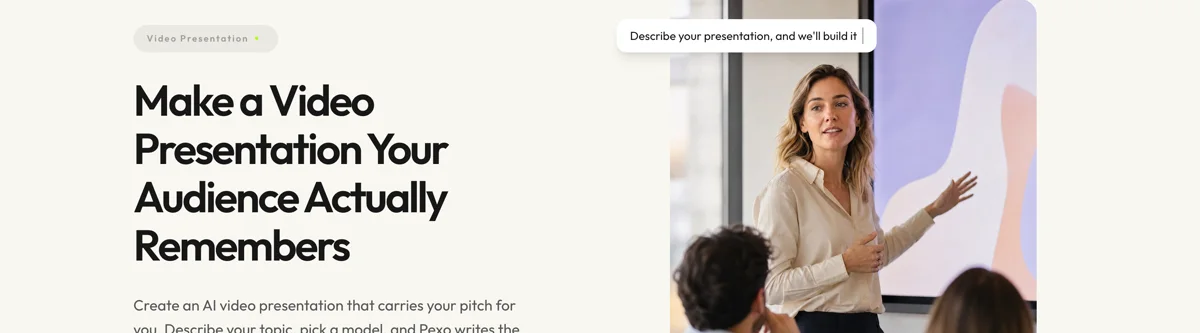
Adjust any slide by describing the change in the chat, and Pexo regenerates that slide alone.
For related formats, the explainer video page covers the general format and video sales letter covers persuasive long-form.
5 Mistakes That Make a Recorded Deck Unwatchable
1. Recording the deck as it stands. Slides are props for a presenter. Without one, the argument is missing.
2. Keeping the slide count. Forty slides in three minutes is four seconds each, which is less than a title takes to read.
3. Reading speaker notes. They are prompts for someone who knows the material, and they sound like it.
4. Opening with the agenda. A room sits through a build-up because leaving is awkward. A viewer just leaves.
5. Showing complete slides. A finished slide invites reading ahead. Building it alongside the narration keeps them in step.
Related Tutorials
- How to make an infographic explainer video for data-led content
- How to make a tech explainer video for technical subjects
- How to make a video from screenshots for screen-based walkthroughs
- How to create an explainer video for the general production process




