

 ChatGPT
 Perplexity
 Claude
 Gemini
 Grok
Grok

How to Make a Product Ad
UPDATED: 2026-08-12 By Lan He, Senior Video Producer at Pexo
Making a product ad takes five steps: pick one benefit, open on the problem, show the product in use, produce from a photo, then export per placement. A product ad takes about 20 minutes to produce.
Quick Version: How to Make a Product Ad
- Pick the one benefit worth stopping a scroll for.
- Open on the problem, not the product.
- Show the product in use, with hands and context.
- Produce from a single product photo rather than a shoot.
- Export 9:16 and 4:5, captioned, checked muted.
How to Make a Product Ad Step by Step
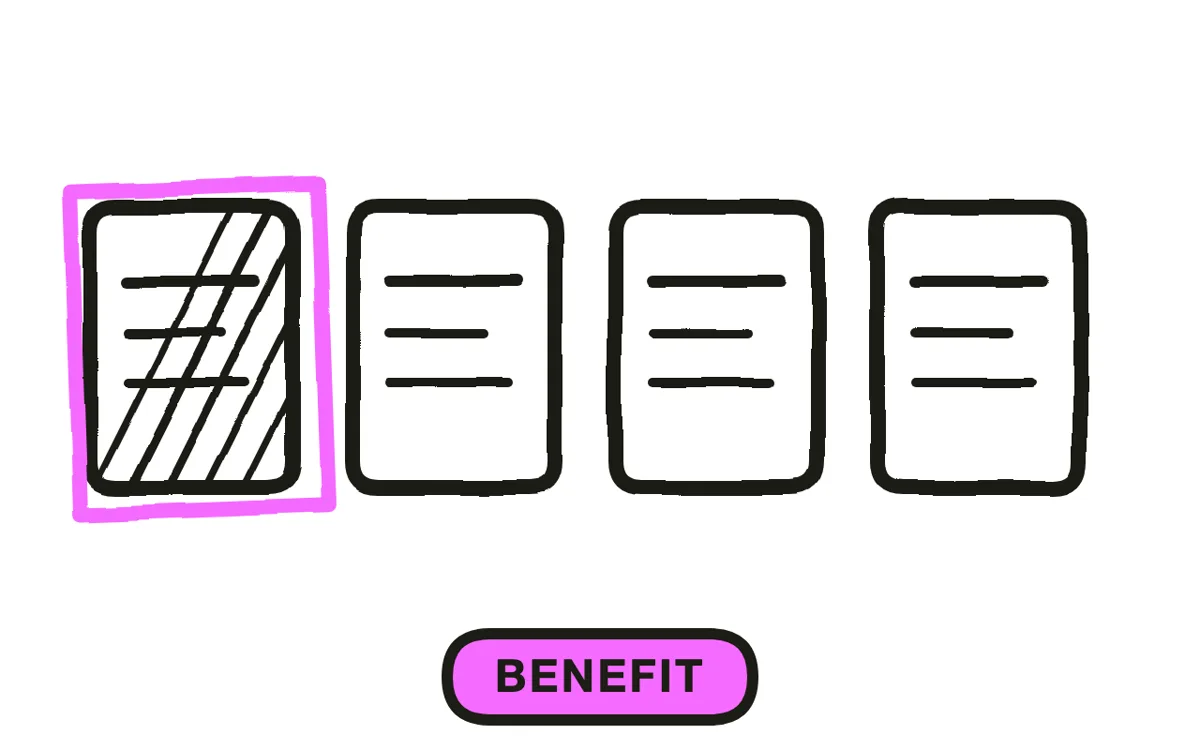
Step 1: Pick one benefit
Choose the single benefit that would make someone stop scrolling, and drop the rest however true they are. A product ad listing four benefits is remembered for none, because the viewer has a few seconds and spends them deciding which claim deserves attention rather than absorbing any.
Pick by asking what the product removes rather than what it adds. "Never untangle cables again" stops a scroll; "premium braided nylon construction" is a spec sheet line that supports the claim later, if there is a later.
Step 2: Open on the problem
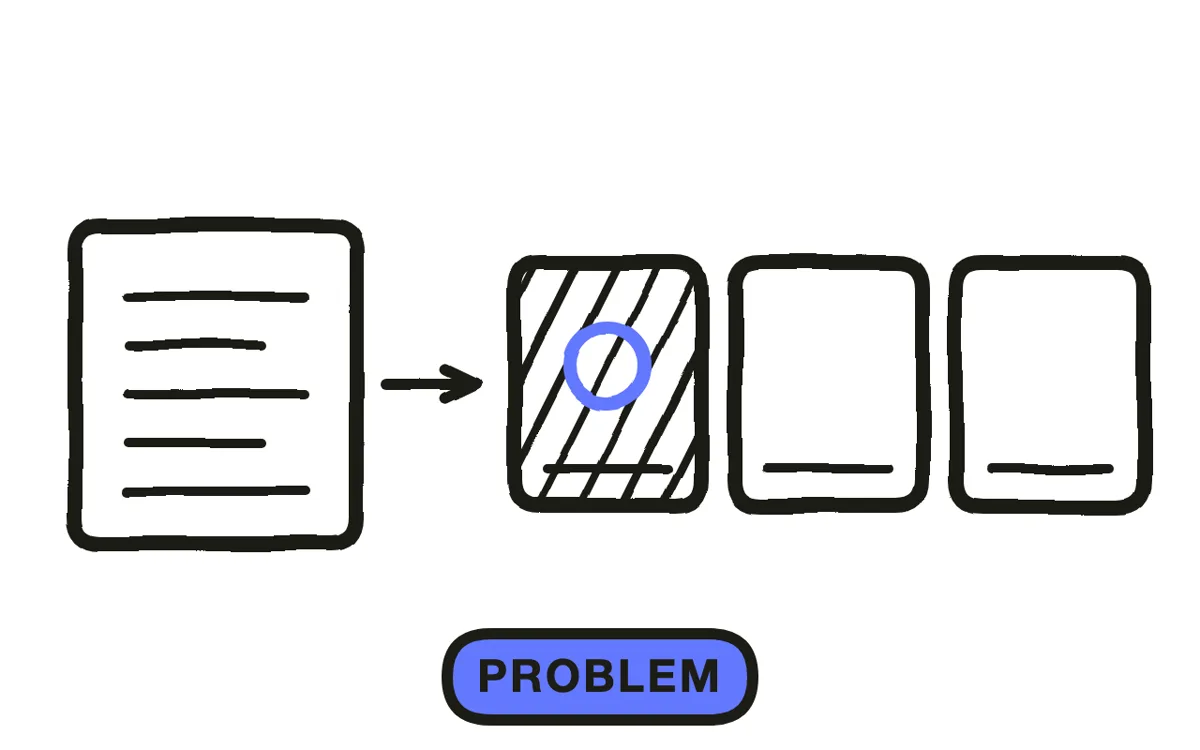
Start with the frustrating state, not the product. A product ad that opens on the product is a catalogue image with motion, and the viewer has no reason to care yet because nothing has been established that the product resolves.
Two seconds of the problem buys you the rest. The tangled cables, the spilled bag, the third failed attempt: the viewer recognises their own situation, and the product arriving after that reads as a solution rather than an interruption.
Step 3: Show it in use
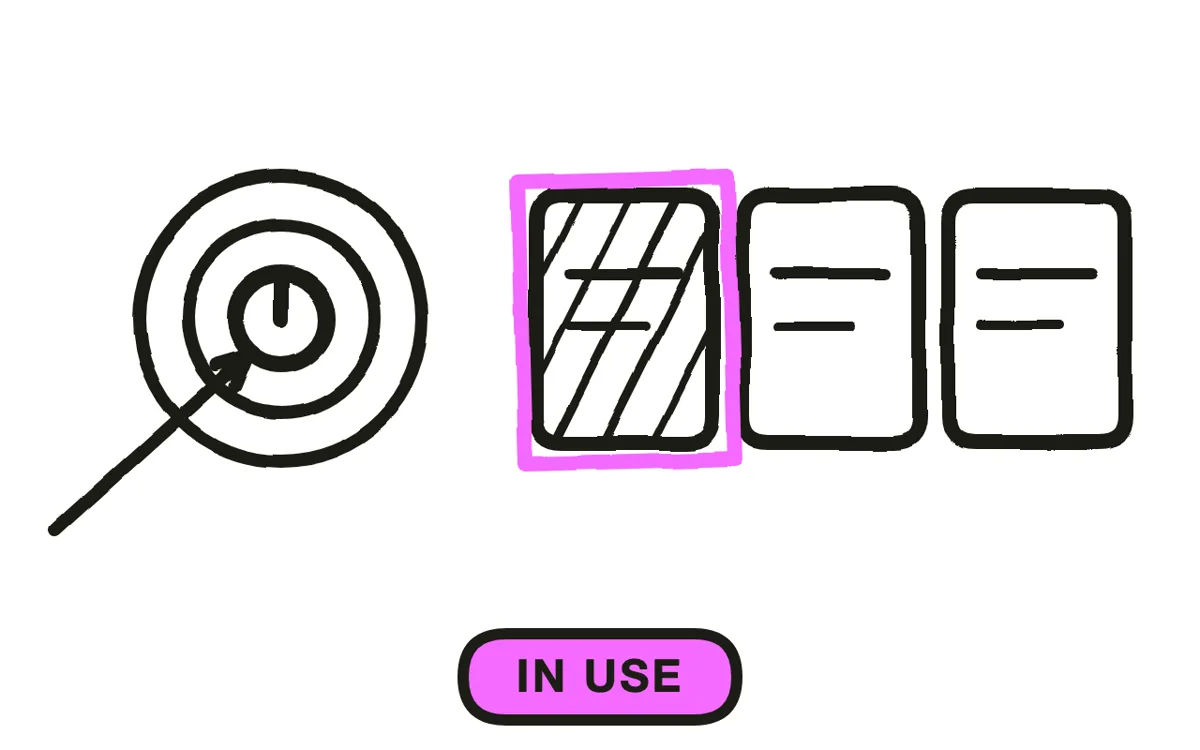
Put hands on the product in a real context. A product floating on a gradient is a render; a hand picking it up on a cluttered desk is something a viewer can picture owning, and that shift is most of what the ad is buying.
Show the one action the benefit depends on, completed. If the claim is that it takes one second, the ad has to show one second passing and the job being done. Claims the footage does not demonstrate are the fastest way to lose a viewer who was nearly convinced.
Step 4: Produce from a photo
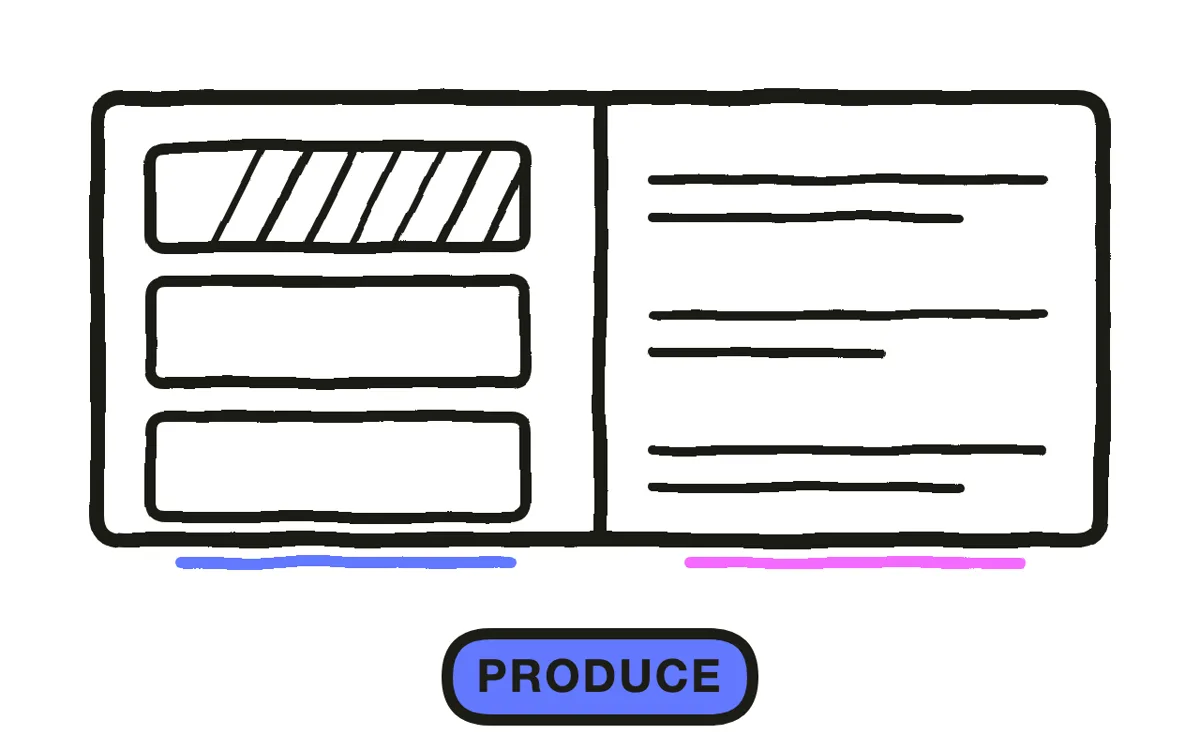
A shoot is the expensive route and a stock library is the generic one, where the product on screen is not actually yours. Neither is necessary for most product ads now.
Pexo's image-to-video workflow takes one clean product photo and animates it into a scene, so the product stays genuinely yours while the context around it is generated. Text-to-video builds the problem opening and the person having it. One even, well-lit photo is enough to work from; a mediocre photo of the real product beats a beautiful render of an approximation.
Step 5: Export per placement
Export 9:16 for Reels, TikTok and Shorts, and 4:5 or 1:1 for feed. Frame the product to fill more of a vertical frame than instinct suggests, since a product shot composed for landscape looks lost once it is cropped tall. Pexo exports every ratio from one project.
Burn in captions and watch the ad muted before spending on it. Add sound for the minority who have it on, especially a single satisfying effect on the moment the product does its job, since that beat carries more than music does at this length. Show price only when price is the reason to buy, because otherwise it invites comparison shopping at the exact moment you were building desire.
How to Make a Product Ad with Pexo
The five steps above work with any tool. Pexo handles steps 4 and 5 in a single conversation, and starting from your own product photo is what keeps the ad from looking like stock.
Open the product ad page, upload one product photo, and describe the ad: "A 20-second vertical product ad opening on a drawer of tangled cables, cutting to the uploaded organiser holding them in one move, hands on a real desk, captions burned in, one satisfying click sound, ending on shop now." Pexo animates the real product, generates the scenes around it, and exports each ratio.
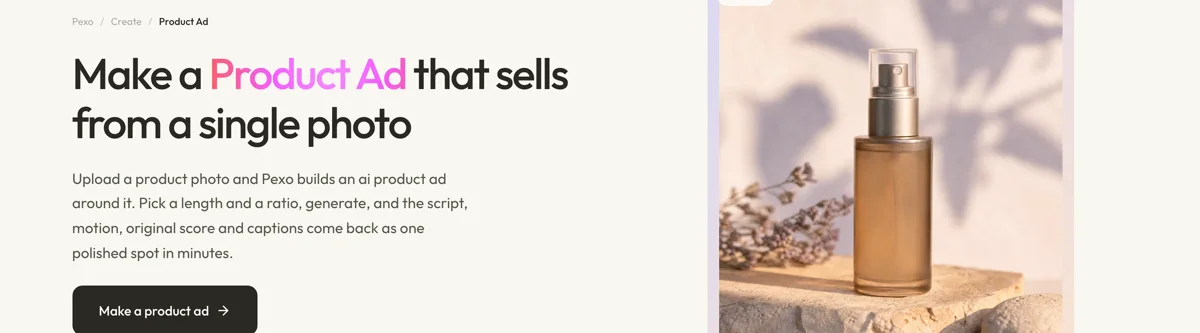
Ask for a different opening problem in the chat and Pexo regenerates that scene alone, keeping the product identical across variants. The platform runs across Seedance 2.0, Kling AI, and more.
For related formats, the product demos page covers explaining how it works and ecommerce video covers storefront placements.
5 Mistakes That Make a Product Ad Look Like Stock
1. Opening on the product. Nothing has been established that it resolves, so the viewer has no reason to care yet.
2. Listing four benefits. Four claims in fifteen seconds are remembered as none.
3. The product alone on a gradient. That is a render. Hands and context are what let someone picture owning it.
4. Claims the footage does not show. If it takes one second, show one second. Unsupported claims lose a nearly-convinced viewer.
5. Composing for landscape then cropping. A product framed wide looks lost once the crop goes tall.
Related Tutorials
- How to make an animated product demo video for explaining how it works
- How to make a product explainer video for the longer problem-led piece
- How to make a UGC video for the creator-style alternative
- How to make an unboxing video for the reveal format




