

 ChatGPT
 Perplexity
 Claude
 Gemini
 Grok
Grok



How to Make a Sneak Peek Video
UPDATED: 2026-08-16 By Lan He, Senior Video Producer at Pexo
Making a sneak peek video takes four steps: pick one real detail, frame it as access rather than promotion, produce it, then post it to the audience you already have. A sneak peek video takes about 15 minutes to produce.
Quick Version: How to Make a Sneak Peek Video
- Pick one detail and show it completely.
- Frame it as access, not as an announcement.
- Produce it even when the detail is unfinished.
- Post to your own channels on a weekly cadence.
How to Make a Sneak Peek Video Step by Step
Step 1: Pick one detail
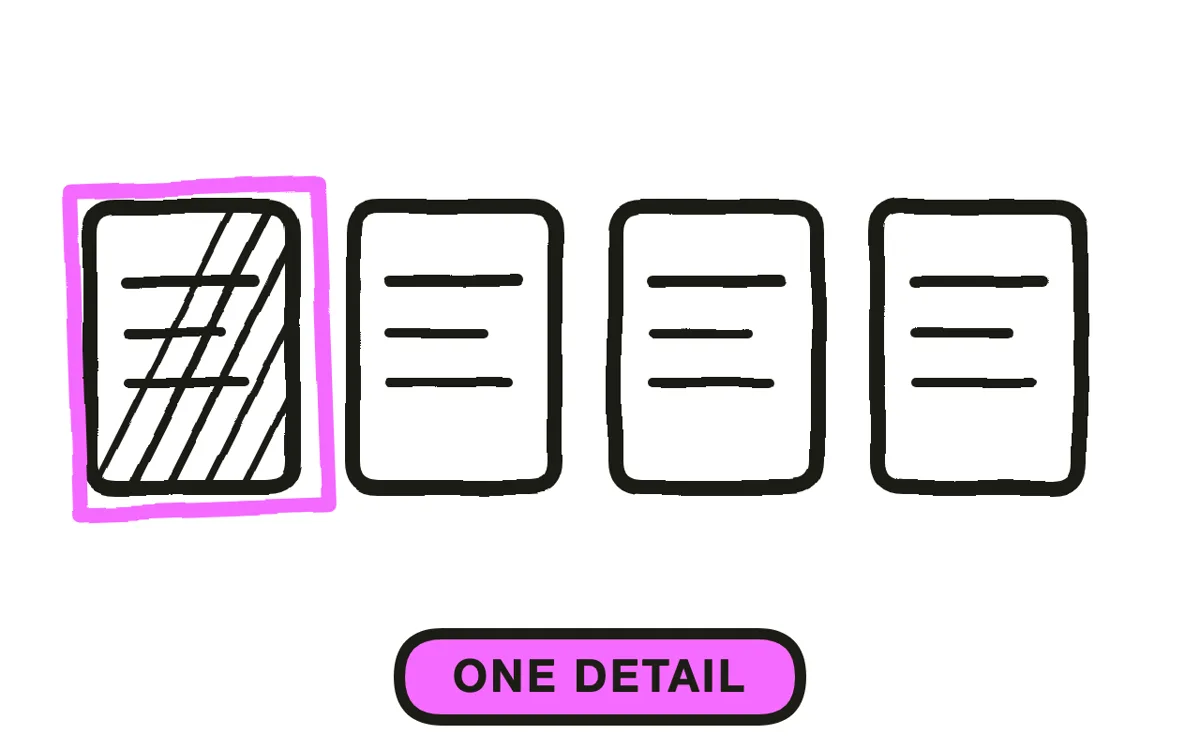
Choose a single thing and show it fully: the stitching, one screen, the sound it makes, the material, a corner of the set. Half-showing five things is a teaser. Showing one thing properly is a peek, and that specificity is the whole difference.
Pick the detail you would point at if a friend visited. It is usually not the headline feature, because the headline feature is what the launch video is for. It is the thing you are quietly proud of, and an audience can tell the difference between the two.
Step 2: Frame it as access
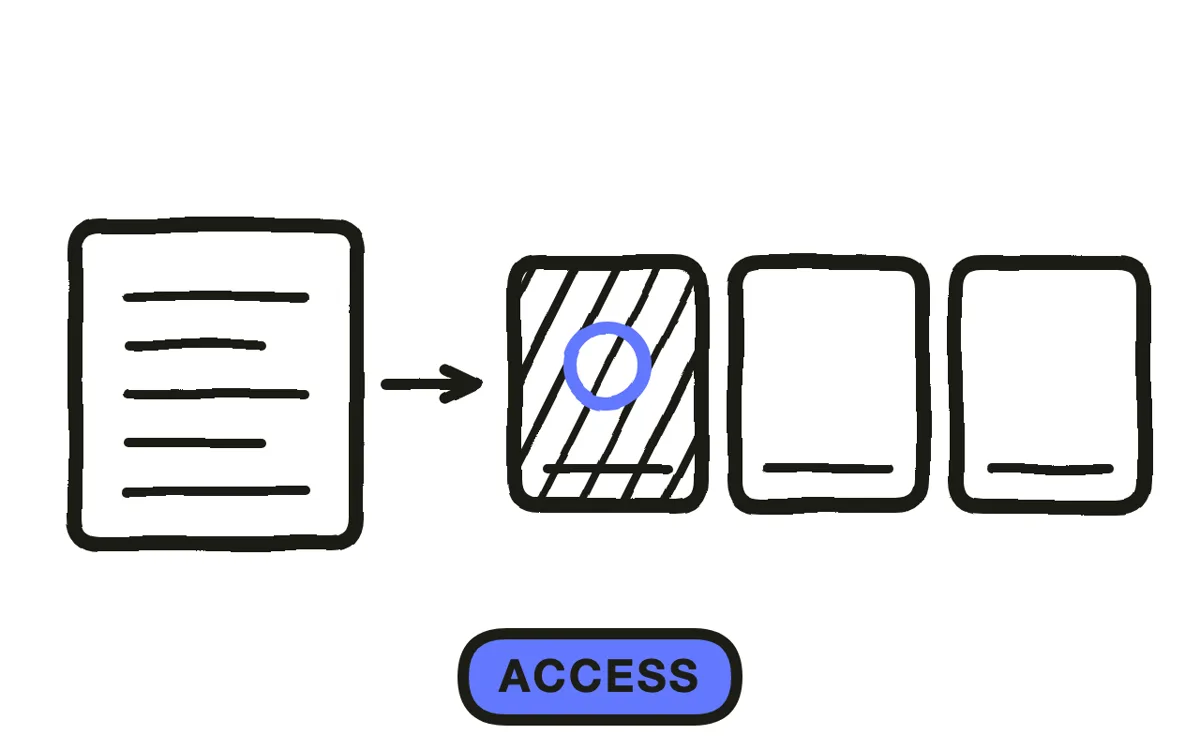
A sneak peek trades on being let in, not on intrigue. That framing decides everything else: no polished voiceover, no logo sting, no signup link. A caption in first person and a clear shot of the thing does more than production value here.
It also decides where it runs. Posted to cold traffic, a peek is a fragment of something the viewer has no context for, which is why this format belongs on your own channels rather than in paid placements. If you want a stranger to care, you need a coming soon video instead.
Step 3: Produce it even when it is unfinished
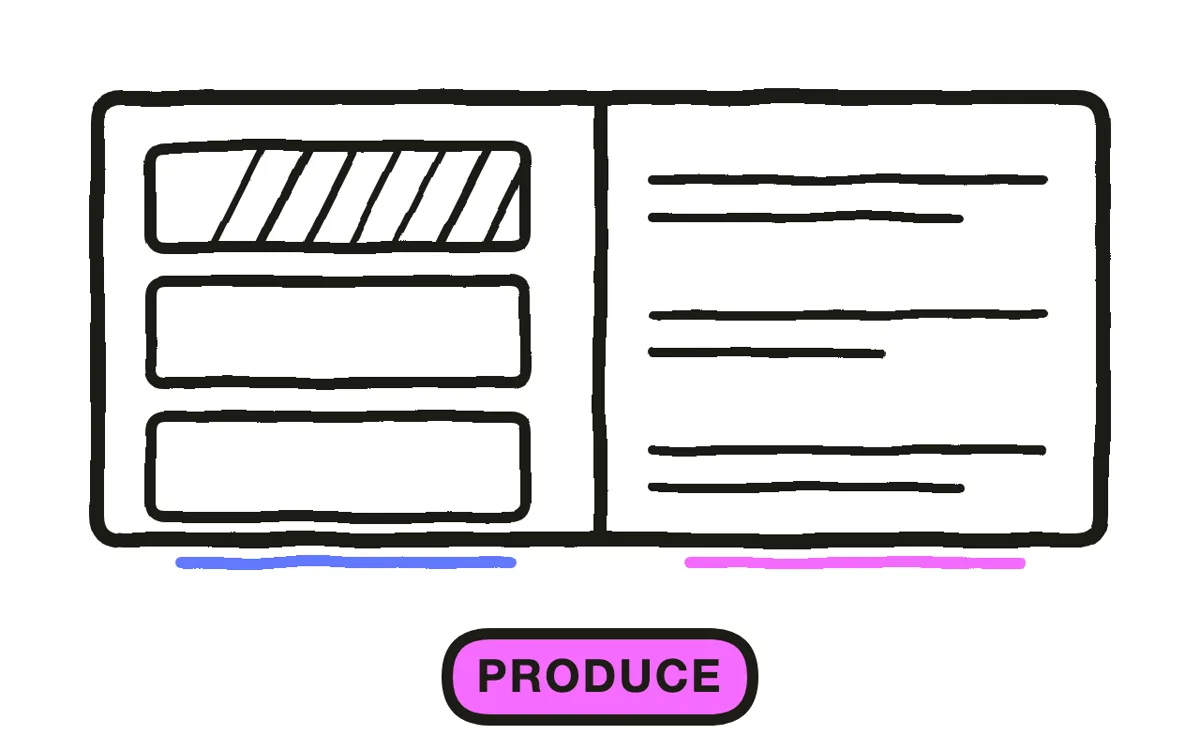
Unfinished is fine and often better, because work in progress is exactly what an audience cannot see anywhere else. What fails is unfinished and unclear, where the viewer cannot tell what they are looking at.
When the detail is real but not presentable, or exists only as a still, Pexo's image-to-video workflow animates it into a short moving shot so the peek still reads as a video rather than a photo with music. Text-to-video builds the surrounding context, such as the workspace it sits in. Keep it to ten to thirty seconds: once it starts explaining how the whole thing works, it has become a demo.
Step 4: Post on a cadence and reply
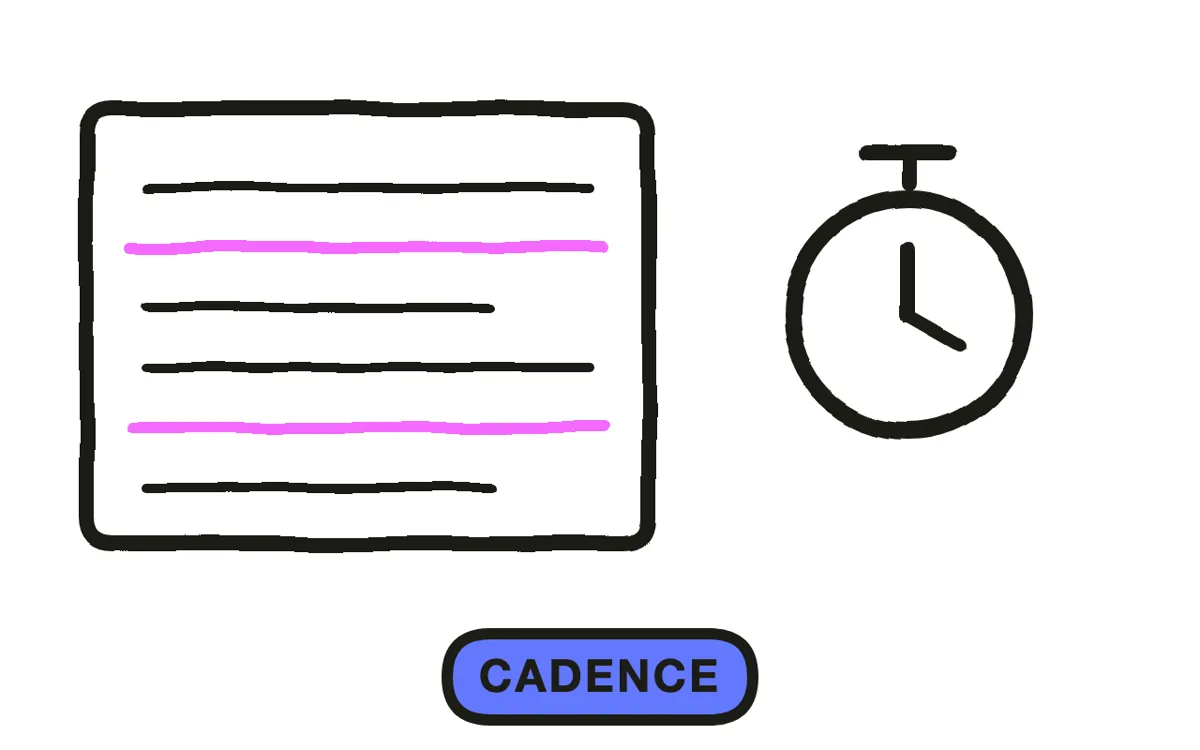
Weekly through a build-up is sustainable and keeps a launch alive without needing a new announcement each time. Daily peeks exhaust the material and stop feeling like access, which is the only thing this format has.
Skip the call to action. The ask is implicit: keep watching. Adding a signup link converts it into a coming soon video and removes the insider feeling. Then actually reply to the comments, because a peek that starts a conversation is worth several that do not. Export 9:16 for Stories, Reels, TikTok and Shorts, plus 1:1 for feeds. Pexo exports both from one project.
How to Make a Sneak Peek Video with Pexo
The four steps above work with any tool. Pexo handles step 3 in a single conversation, which matters when the detail is real but not yet photogenic.
Open the sneak peek video page, upload the photo of the detail, and describe the piece: "A 20-second vertical sneak peek, slow push onto the uploaded stitching detail, handheld feel, workshop light and ambient room tone, no music, no logo, first-person caption on screen." Pexo animates the still, generates the surroundings, and exports.
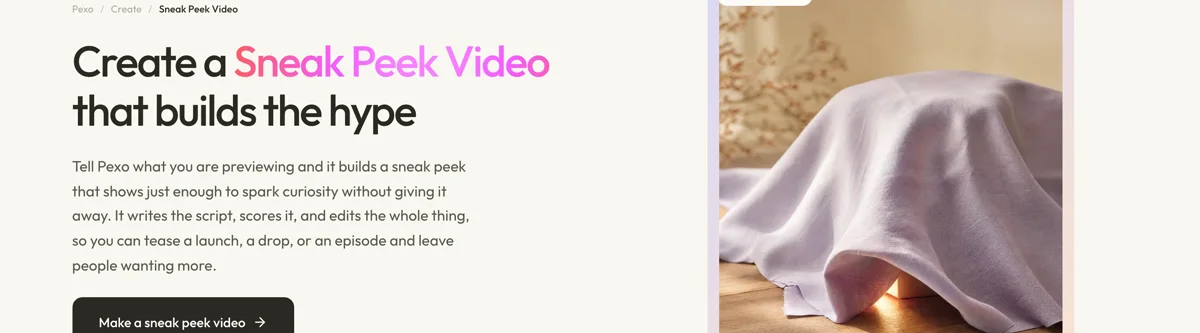
Ask for next week's peek on a different detail in the same conversation and Pexo keeps the look consistent, so a run of peeks reads as one build-up rather than assorted posts.
For related formats, the coming soon video page covers the signup-driven pre-launch piece and teaser video covers the broader mood piece.
5 Mistakes That Waste a Sneak Peek
1. Half-showing five things. That is a teaser. One thing shown properly is what makes a follower feel let in.
2. Running it as an ad. To cold traffic it is a fragment with no context. This format lives on your own channels.
3. Adding a signup link. It converts the peek into a coming soon video and removes the access feeling.
4. Polishing it. A logo sting and a voiceover announce marketing. First person and a clear shot do more.
5. Peeking daily. The material runs out and it stops feeling like access. Weekly holds a build-up.
Related Tutorials
- How to make a coming soon video for building a list before launch
- How to make a teaser trailer for the withholding structure at length
- How to make a launch trailer for release day
- How to make a UGC video for the unpolished first-person look




