

 ChatGPT
 Perplexity
 Claude
 Gemini
 Grok
Grok



How to Make an OSHA Training Video
UPDATED: 2026-08-06 By Lan He, Senior Video Producer at Pexo
Making an OSHA training video takes six steps: identify the standard, script to its actual requirements, build hazard scenarios safely, produce the site footage, add a comprehension check, then keep the records. An OSHA training video takes about 30 minutes to produce once the content is approved.
Quick Version: How to Make an OSHA Training Video
- Identify which OSHA standard the training has to satisfy.
- Script to the standard's required content, in plain language.
- Build hazard scenarios without staging a real hazard.
- Produce the site footage without plant access.
- Add a comprehension check that produces documentary evidence.
- Keep records of who, what, when, and the assessment result.
How to Make an OSHA Training Video Step by Step
Step 1: Identify the standard
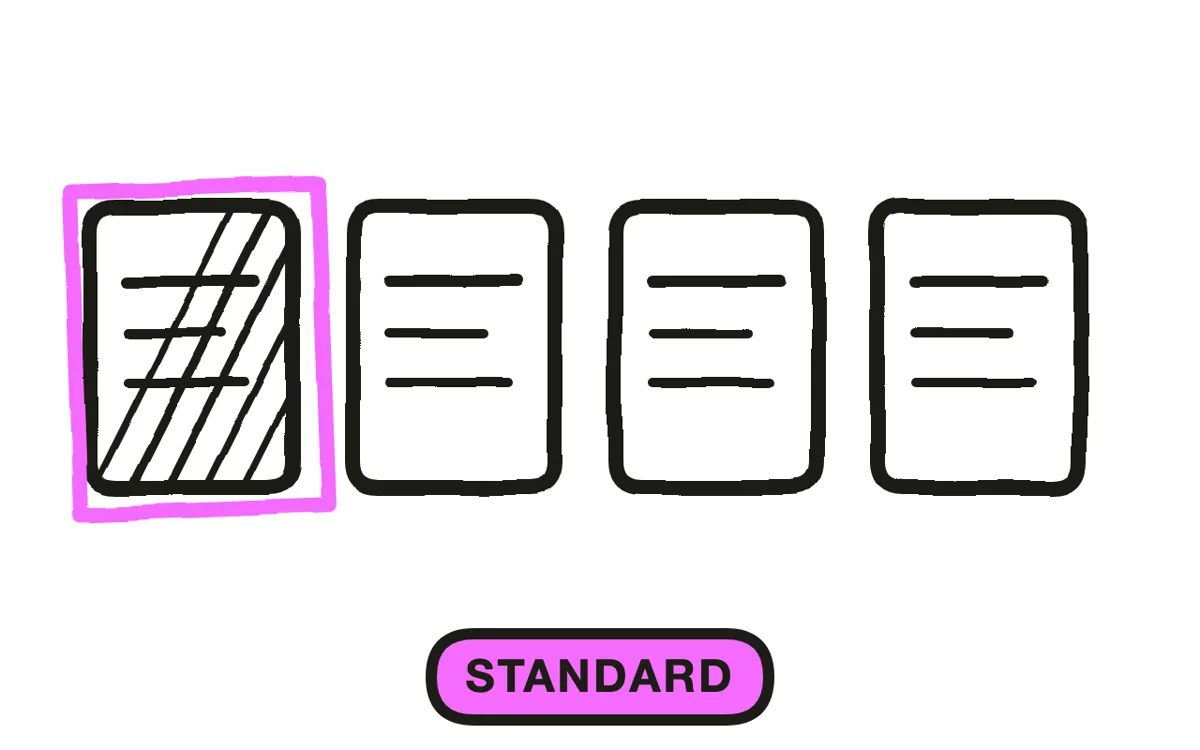
Name the specific standard first: lockout/tagout, hazard communication, fall protection, respiratory protection, confined space, powered industrial trucks. Each specifies what the training must cover, and building the video before naming the standard produces content that cannot be mapped to anything.
Write the required elements as a checklist and treat it as the outline. This is what turns a general safety video into a compliance document, and it is what a safety officer reviews against. General awareness content is useful, but it does not satisfy a standard on its own.
Step 2: Script to the standard, in plain language
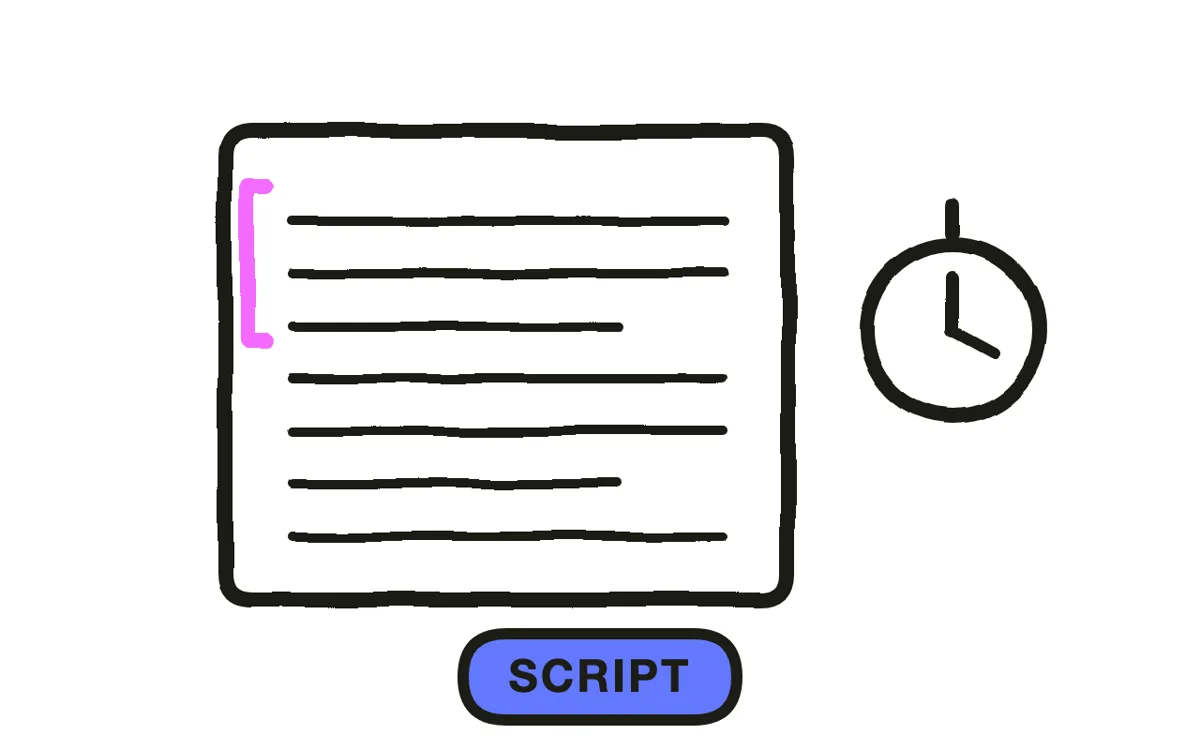
Cover every required element, but write it the way the work is actually done. "Verify zero energy state before servicing" is the standard's language; "prove the machine cannot start before you put your hands in it" is what a technician acts on. Say both, in that order.
OSHA has stated that training must be presented in a language and at a literacy level employees understand. That makes plain-language scripting and translated versions compliance requirements rather than nice-to-haves. Write the draft, then check the reading level against your actual workforce.
Step 3: Build hazard scenarios safely
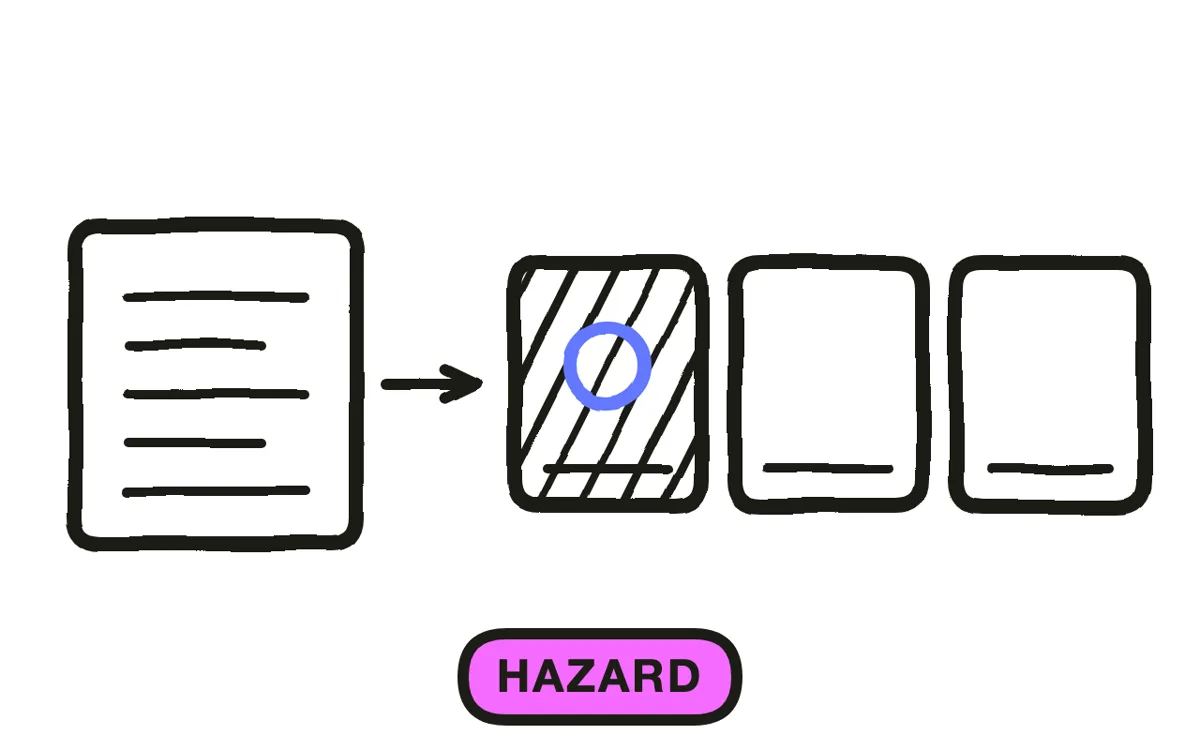
Show the hazard and the consequence, because that pairing is what makes safety training stick. A near-miss the crew recognises from their own site does more than a list of rules.
Never stage the actual hazard to film it. Putting a person near an unguarded machine, at height without protection, or in a confined space to get footage creates the exact exposure the training exists to prevent, and it can be a violation in itself. Generated or animated scenarios show the same thing with nobody at risk.
Step 4: Produce the site footage
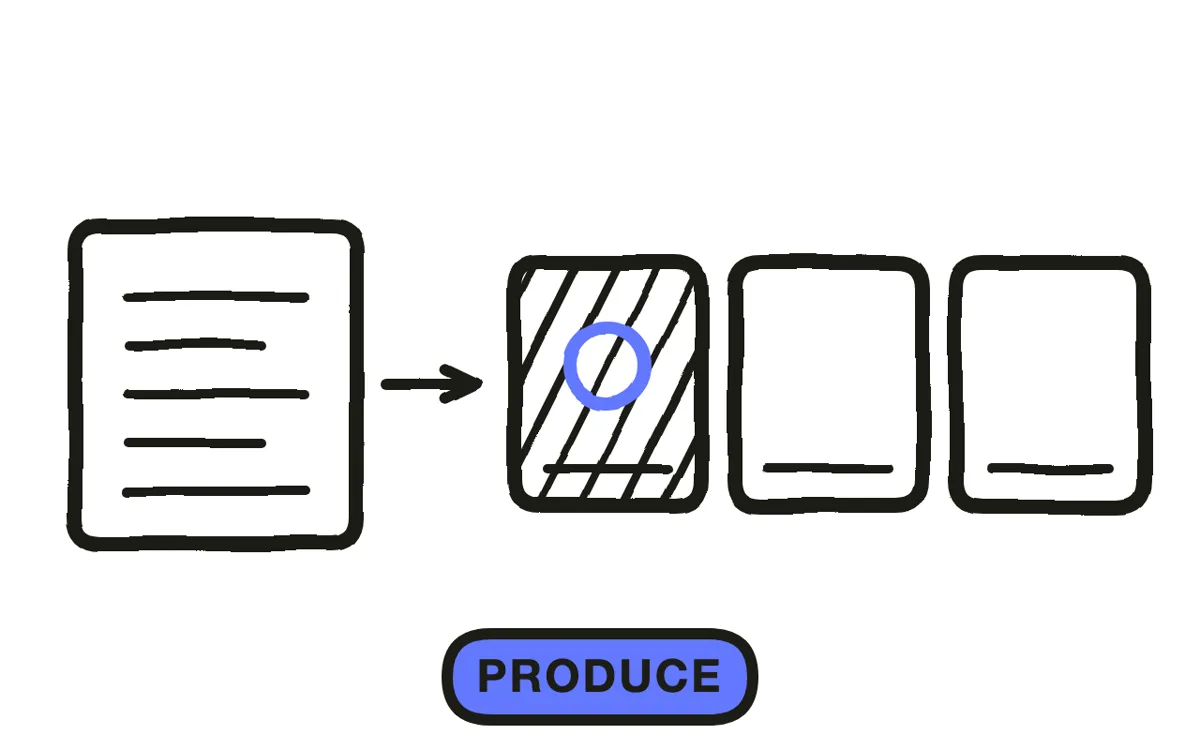
Filming on an operating site means shutting down an area, coordinating with production, and getting everyone on camera to sign a release. Stock footage rarely matches your equipment closely enough for employees to recognise their own workplace.
Pexo's text-to-video workflow generates the site and equipment scenes from written descriptions, including the hazard sequences that cannot be filmed safely. Hyperframe keeps the same crew characters across every module, which makes a multi-topic programme read as one course.
Step 5: Add a comprehension check
Add questions after each topic. This matters more here than in ordinary training: several OSHA standards expect employees to demonstrate understanding, and a play count does not demonstrate anything.
Leave a route for questions. Many standards expect an opportunity for interaction, which video alone does not provide. Pair the video with a supervisor sign-off, a live session, or a documented channel for follow-up questions, and record that it happened. Pexo generates the narration and matching module segments so an assessment break fits the course.
Step 6: Keep the records
Record who was trained, on which standard, when, and their comprehension result. These are the first items requested in an inspection, and retention periods vary by standard, so check the one that applies rather than assuming a default.
Export 16:9 at 1080p with captions, plus translated versions for your workforce. Pexo exports up to 4K and generates narration in multiple languages. Have the finished content reviewed by a qualified safety professional before release: the production is the easy part, and the mapping to the standard is not something a video tool supplies.
How to Make an OSHA Training Video with Pexo
The six steps above work with any production method. Pexo handles step 4 in a single conversation, which solves the specific problem that stops safety video: you cannot film the hazard.
Open the training video page and describe each module: "A 7-minute lockout/tagout module set in a food processing plant, showing a technician verifying zero energy state, plus a near-miss where the step is skipped, calm instructional narration." Pexo generates the scenes, records the narration, and exports.
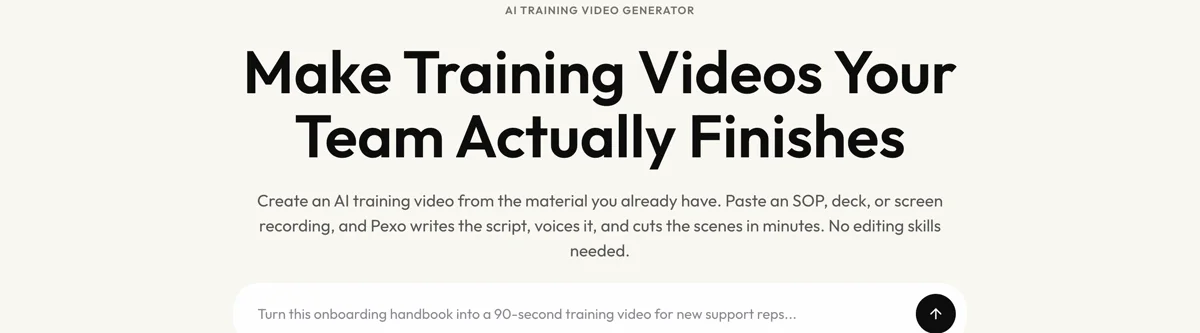
Adjust any scenario by describing the change in the chat, and Pexo regenerates that scene alone. The platform runs across Seedance 2.0, Kling AI, and more.
For related formats, the educational video page covers general knowledge transfer and onboarding video covers new-hire orientation.
This article describes production practice. It is not legal or safety advice, and your obligations under any OSHA standard should be confirmed with a qualified safety professional.
5 Mistakes That Leave a Programme Non-Compliant
1. Building the video before naming the standard. Content that cannot be mapped to a requirement satisfies nothing.
2. Staging a real hazard to film it. Creating the exposure to document it can itself be a violation. Generate the scenario instead.
3. Treating a play count as training. Several standards expect demonstrated understanding. Record an assessment result.
4. Shipping in one language only. OSHA expects training in a language and at a literacy level employees understand.
5. No route for questions. Video alone often does not meet the interaction expectation. Pair it with a supervisor sign-off or live session and document it.
Related Tutorials
- How to make an employee training video for the general workplace training format
- How to make a HIPAA training video for healthcare compliance
- How to make a training video for the broader training format
- How to make an employee onboarding video for new-hire content




