

 ChatGPT
 Perplexity
 Claude
 Gemini
 Grok
Grok



How to Make a Product Launch Video
UPDATED: 2026-08-05 By Lan He, Senior Video Producer at Pexo
Making a product launch video takes six steps: define the one message the launch carries, write a 30 to 60 second script, plan the hero shots and reveal, generate or film the footage, add music and captions, then export for each channel. A launch video takes about 20 minutes end to end.
Quick Version: How to Make a Product Launch Video
- Define the single benefit the launch message rests on.
- Write a 30 to 60 second script with a hook, the problem, the product, and a call to action.
- Plan the hero shot, the feature callouts, and the reveal moment.
- Generate the video from a product photo or film the product directly.
- Add music, captions, and the closing call to action.
- Export 9:16 for social, 16:9 for the product page, and 1:1 for feeds.
How to Make a Product Launch Video Step by Step
Step 1: Define your launch message
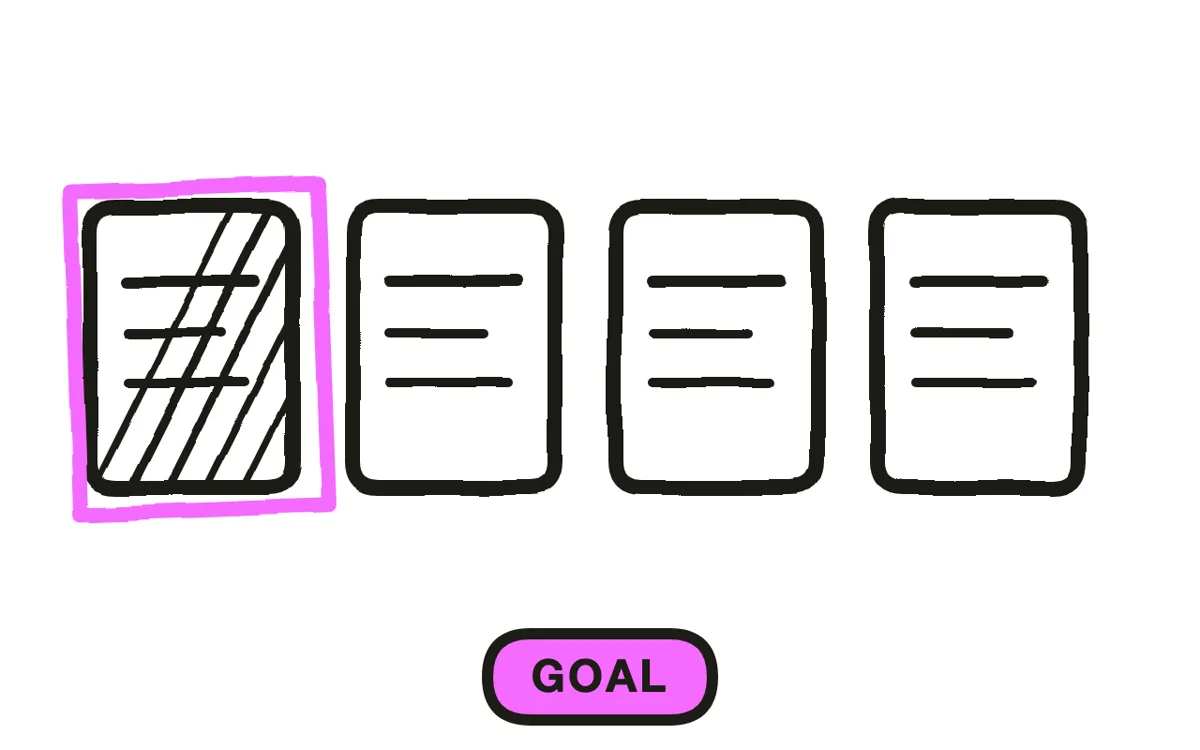
Pick the one benefit the launch stands on. A launch video that lists six features gives the viewer nothing to remember. Write the message as a single sentence a customer would repeat: "It charges three devices at once without a cable." If the sentence needs a comma-separated list, the message is not sharp enough yet.
Decide the audience alongside the message. A launch aimed at existing customers can skip the problem setup and open on the product. A launch aimed at a cold audience needs the problem first, or the product means nothing.
Step 2: Write the launch script
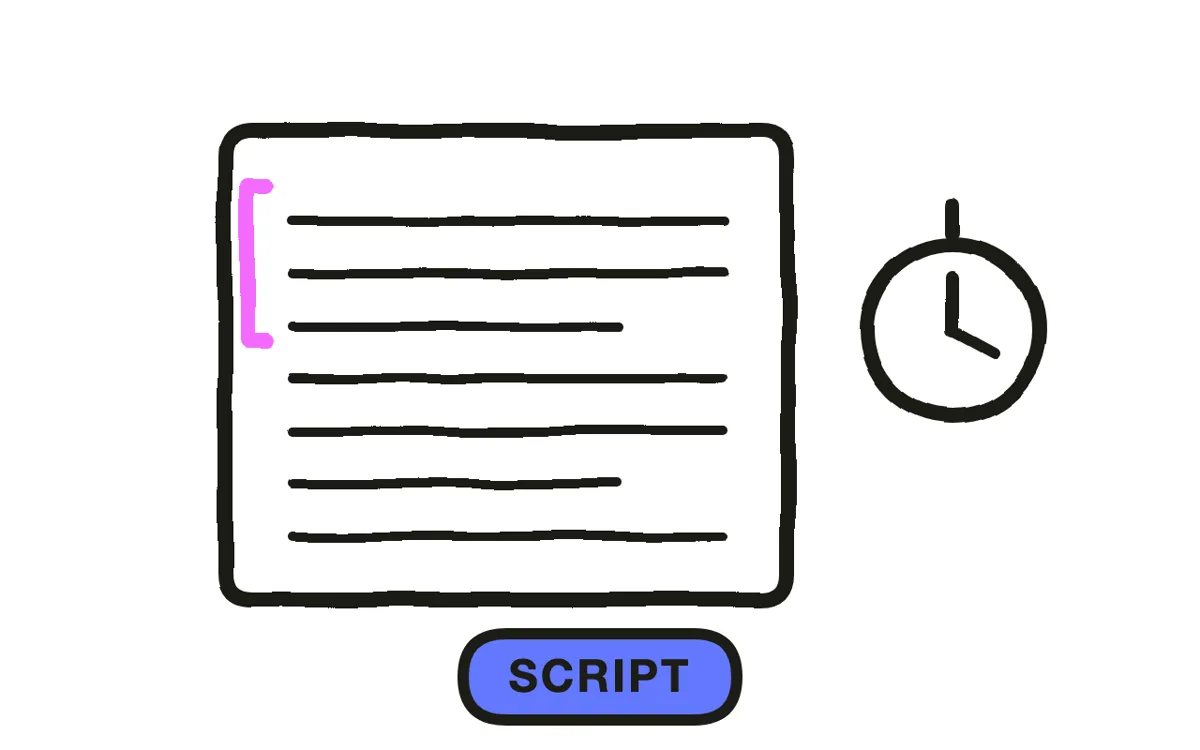
Write a script that fits 30 to 60 seconds, roughly 75 to 150 spoken words. Structure it in four beats: a hook in the first two seconds, the problem in one sentence, the product and its standout benefit, then a specific call to action with the launch date or link.
Read it aloud against a timer. Cut any sentence that does not move toward the call to action. For launches built with Pexo, the script doubles as the generation prompt, so a tight script produces a tighter first cut. The same discipline applies whether you are announcing hardware, software, or a SaaS launch.
Step 3: Plan your hero shots and the reveal
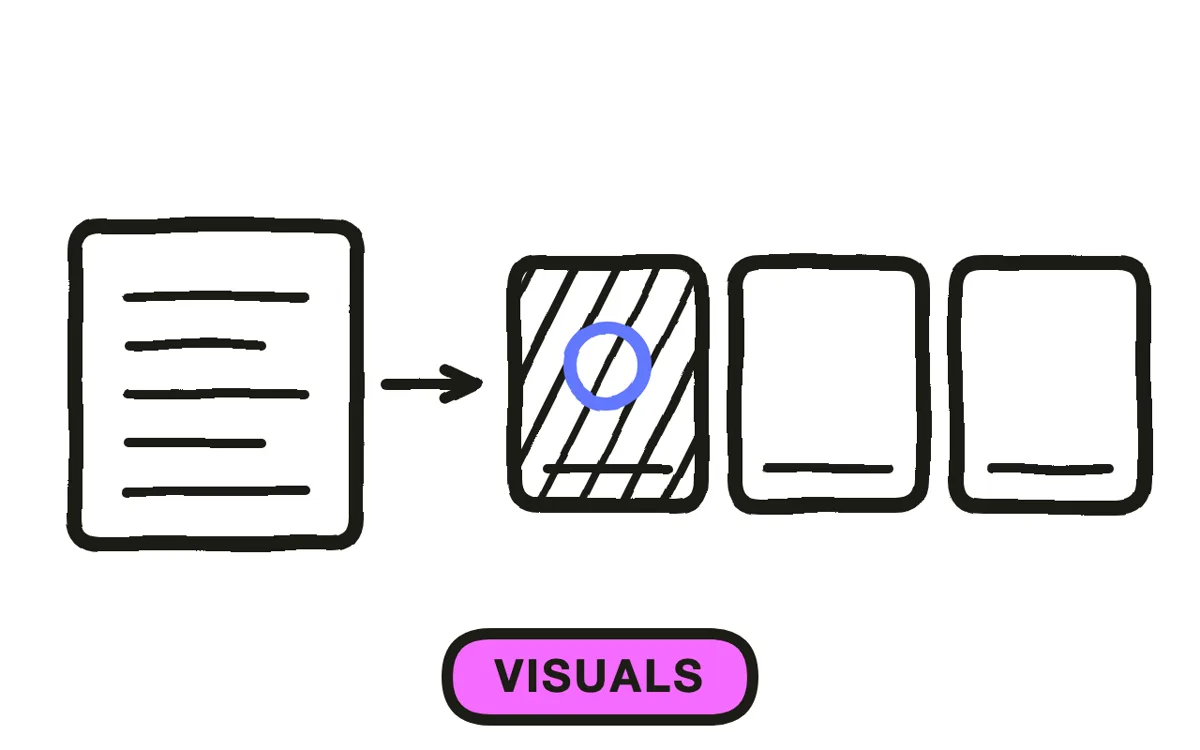
Decide before production which shot carries the product. The hero shot is the frame a viewer would screenshot: the product lit clearly, filling most of the frame, in the context where it gets used. Plan two or three feature callouts around it, each holding for two to three seconds.
Place the reveal deliberately. Opening on the product works for an audience that already knows the brand. Withholding the product until the problem lands works better for a cold audience. A teaser trailer published days earlier can carry the withholding, leaving the launch video free to open on the product.
Step 4: Generate or film the video
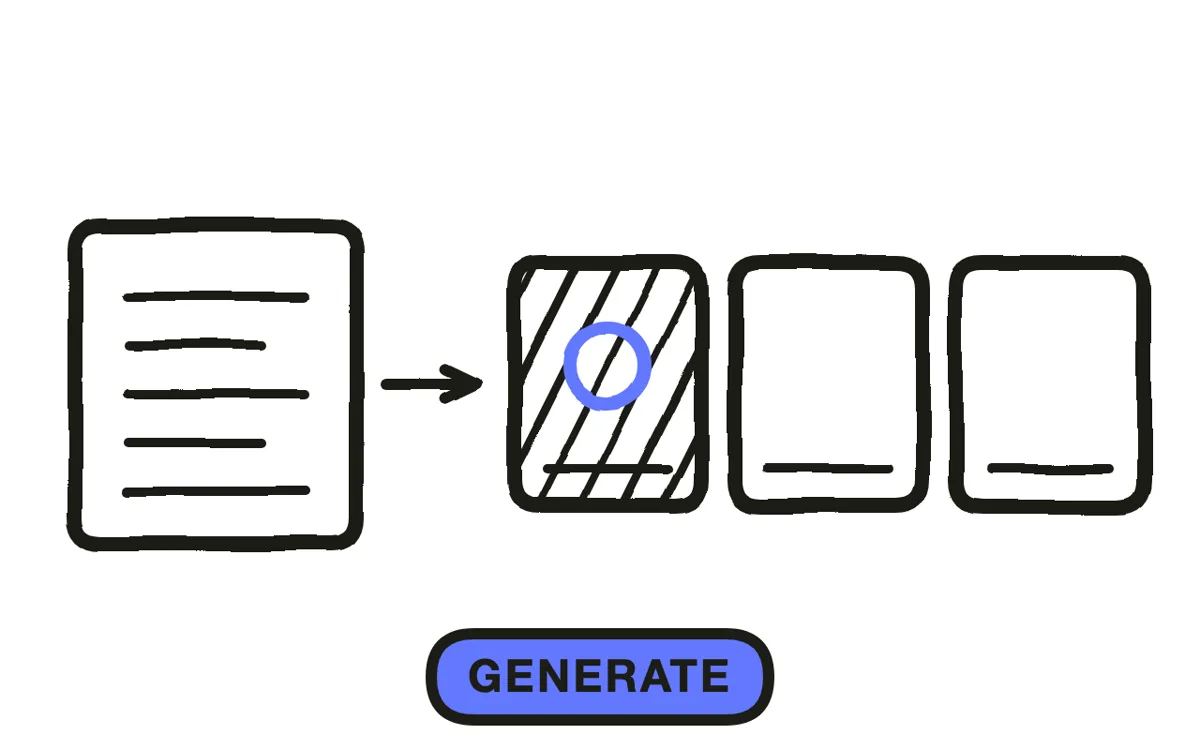
Two production paths work. The manual path films the product on a lit surface, then assembles the clips in an editor. The AI path uploads one product photo and generates the scene, camera movement, and environment around it.
Pexo's image-to-video workflow handles the AI path: upload the product shot, describe the scene, and Pexo builds cinematic motion around the real product rather than animating a still. For launches with no physical product yet, text-to-video generates the whole scene from the script. Hyperframe keeps the packaging, logo, and colors identical across every shot, which is what separates a launch video from an AI collage.
Step 5: Add music and captions
Add a music bed that builds toward the reveal. Match the tempo to the category: driving electronic for devices and apps, warmer acoustic for lifestyle and wellness. Let the track swell at the moment the product appears, then drop back under the call to action so the closing line stays audible.
Burn in captions. Social feeds autoplay muted, and a launch video without captions loses most of its audience before the product appears. Pexo generates captions from the narration during production and composes an original score matched to the pacing, so neither step needs a separate pass.
Step 6: Export for every launch channel
Export one version per placement rather than cropping a single file. Use 9:16 at 1080x1920 for Reels, TikTok, and Shorts. Use 16:9 at 1920x1080 for the product page embed, YouTube, and email. Use 1:1 for LinkedIn and Facebook feeds.
Pexo exports all three ratios from one project. Before publishing, watch the vertical cut on a phone to confirm the product stays inside the safe zone and the call to action is readable. Platform interfaces overlay the bottom of the frame, so keep the closing line in the center of the screen.
How to Make a Product Launch Video with Pexo
The six steps above work with any tool. Pexo compresses steps 2 through 6 into a single conversation.
Open the product launch video page, upload the product photo, and describe the launch: "A 45-second launch video for a portable espresso maker, morning kitchen setting, warm light, ending on the preorder date." Pexo writes the script, builds the scenes around the real product, scores the cut, and adds captions.
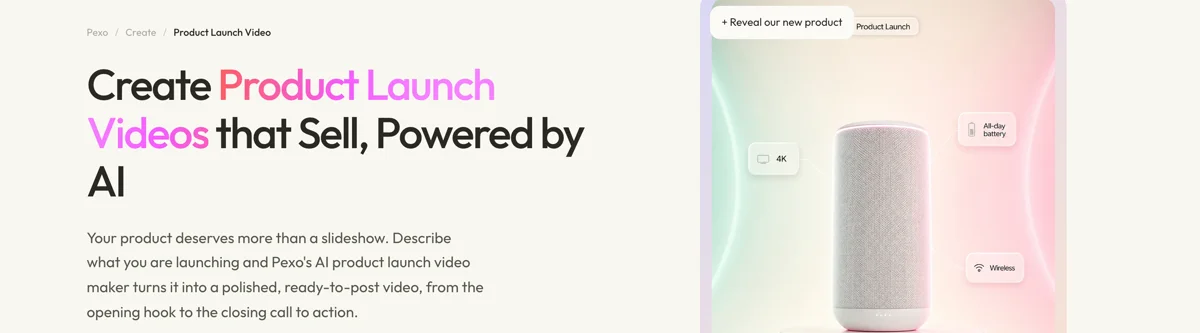
Review the preview and adjust any scene by describing the change in the chat. Pexo regenerates that scene alone. The platform runs across Seedance 2.0, Kling AI, and more, routing each shot to whichever engine handles it best.
For adjacent launch formats, the app launch video page handles mobile releases, startup launch video covers company-level announcements, and countdown video builds the pre-launch urgency posts.
5 Mistakes That Flatten a Product Launch Video
1. Opening on the logo. The first two seconds decide whether the viewer stays. A brand animation spends them on something the viewer did not come for. Open on the product or the problem.
2. Listing every feature. Each additional feature dilutes the one the viewer might have remembered. Pick one headline benefit and support it with at most two details.
3. Hiding the product. Some launch videos build atmosphere for forty seconds and show the product for three. The hero shot needs room to land, which usually means five seconds or more of clear screen time.
4. Ending without a specific action. "Learn more" gives the viewer nothing to do. Name the date, the site, or the offer: "Preorders open Thursday at the link below."
5. Publishing one file everywhere. A 16:9 launch video posted as a Reel appears letterboxed and reads as an afterthought. Export the vertical cut separately.
Related Tutorials
- How to make an app launch video for mobile app releases
- How to make a teaser trailer for the pre-launch reveal
- How to make a short video for the social cut-downs
- The 2026 AI product launch playbook for the full launch-week sequence




