

 ChatGPT
 Perplexity
 Claude
 Gemini
 Grok
Grok

How to Make a Warehouse Training Video
UPDATED: 2026-08-10 By Lan He, Senior Video Producer at Pexo
Making a warehouse training video takes six steps: pick one task, run a hazard pass, script for a multilingual floor, produce the footage, deliver it where the work happens, then keep the records. A warehouse training video takes about 30 minutes to produce once the content is approved.
Quick Version: How to Make a Warehouse Training Video
- Pick one task with a clear correct method.
- Run a hazard pass before anything is filmed on the floor.
- Script for a workforce that may not share a first language.
- Produce the footage without staging a cleared aisle.
- Deliver it where the work happens, not in a classroom.
- Track completion by named worker against a dated version.
How to Make a Warehouse Training Video Step by Step
Step 1: Pick one task
Choose a single task with a correct method someone can be observed doing: operating a pallet truck, breaking down a mixed pallet, reporting a damaged rack, following the putaway sequence. One task per video.
Warehouse training fails most often by bundling. A single video covering safety, equipment, and process cannot be sent to the person who just needs the putaway sequence, so it goes out at induction and is never referenced again. Separate videos become something a supervisor actually links to.
Step 2: Run the hazard pass
Before any camera goes on the floor, walk the shoot with whoever owns site safety. A camera operator moving backward down an aisle with forklift traffic is a new hazard created by the training itself, which is exactly the kind of thing that ends up in an incident report.
Agree what can be filmed during operation, what needs the aisle stopped, and what cannot be filmed at all. Doing this first also tells you which scenes will have to be produced some other way, which is cheaper to know before the crew is booked.
Step 3: Script for the floor
Write short sentences with one instruction each, and put every threshold on screen as well as in narration: weights, heights, distances, speeds. These are the numbers people rewatch to check, and a spoken-only figure is a figure someone will get wrong.
Assume a multilingual workforce. Safety content in a language a worker half-follows is a genuine risk rather than an inconvenience, so plan the translated versions now rather than treating them as a later nice-to-have. Keep each video to three to five minutes.

Step 4: Produce the footage
Filming a live warehouse is the most credible option and the hardest to arrange. Filming a cleared aisle is easy and teaches conditions the trainee will never meet, which is worse than it sounds: a demonstration in an empty aisle quietly models behaviour that is unsafe in traffic.
Pexo's text-to-video workflow generates warehouse scenes and demonstrations from a description, so a busy aisle can be shown without stopping one. Where you have usable footage or stills of your own site, image-to-video animates them so the environment stays recognisably yours.
Step 5: Deliver where the work happens
Put the video where the task is, not in a classroom module: a QR code at the rack, a link in the handheld, a screen in the break room. Warehouse training watched at the point of the task is retained; the same video watched at induction three months earlier is not.
Show the wrong way briefly, labelled unmistakably. Demonstrating the unsafe habit people actually have works better than only showing the correct method, but it has to be obvious which is which to someone half-watching on a break.
Step 6: Keep the records
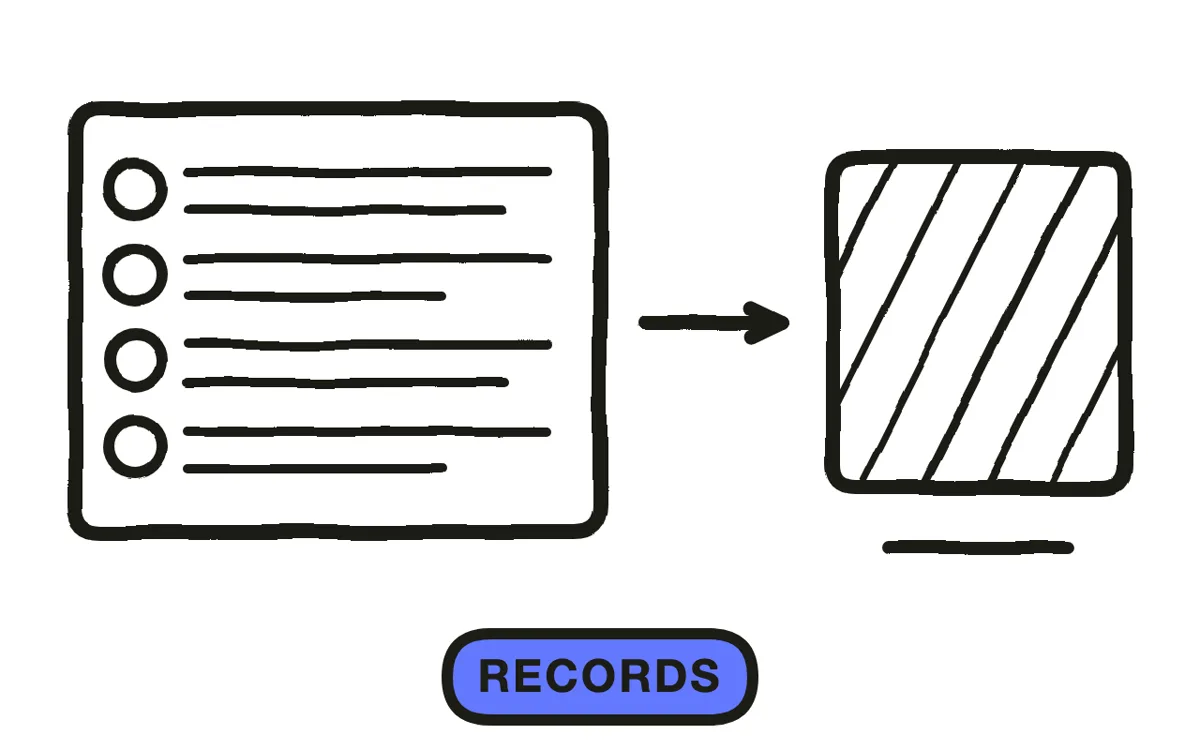
Track who watched what, when, and which version. Inspections ask for completion by named worker against a dated version, and a library without version tracking cannot answer that even when everyone was genuinely trained.
Export 16:9 at 1080p with captions for the LMS, plus a version per language your floor needs. Pexo exports up to 4K and generates narration in multiple languages. Refresh annually and whenever equipment or layout changes, since a video showing an aisle that no longer exists undermines the whole library.
How to Make a Warehouse Training Video with Pexo
The six steps above work with any production method. Pexo handles step 4 in a single conversation, which removes the shoot that a working warehouse cannot easily accommodate.
Open the training video page and describe the piece: "A 4-minute warehouse training video on breaking down a mixed pallet safely, busy aisle with traffic, clear demonstration of the correct sequence, weights on screen, plain-spoken narration, ending on who to tell if a pallet is damaged." Pexo generates the scenes, records the narration, and exports every language you need.

Adjust any scene by describing the change in the chat, and Pexo regenerates that scene alone, which is what makes an annual refresh cheap enough to actually happen.
For related formats, the educational video page covers knowledge transfer and tutorial video covers step-by-step walkthroughs.
This article describes production practice. It is not safety or legal advice, and training content should be reviewed by whoever owns site safety and compliance.
5 Mistakes That Make Warehouse Training Fail an Audit
1. Filming a cleared aisle. It models behaviour that is unsafe in traffic, which is worse than showing nothing.
2. Bundling several tasks. A video answering three questions cannot be sent as the answer to any of them.
3. Speaking thresholds without showing them. Weights, heights, and speeds get rewatched. Put every one on screen.
4. One language on a multilingual floor. Safety content someone half-follows is a risk, not an inconvenience.
5. No version tracking. Inspections ask for completion by named worker against a dated version, and untracked libraries cannot answer.
Related Tutorials
- How to make an OSHA training video for regulated safety training
- How to make an employee training video for general workplace skills
- How to make a SOP video for documented procedures
- How to make a training video for the broader format




