
 --:--
Pexo›Video Templates›Real Estate Video
Real Estate Video Templates
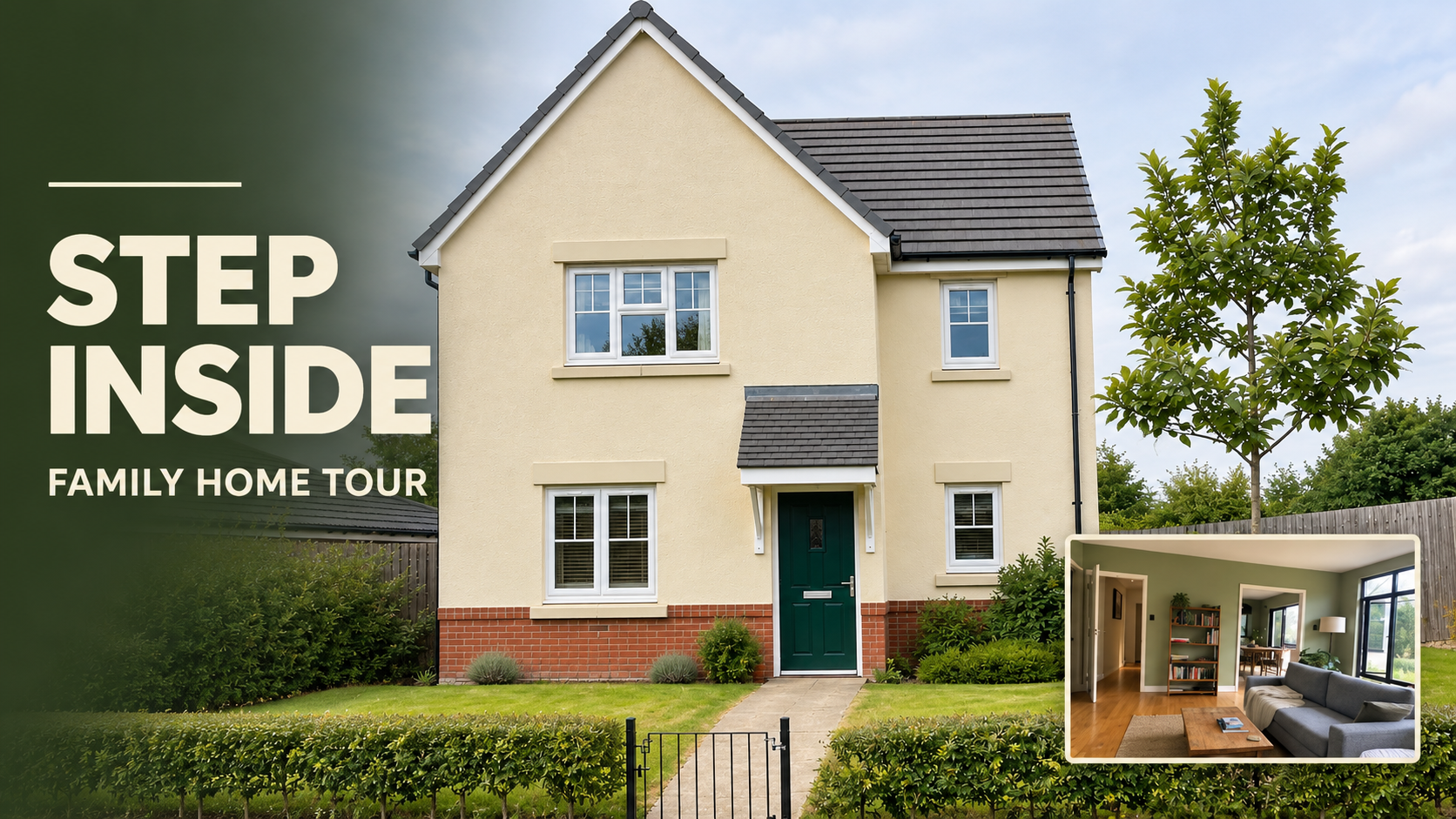
A connected sequence of rooms helps buyers understand a floor plan. A short highlight can give one feature, like a terrace or an unusually bright kitchen, the whole opening.
2 templates
--:--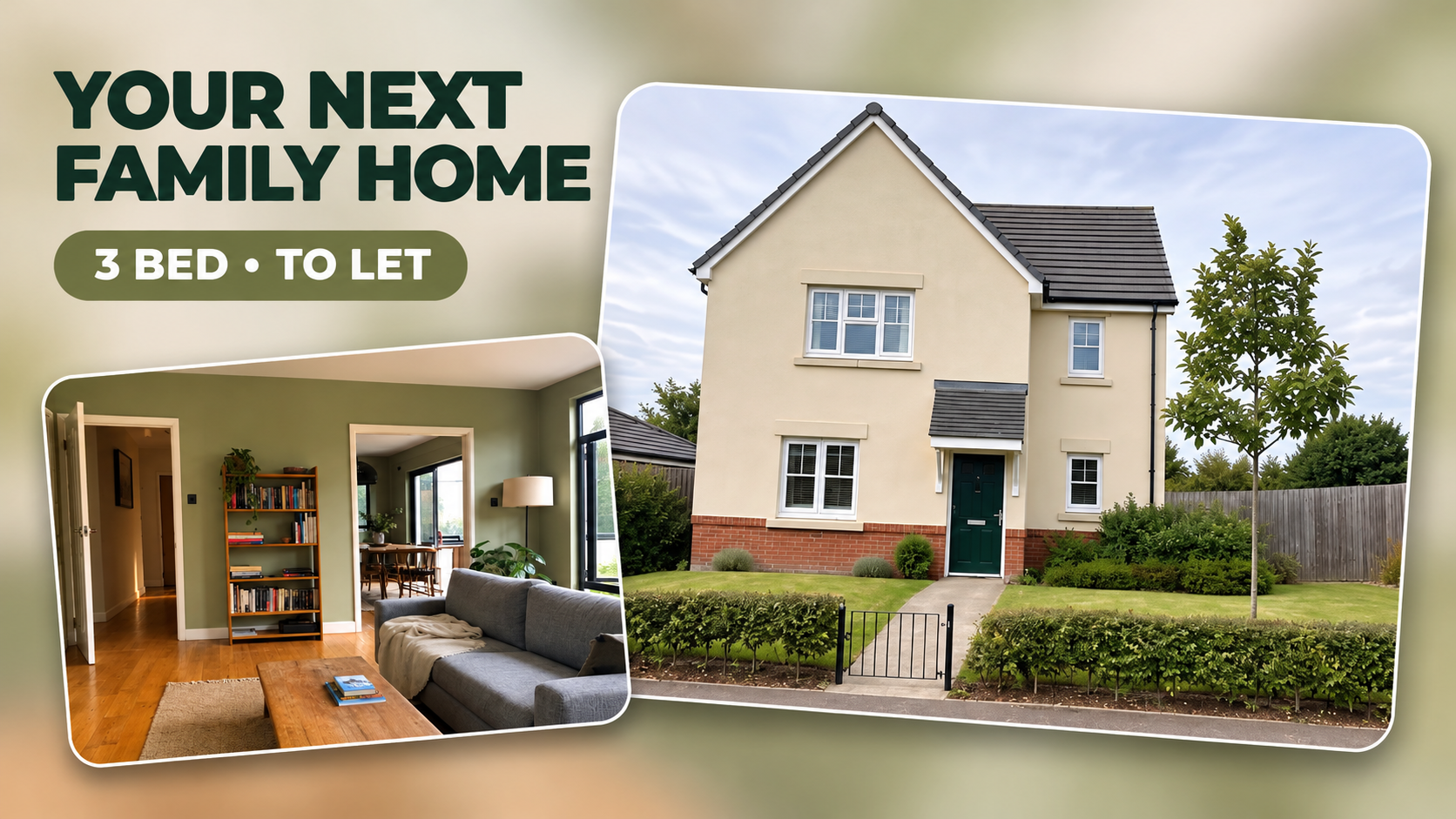 --:--
Lay out your listing photos in the order someone would walk through the door. If the views connect, a room-by-room tour can show how the kitchen opens onto the patio. If your best images all show one room, a shorter feature-led layout makes better use of them. For a listing built from still photos, look at the edges of the preview during a pan or crop. A move across a kitchen might leave the patio doors just outside the frame. Keep those doors visible when the indoor-outdoor connection is the feature a buyer came to see.
Check a preview against your longest room label and the contact details you want on the closing frame. A layout that works beautifully for unlabeled interiors can feel tight once an address is added. Compare room sequences in these real estate video examples.

Questions?
We're here to make it clear. Check out our FAQs, and if you still have questions, Pexo is always ready to help.
Which room should open the tour?
Start with the feature that best explains the listing. For an apartment with an open living area, a wide view of that space can establish the layout before closer shots.
How can I make photos feel like a walkthrough?
Order them along a route someone could actually walk. Carry a doorway or other recognizable feature from one view into the next.
Where should I put the viewing details?
Put the contact or booking information on a steady closing frame. Keep it separate from room labels so a viewer can pause and copy it.