
 --:--
Pexo›Video Templates›TikTok Video
TikTok Video Templates
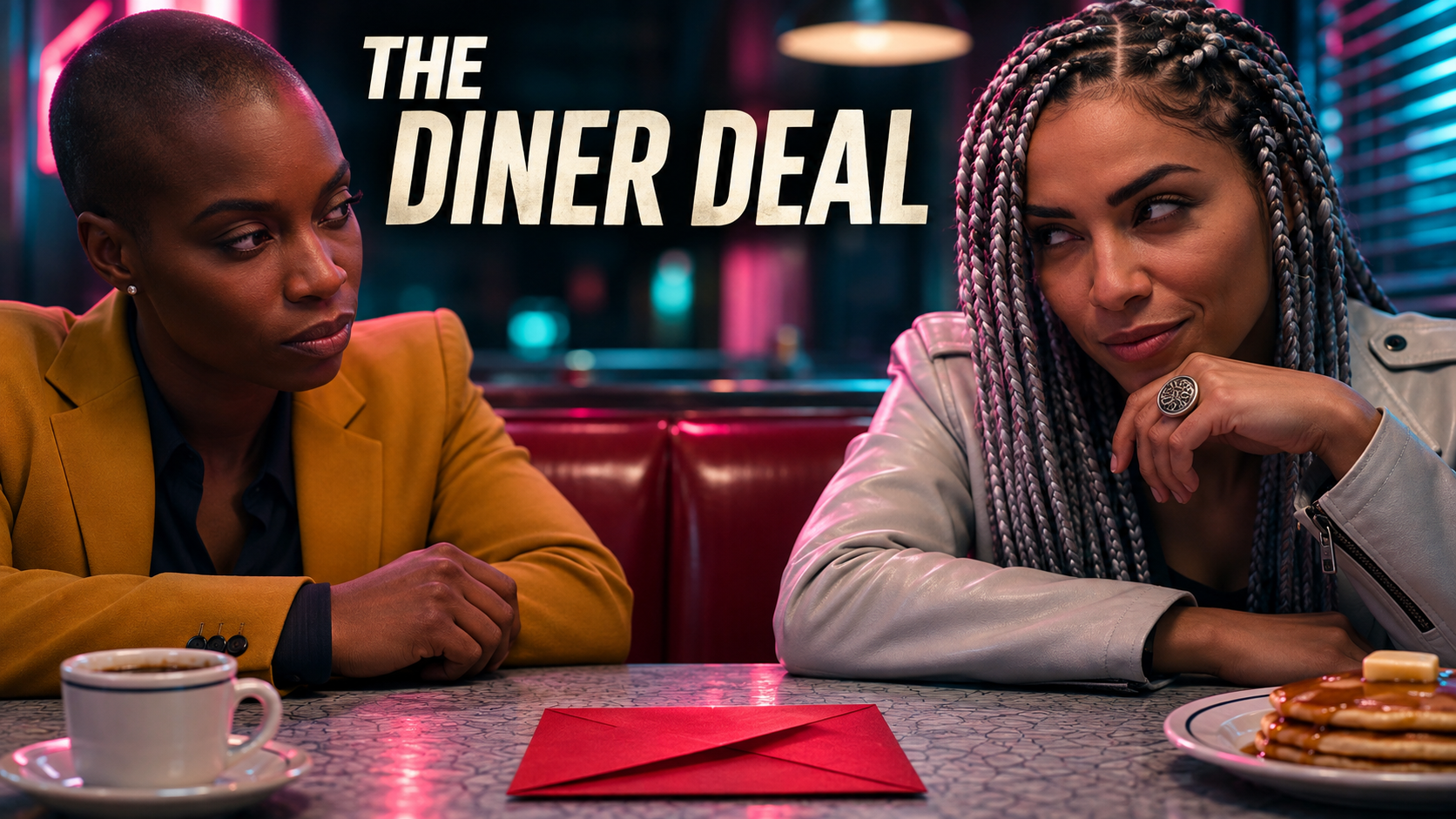
For a demo, try opening on the finished result. For a reveal, a close-up can give viewers something to guess before the wider shot supplies the answer.
6 templates
--:-- --:--
 --:--
 --:--
 --:--
 --:--
A cake decorating clip can begin with the finished icing or with a single unexplained swirl. The first suits a how-to; the second sets up a reveal. Choose the sequence your footage can actually finish: a mystery opening needs a wider shot that answers it. For a clip people might watch twice, compare the opening frame with the last one. A piping bag returning to its starting position can make a loop feel deliberate. An explanatory clip may work better with a still view of the finished cake so viewers can inspect the result.
Check the preview at phone size. If the key detail is a hand working in the bottom corner, a layout with captions there will hide the reason to watch. Compare the first and last shots in these TikTok video examples if you’re deciding whether a loop suits your clip.
Questions?
We're here to make it clear. Check out our FAQs, and if you still have questions, Pexo is always ready to help.
Where should I place key text?
Test it against the actual posting preview. Keep essential words away from the right-side controls and lower caption area.
How can a short video loop naturally?
End on a movement, shape or phrase that connects to the opening. Watch two plays in a row to hear and see whether the join feels intentional.
Does every cut need to follow the beat?
Use a beat when it clarifies an action or reveal. Let a shot run longer when the viewer needs time to read or see how something works.