



Real Estate Explainer Video
Create a real estate explainer video that shows each step of booking a viewing or preparing an application with Pexo.
Create an AI corporate explainer video from an approved internal brief. Use Pexo to show who acts first, how work moves between teams and where employees go for their next step.
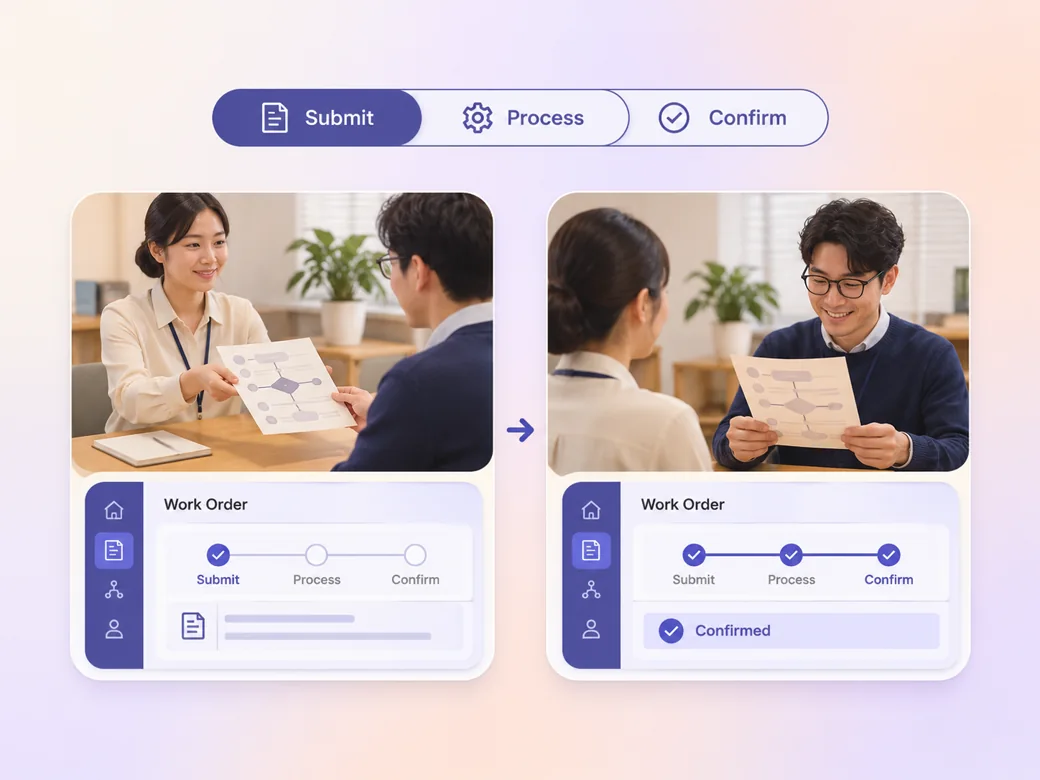
Give the corporate explainer video maker the audience, the purpose and the latest approved process notes. For an access request, show the employee submitting a form and the approver reviewing it. Keep this example visible through the cut so a viewer knows which stage they are watching.

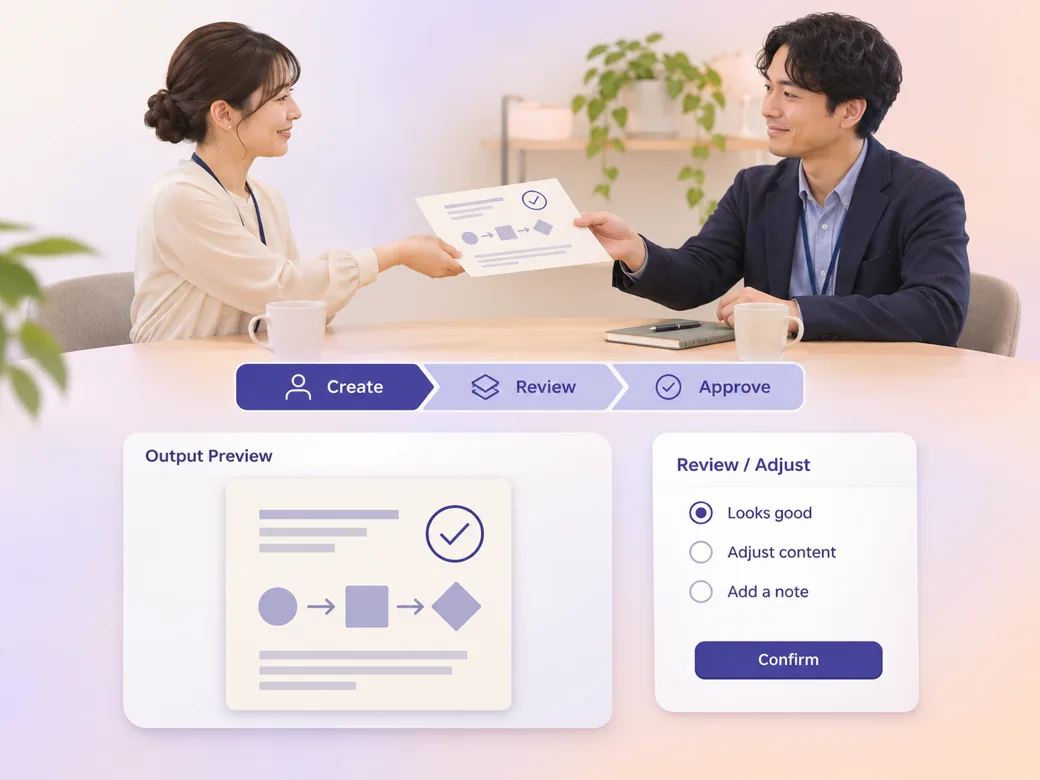
This illustrated preview shows how the brief can be reviewed in Pexo.
What to review
Add a short role label as an item moves to a new person or team. Use one concrete request through the process and show what each owner receives. On the last scene name the right channel, form or team so an employee can act on the video. See the Pexo Motion examples for short on-screen cues.
Paste the approved wording for a mandatory instruction, then ask Pexo to pair it with a short visual cue. Use brief captions so viewers can read them without losing the example. Have the process owner check names, links and exceptions before you circulate the result. Use the script to video workflow to map an approved read to the shots.
Finish the corporate explainer video generator cut with the action you expect, such as opening the current form. Keep dates, owners and channel names easy to revise by documenting the source with the project. Preview the intranet embed and the meeting version at their actual playback sizes.
Use a widescreen cut with clear role names for a meeting. For a narrower embed, show each person and the approval result separately. Check whether the final instruction stays visible on a small device and from the back of the room.
Every handoff names the person who owns it. That helps reviewers check the sequence against the current process. Use the most recent approved roles.
Pexo can bring the approved language and example into one cut. The closing instruction gives a manager a place to send the team. Keep the action visible at the end.
The example reaches a visible confirmation, so a new hire can recognize when the request was accepted. Show the result for both desktop and phone viewers.
A corporate explainer video is a short video that explains a company process, initiative or service to a defined audience. An internal version often appears in onboarding, a team meeting or an intranet. It gives viewers enough context to see why the change matters, who owns the work and what they should do.
Yes. Provide the approved passage, its owner and the parts that must be read verbatim. Use a small example to show the policy in use. Check the script and on-screen wording with the owner, then link employees to the current policy for the full details.
Yes. Ask for a wide version when the clip will appear on a presentation screen. Use shorter text or close-ups for smaller embedded players. In both versions, hold the final instruction and confirm that captions remain visible to employees watching without audio.
Pexo is useful as a corporate explainer video generator when you have an approved brief and want to turn it into scenes, narration and captions you can review. Use the process owner's wording for policies. MiniMax H3 can provide an illustrative office cutaway where real footage is unavailable.
A corporate explainer video gives viewers an actionable explanation of a process, change or service. A corporate mini-documentary tells a wider story about people, events or decisions and may rely on interviews and observations. For a new internal workflow, keep the explanation centered on one example and a concrete next action. See corporate mini-documentary for that format.
Use subject + action + camera movement + setting + style. Try this brief. Show an employee submitting a software access request at a bright office desk. Follow the request to a reviewer, push in on the approval, then hold on the confirmation. Use a calm documentary style and short captions for each role. Review the result against the assets and instructions you supplied.
Start with the approved brief and one example employees can recognize.
Create a real estate explainer video that shows each step of booking a viewing or preparing an application with Pexo.
Create an insurance explainer video with Pexo. Use approved policy wording and make each step and contact option visible.
Use Pexo to make a B2B explainer video that explains one buyer workflow and gives the buying team a clear next step.
Create an app explainer video in Pexo from current screenshots, a short script and a visible completion state.
Make an article-based explainer video with Pexo. Turn the main point, evidence, and examples into a short video that stands on its own.
Create Bible videos from reviewed verses, lesson notes, book overviews, timelines, and character studies with clear scenes, narration, captions, and human review.
Create Islamic videos from reviewed sources and lesson notes, covering history, culture, ethics, and education with respectful visuals and narration.
Create Christian videos from reviewed Scripture, lesson notes, and historical sources with clear visuals, narration, captions, and human review.