


Proof of Concept Film
Make a proof of concept film with Pexo. Turn a script excerpt into a short sample, test one creative choice, and share it in a pitch or review.
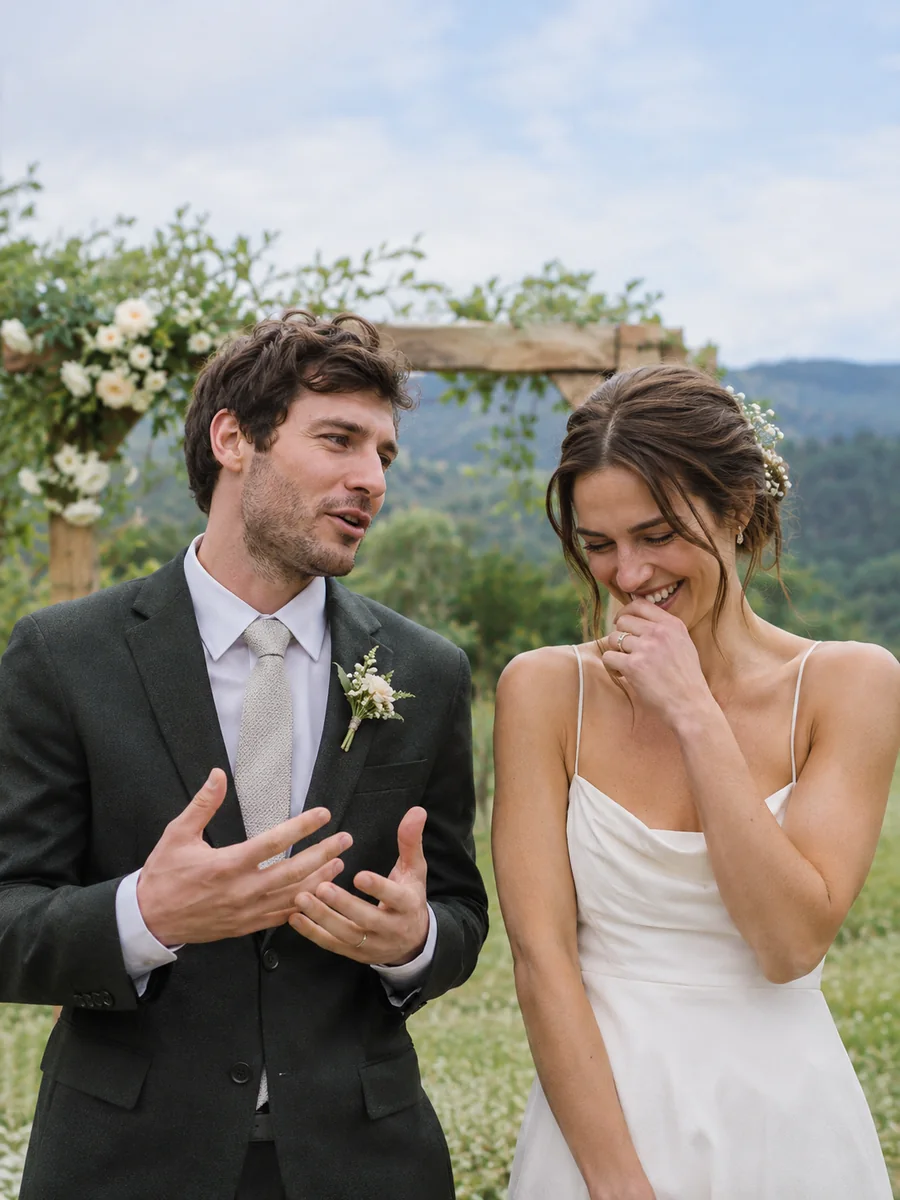
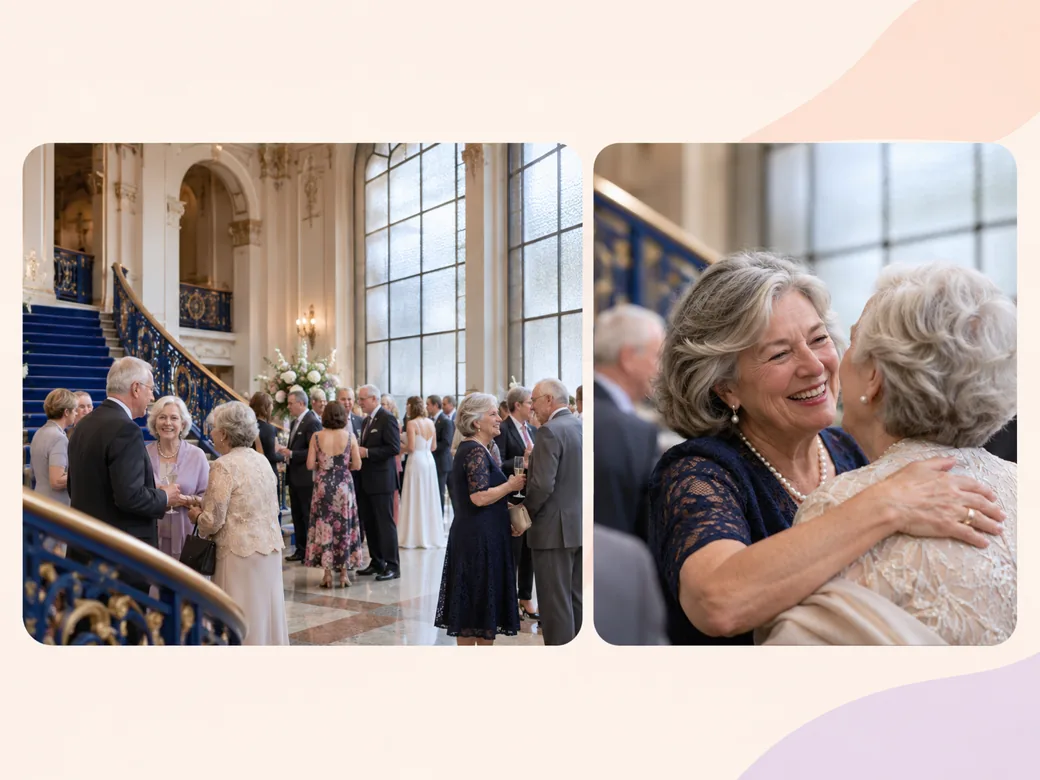
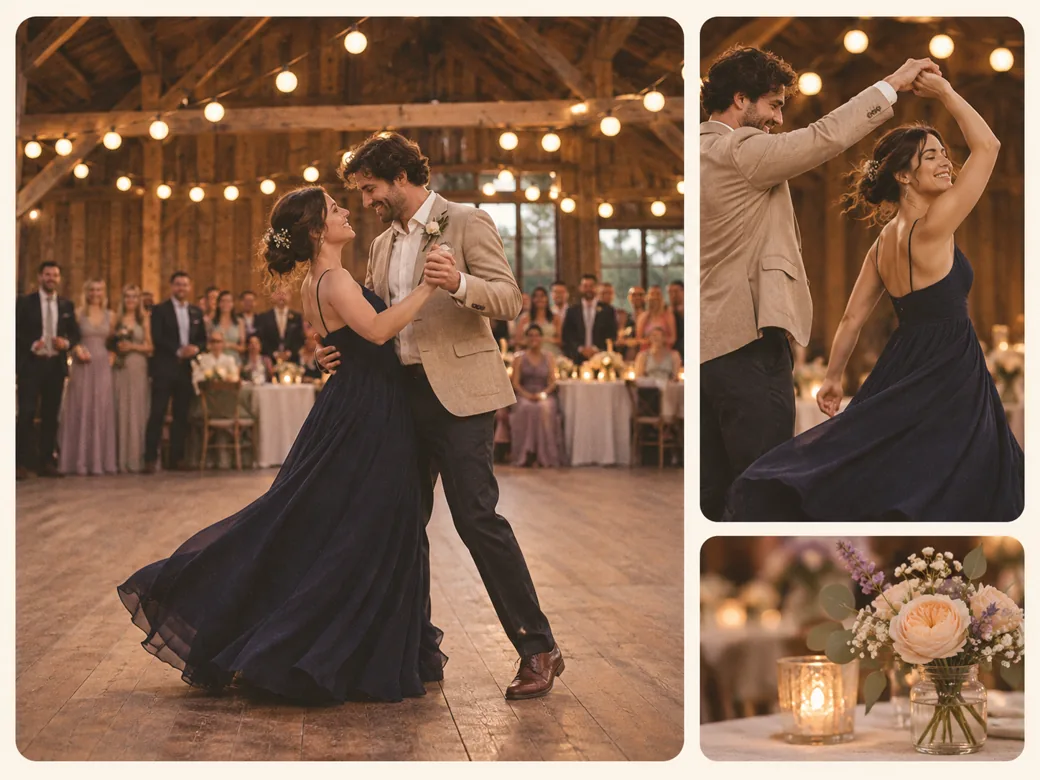
Turn recorded wedding footage into an AI live-action wedding film with Pexo. Build the edit around the couple’s real voices, the order of the day, and the moments they want to watch again.
List the events in order and ask the couple which moments should play in full. Give Pexo the recorded footage, matching audio, and that list. Use Merge Videos to arrange the first cut. When a complete vow or reading matters, keep the spoken line intact across any angle change.

Review the first cut for the order of the event and the timing of the speech and reactions.
What to refine in Pexo
Open a sequence with a shot that places the people and the event. Change angles when the viewer needs a closer look at the gesture or reaction. Ask Pexo to keep the reaction beside the moment that prompted it. Review the timing against the source clips before tightening the edit.
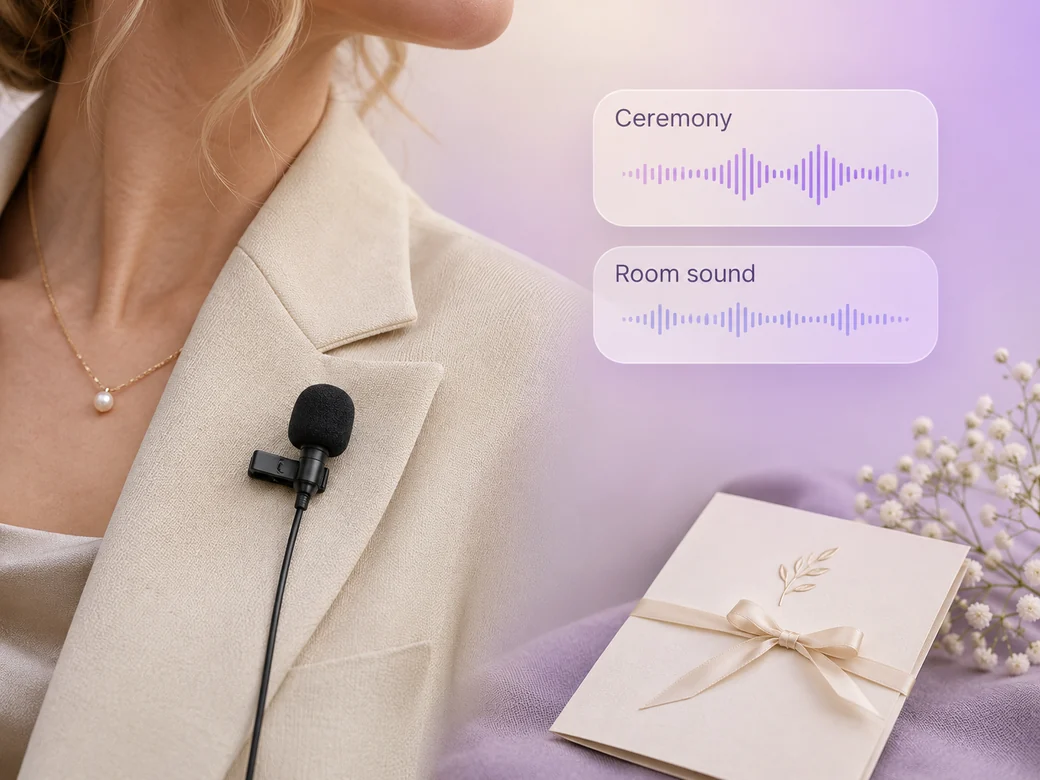
Give Pexo the clearest recording of each speaker and check that it is synchronized. Keep room sound under the important lines so they still feel connected to the event. If you use Music Generation, choose a treatment that supports the scene and lower it enough for each line to be understood.
Show the couple the first cut and collect notes on which moments, names, and guest close-ups they want included. Tell Pexo which part to revise and exactly what should change. Rewatch the version that will be shared so the couple can approve the actual edit.
Use a wide version for watching the day as a film. If the couple wants a portrait highlight, select a moment that still has a beginning and an end in a short cut. Reframe important faces and replay the original sound before asking the couple to approve the shorter version.
“I check that the angle changes preserve what happened in the moment. The reaction should follow the words or gesture that prompted it.”

“I listen to the full vow or speech through each cut. If the music hides a word, bring the original voice forward.”

“I ask the couple to review the version guests will actually see. Confirm important moments, names, and the guest close-ups they’re comfortable sharing.”

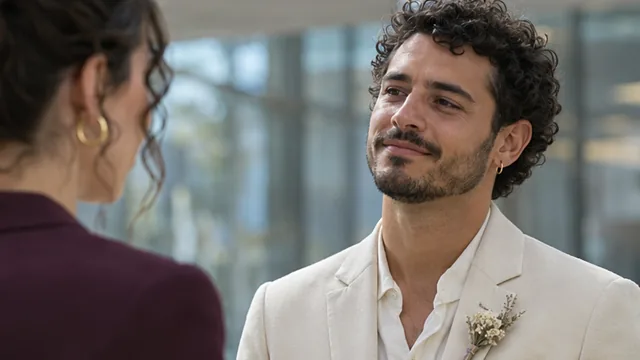
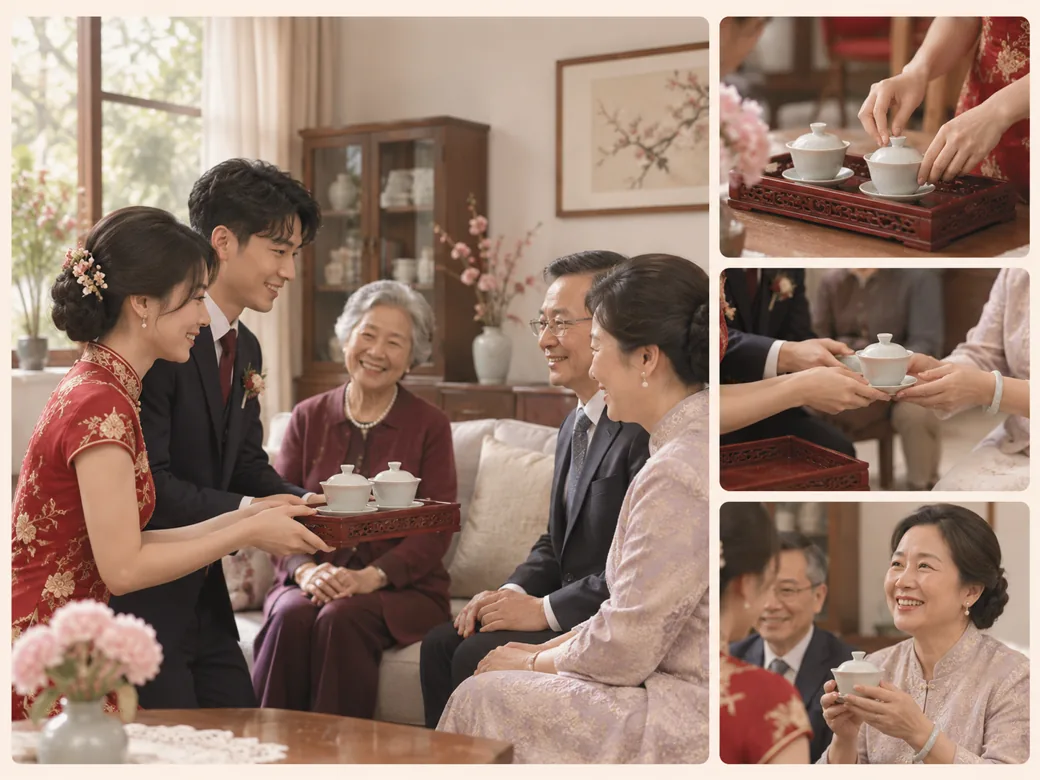
A live-action wedding film is an edit of the footage and sound captured at a wedding. It uses real moments, such as the ceremony, readings, speeches, and reactions, to tell the story of the day. The couple can choose a longer keepsake or a shorter highlight built from the same recorded event.
Bring recorded clips, the event timeline, and any separate microphones or sound files for the ceremony and speeches. Note the important moments and the people the couple wants included. Give Pexo the approved spelling of names or venue titles and say who will review the first cut.
Ask the couple which ceremony moments they want to watch in full. A vow or reading often needs time to finish and for the reaction to register. Use the actual recorded sequence and keep the audio synchronized. If you make a shorter highlight, ask the couple to approve that version separately.
Pexo is useful when you want to arrange recorded wedding clips and matching sound into a first cut, then refine the pacing and framing in chat. Mark which lines and moments must stay complete. Check the picture and sound against the originals and review the result with the couple.
A live-action wedding film centers on the real event, the way it unfolded, and the voices recorded on the day. A broader wedding video can also bring in earlier photos, animated titles, or material from before the wedding. Choose the live-action format when the recorded ceremony or reception is the heart of the film.
Provide the order of events, clip labels, audio sources, and the moments to keep whole. Try “Make a 60-second wide highlight from the supplied wedding footage. Open on the venue, use the original audio for one complete vow, then show the partner’s reaction from that moment. Close with an approved reception clip and use only the supplied names.”
Bring the clips, the event order, and the original sound. Use Pexo to make a first cut the couple can review before sharing.
Make a proof of concept film with Pexo. Turn a script excerpt into a short sample, test one creative choice, and share it in a pitch or review.
Edit recorded underwater footage into a showcase reel with Pexo. Guide viewers from the setting to the subject and prepare a clear cut for review.
Make a kids’ product and toy showcase video with Pexo. Show the included pieces, a clear play action, and the finished result in a buyer demo.
Make a Pinterest video in Pexo that opens on the result and shows readable steps for a video Pin.
Create a LinkedIn video in Pexo from one practical idea, supporting footage and captions that read in the feed.
Create a product review video in Pexo with real testing footage, clear conditions and honest observations.
Make an Amazon product video with Pexo from your product photos and demo footage. Show the item, its scale and how it works.
Create a spokesperson video with Pexo from an approved script, presenter direction and supporting product shots.