

Proof of Concept Film
Make a proof of concept film with Pexo. Turn a script excerpt into a short sample, test one creative choice, and share it in a pitch or review.
Make an AI kids’ product and toy showcase video with Pexo. Turn approved product footage into a clear buyer demo that shows what comes in the box, how one play action works, and what it looks like finished.
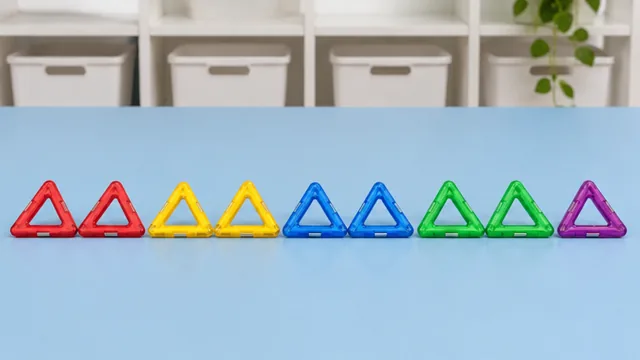
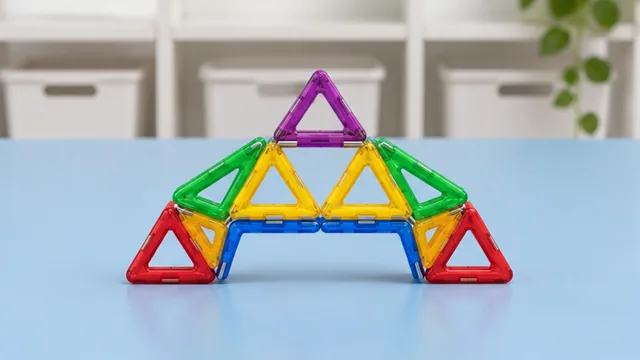
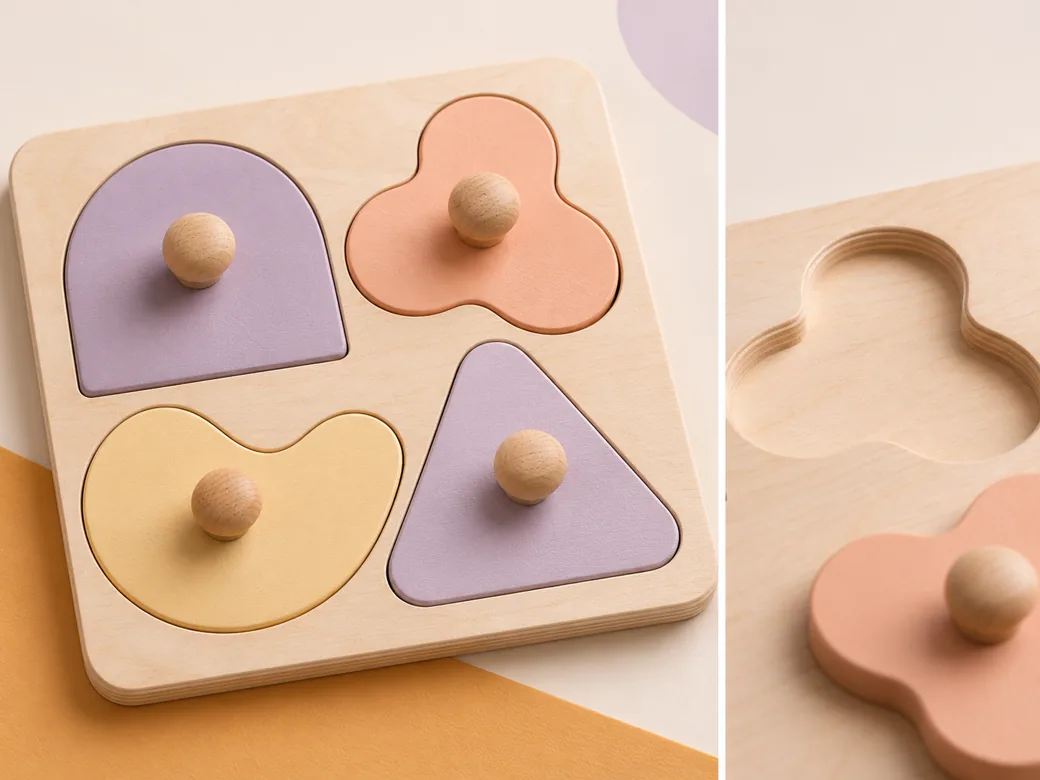
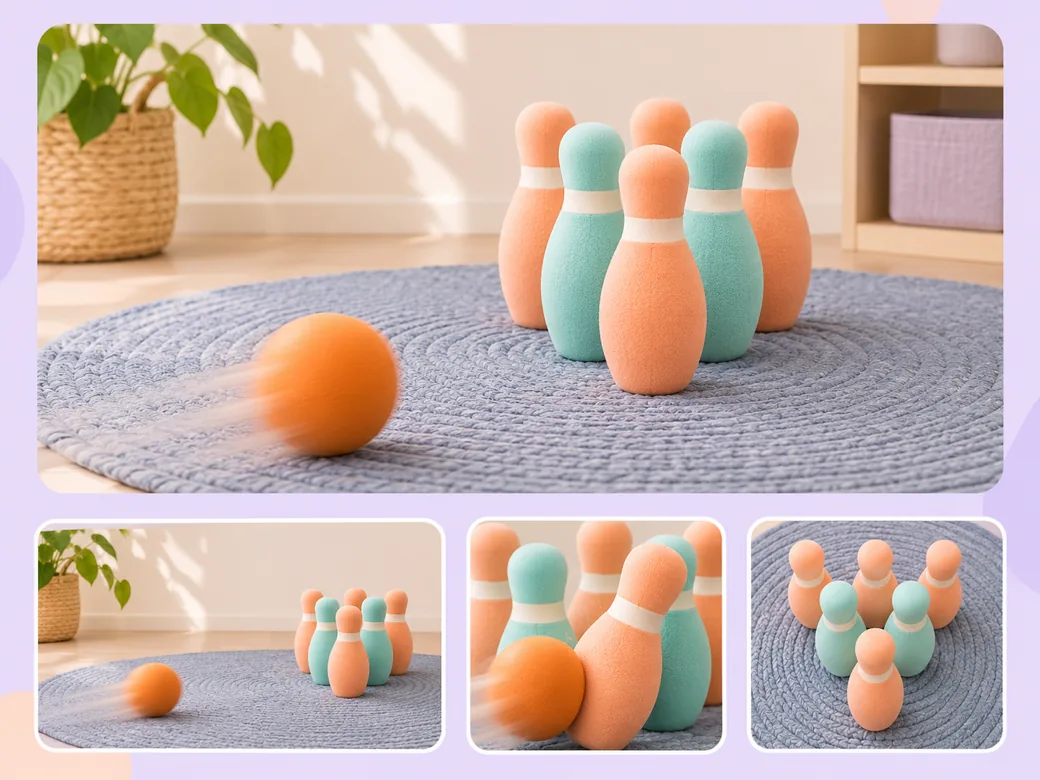
List the included pieces and the one play action you want to show. Give Pexo the approved clips and a short outline with three beats: what comes in the box, what the toy does, and the finished result. Use Merge Videos to put the real footage in that order and review the first cut.

Check that the first cut shows what is included, what the demonstrator does, and what changes as a result.
What to refine in Pexo
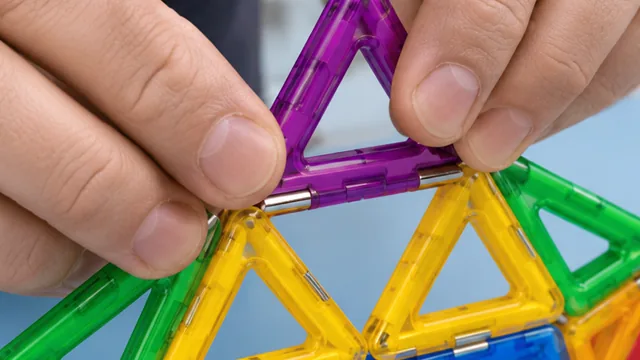
Start with the pieces visible and keep an adult demonstrator’s hands in frame as the action starts. Ask Pexo to cut to a tighter shot when a piece connects or a mechanism moves, then hold on the result. Check that a first-time viewer can follow the same sequence without instructions from someone off-screen.
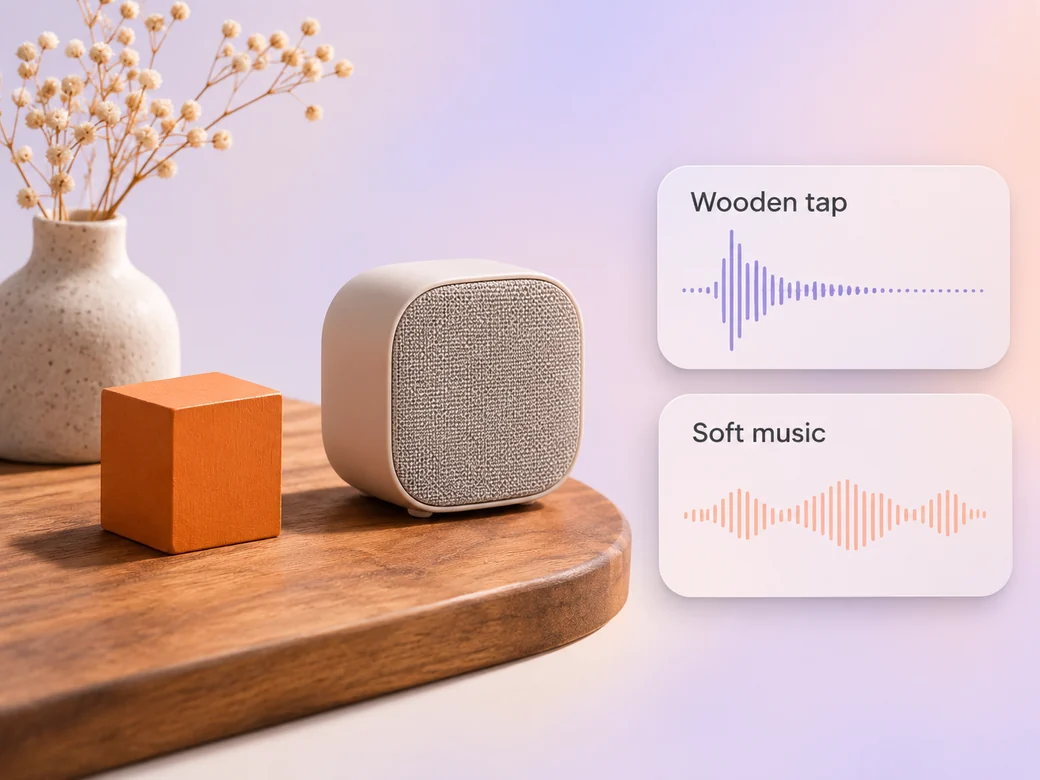
Keep the real click or tap when it tells the viewer that a piece fits. Add a short voice line or caption if a step needs explanation. Use Music Generation if you want a light score, then compare it with the original recording and listen for any sound the music covers.
Check included pieces, colors, and the finished toy against the approved product listing. If a label needs to explain size, age guidance, or an assembly step, use the current wording from the manufacturer. Use Add Text to Video for an approved caption, and give shoppers enough time to read it.
Use a wide version for a product page when shoppers need to see the layout of all the pieces. For portrait social, focus on one play action. Review the smallest screen you expect people to use and make sure the important pieces, the action, and any required product information still fit.
“Start on the contents before any assembly begins. I should be able to point to every piece buyers will receive.”

“I compare the colors, parts, and on-screen wording with the listing. When the video and the product page disagree, correct the cut before it goes out.”

“I watch the portrait cut at phone size. The hands can guide the viewer, but the join or movement should be the easiest thing to see.”

A kids’ product and toy showcase video demonstrates what a toy includes and how it works. It lets a shopper see the pieces, one real play action, and the result in a short sequence. Use it on a product page or as a social preview when buyers need more detail than a single photo shows.
Gather approved photos of the product and packaging, a list of the included pieces, and real footage of an adult demonstrating an action. Write a short outline and mark which close-up explains the important step. Give Pexo the exact wording for any product information that needs to appear on screen.
Check the version of the toy, what comes in the box, and whether the action follows current instructions. Confirm any age guidance, warning, or claim with the manufacturer’s approved copy. Play the finished video once at the intended size to check that the information is readable and the key action stays visible.
Pexo is useful when you want to organize real product shots, demonstrate one play action, and revise captions or framing in chat. Begin with the approved footage and the purpose of the demo. Review each edit against the physical toy and the listing before preparing the version shoppers will see.
A toy showcase is a buyer-facing demonstration of the included parts and how a toy works. A broader product video may cover a brand launch, several features, or a longer story. Choose the toy showcase when a shopper needs to inspect a specific action, see what comes in the box, or understand the finished result.
Give Pexo the approved clips, the order of the actions, and the exact wording for any captions. Try “Make a 25-second wide listing video from the supplied wooden train footage. Show the included cars, hold on two cars coupling, then show the finished train rolling. Keep the original click audible and use the supplied product name.”
Bring approved product clips and a short outline. Use Pexo to show the pieces, the play action, and the result in a first cut you can review.
Make a proof of concept film with Pexo. Turn a script excerpt into a short sample, test one creative choice, and share it in a pitch or review.
Make a live-action wedding film with Pexo. Edit the footage and original sound around complete moments and prepare a cut for the couple to review.
Edit recorded underwater footage into a showcase reel with Pexo. Guide viewers from the setting to the subject and prepare a clear cut for review.
Make a Pinterest video in Pexo that opens on the result and shows readable steps for a video Pin.
Create a LinkedIn video in Pexo from one practical idea, supporting footage and captions that read in the feed.
Create a product review video in Pexo with real testing footage, clear conditions and honest observations.
Make an Amazon product video with Pexo from your product photos and demo footage. Show the item, its scale and how it works.
Create a spokesperson video with Pexo from an approved script, presenter direction and supporting product shots.