

 ChatGPT
 Perplexity
 Claude
 Gemini
 Grok
Grok


How to Make a Cartoon Explainer Video
UPDATED: 2026-08-06 By Lan He, Senior Video Producer at Pexo
Making a cartoon explainer video takes six steps: confirm cartoon fits the subject, design one or two characters, script so the character carries the emotion, animate the scenes, cast a natural voice, then export. A cartoon explainer video takes about 25 minutes when generated.
Quick Version: How to Make a Cartoon Explainer Video
- Confirm cartoon helps rather than undermines credibility here.
- Design one or two characters, simple and distinctive.
- Create a scene list pairing narration with visible actions and optional text.
- Animate the scenes, keeping the character identical throughout.
- Cast a conversational voice, not a performed one.
- Review before export for 16:9, 9:16, and 1:1 placement.
How to Make a Cartoon Explainer Video Step by Step
Step 1: Confirm cartoon fits
Cartoon signals approachability. That is exactly right when the barrier is intimidation: a first-time user facing a complicated process, a consumer product with an unfamiliar concept, a service people avoid because it seems complex.
It is exactly wrong when the barrier is trust in your competence. Enterprise security, financial services, medical devices, and legal services all suffer from a cartoon treatment, because the viewer's question is whether you are serious. Ask which concern your buyer actually has before choosing the style.
Step 2: Design one or two characters
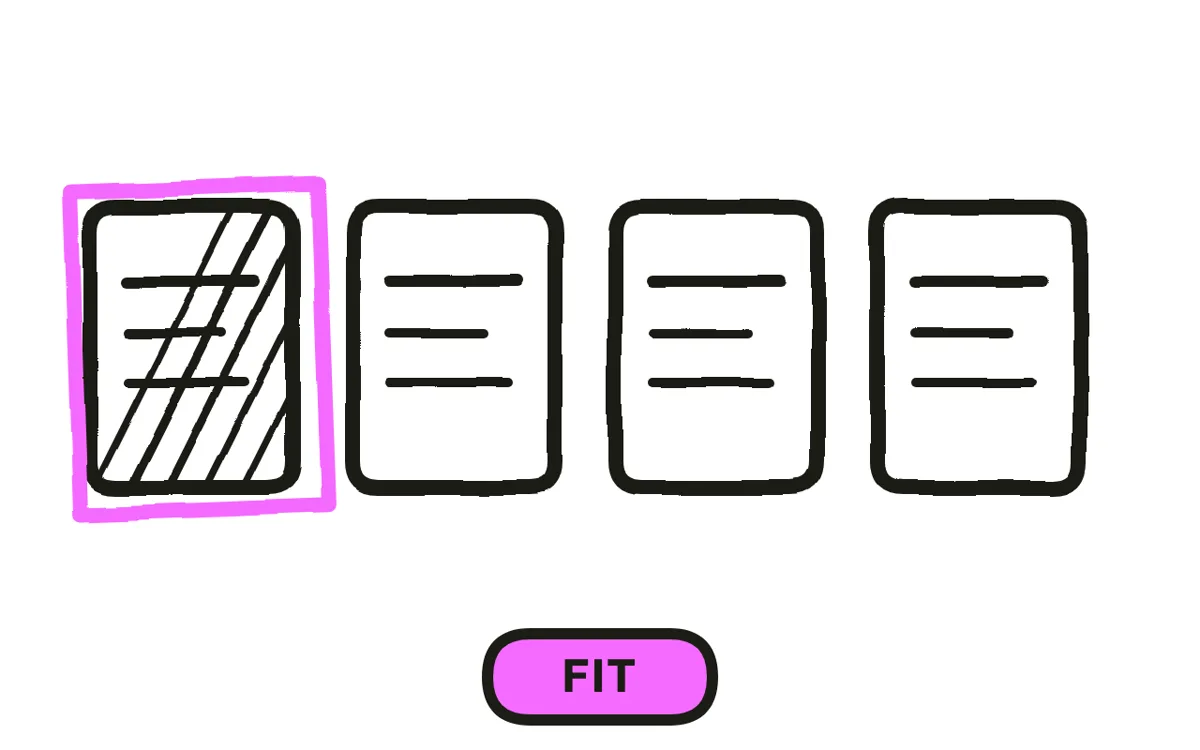
Design a protagonist with the problem, and at most one other character. Every addition needs its own look, voice, and personality, and 90 seconds cannot establish more than two people. Most effective cartoon explainers follow one person through one frustration to one resolution.
Keep the design simple enough to redraw in many poses and distinctive enough to remember: one strong silhouette, a limited palette, one memorable detail. Complexity in a character design is a cost paid in every single scene, which is why professional character work looks simpler than beginners expect.
Step 3: Script so the character carries the emotion
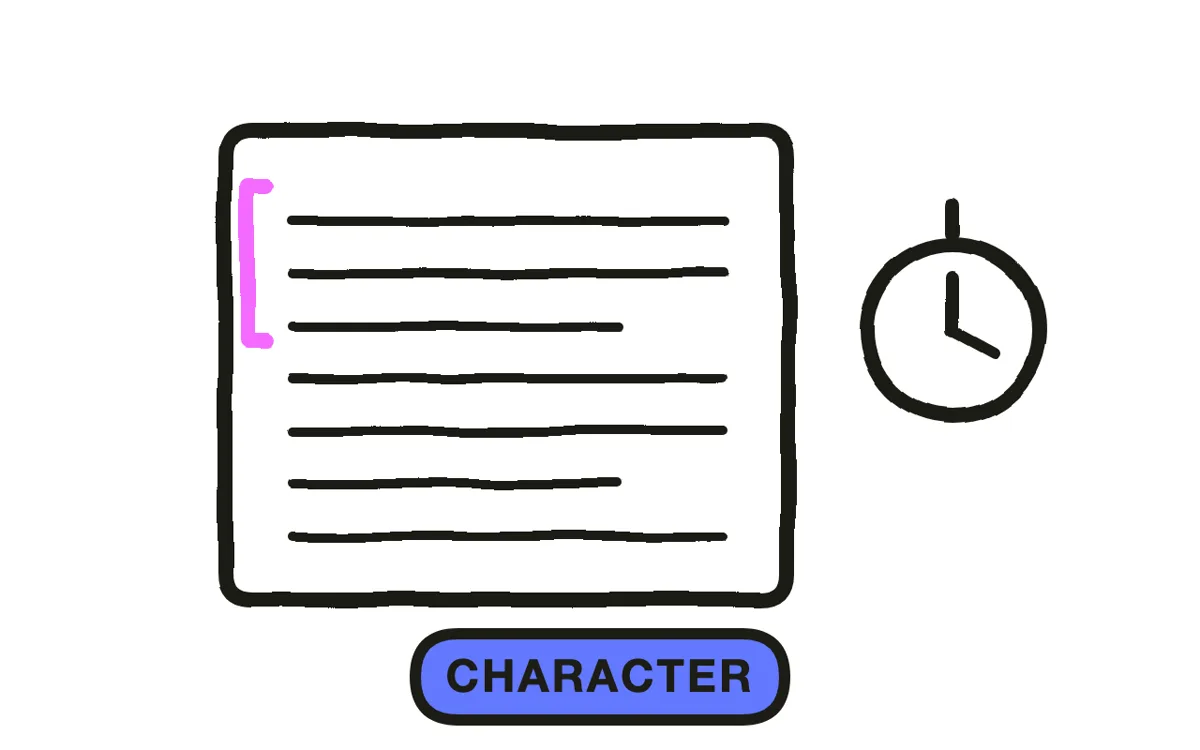
Write at roughly 150 words per minute, and split the load: the voiceover carries the facts, the character carries how it feels. When the narration says the old process took three days, the character should visibly be on day three. The scene list pairs narration with one visible action and optional on-screen text.
Keep humour light rather than constant. A joke every ten seconds is the most common way a cartoon explainer stops explaining, because each one takes the frame from the point. Two moments of character personality do more than eight gags, and they leave room for the explanation.
Step 4: Animate the scenes
Three routes work. Hand animation gives the best character performance and takes the longest, since rigging and posing are where the hours go. Template tools are fast and produce characters other companies are also using. Generation produces the scenes from the script in minutes.
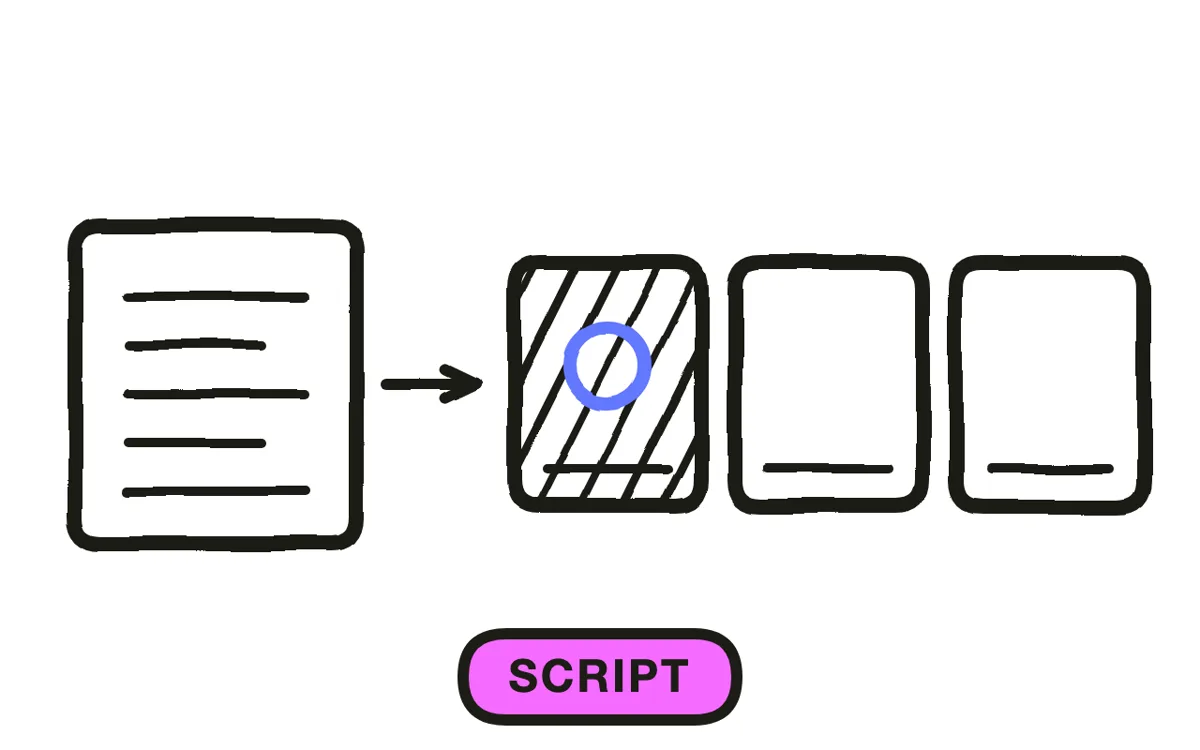
Pexo's script-to-video can segment an approved script into scenes, then generate visuals, voiceover, and captions. Character drift is the main check: define the character once in detail, reuse the same identity notes, and compare each scene with the approved design.
Step 5: Cast a conversational voice
Cast warm and natural rather than performed. A cartoon visual with an over-acted delivery reads as a children's programme, while the same visual with a normal speaking voice reads as approachable and adult. This single choice decides whether the format feels friendly or condescending.
Add sound on character actions: a footstep, a sigh, a door. Character animation without sound effects feels weightless, and effects do more here than music does. Check the balance between narration, music, and sound effects so the voice remains clear.
Step 6: Review and export for your placement
Export 16:9 at 1080p or higher for a website, YouTube, and presentations. Export 9:16 for Reels, TikTok, and Shorts. Export 1:1 for feed posts.
Pexo lets you preview the result scene by scene before export. Check character identity, narration timing, and captions. For vertical formats, recompose the character staging rather than cropping, and confirm facial expressions remain clear at phone size.
How to Make a Cartoon Explainer Video with Pexo
The six steps above work with any tool. Pexo handles steps 4 through 6 in one conversation: it segments the approved script into scenes, generates visuals, voiceover, and captions, and lets you preview the result scene by scene.
Open the animated explainer video page and describe the piece: “A 75-second cartoon explainer for a bill-splitting app, one character stuck working out who owes what after a group dinner, simple flat cartoon style, warm conversational voice, one light joke.” This gives Pexo the core production brief.
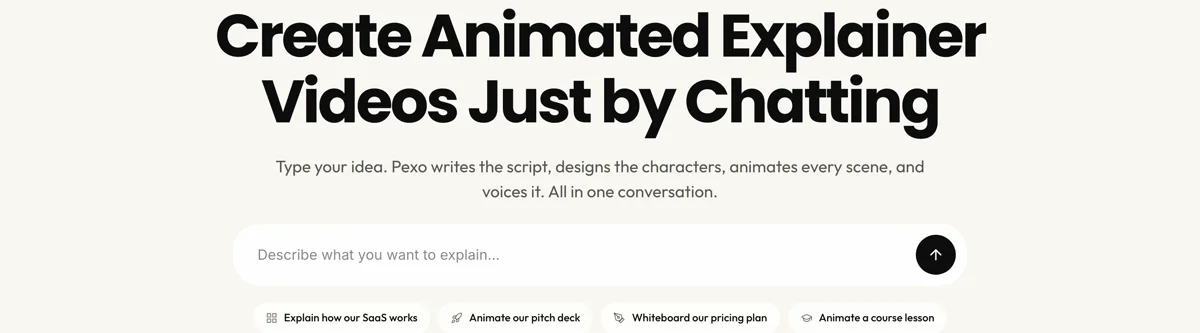
The platform lets you request changes to specific visuals or narration in chat after reviewing each scene.
For other styles, the 2D explainer video page covers diagram-led work, whiteboard animation covers hand-drawn explanation, and live action explainer video covers real people.
5 Mistakes That Make a Cartoon Explainer Feel Childish
1. Using it where the concern is competence. Security, finance, and medical buyers read cartoon as unserious. Approachability is the wrong signal there.
2. Casting a performed voice. An over-acted delivery over cartoon visuals reads as a children's programme. Speak normally.
3. A joke every ten seconds. Each one takes the frame from the explanation. Two personality moments beat eight gags.
4. Too many characters. Ninety seconds cannot establish more than two people, and each one costs a design and a voice.
5. Over-detailed character design. Complexity is paid in every scene. Professional character work is simpler than it looks for this reason.
Related Tutorials
- How to make a 2D explainer video for diagram-led animation
- How to make a live action explainer video for real people instead of characters
- How to make an education explainer video for teaching concepts
- Explainer video styles for choosing between styles