

 ChatGPT
 Perplexity
 Claude
 Gemini
 Grok
Grok

How to Make a Doodle Explainer Video
UPDATED: 2026-08-10 By Lan He, Senior Video Producer at Pexo
Making a doodle explainer video takes six steps: confirm the informal style fits, script with a doodle per line, build a loose but consistent set, produce the sequence, pace the drawing, then export. A doodle explainer video takes about 20 minutes when generated.
Quick Version: How to Make a Doodle Explainer Video
- Confirm casual signals the right thing for this audience.
- Script so every line has a doodle attached.
- Build a set that is loose but consistently loose.
- Produce the sequence by hand, from a library, or by generating it.
- Pace the drawing faster than whiteboard animation.
- Export 16:9 for site and YouTube, 9:16 and 1:1 for social.
How to Make a Doodle Explainer Video Step by Step
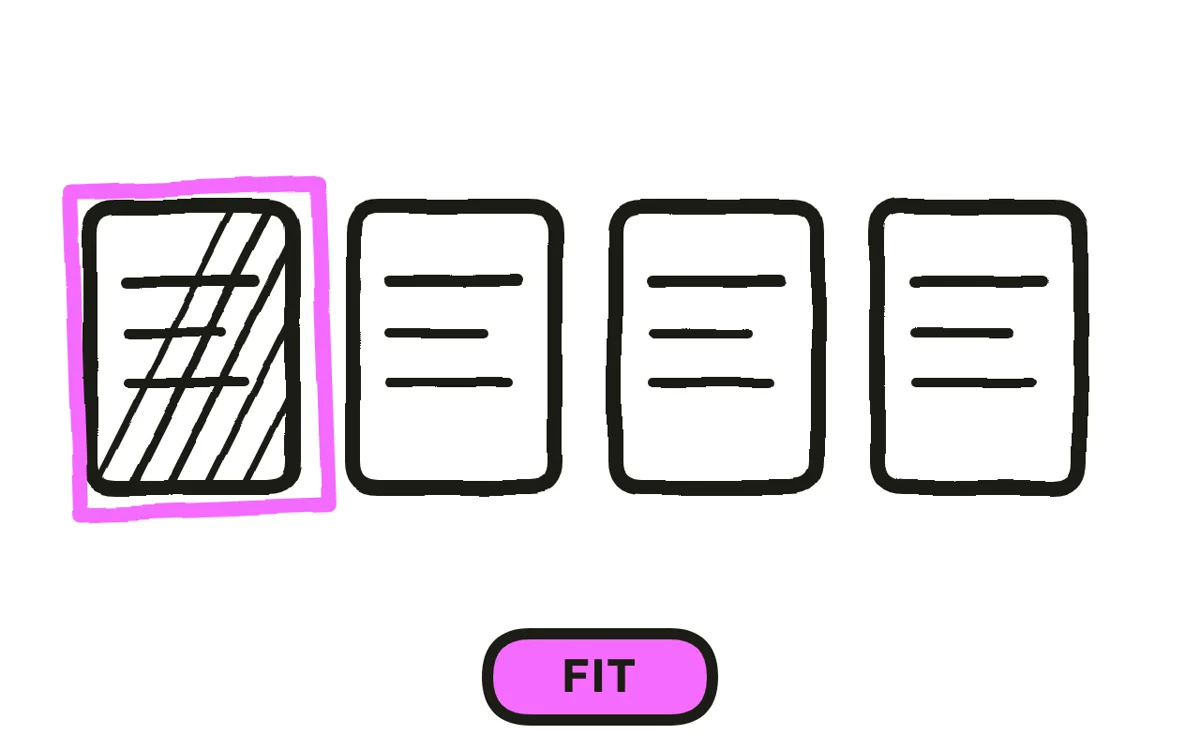
Step 1: Confirm doodle fits
Doodle is the least formal hand-drawn style, and that is its whole proposition. It suits an approachable explanation to a general audience, a concept someone is thinking through, a comparison where a polished treatment would read as a sales pitch.
It fails wherever credibility is the viewer's actual question. Enterprise software, financial services, medical, and legal all lose from doodle, because casual is the opposite of the signal a buyer is looking for. The style also cannot carry much detail, so a subject with real complexity outgrows it quickly.
Step 2: Script with a doodle per line
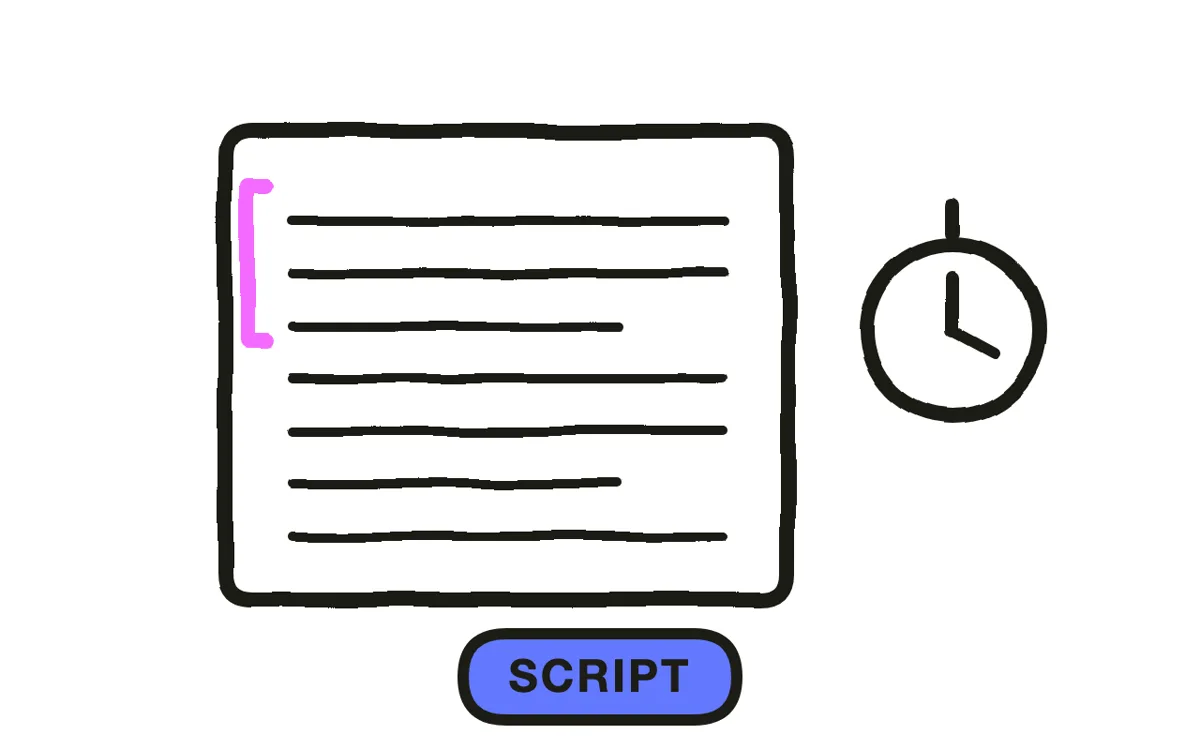
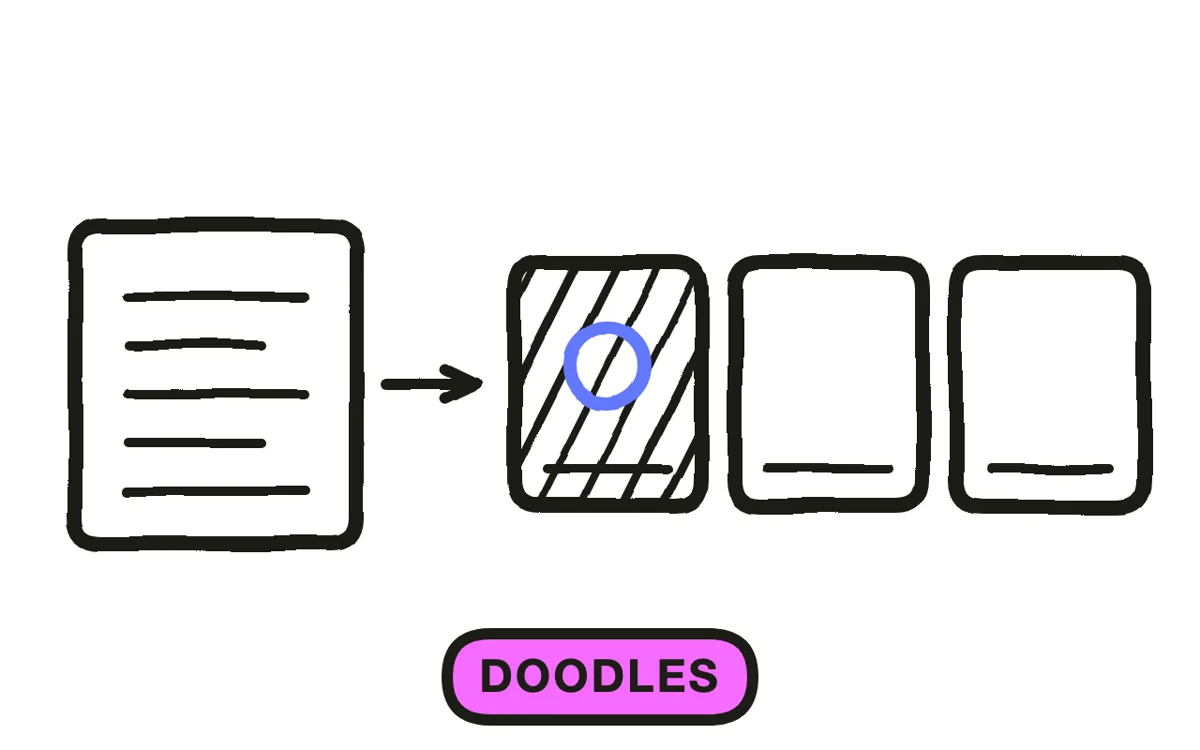
Write the narration and attach a simple image to every sentence. Doodle rewards obvious visual metaphors that a more serious style would find crude: a wall for a blocker, a tangle for complexity, an arrow breaking through for a solution.
Keep it to 60 to 90 seconds at 130 to 150 words per minute. The style holds informality well and detail badly, so a script that needs more than ninety seconds is usually asking for a format that can carry more information.
Step 3: Build a loose but consistent set
Draw loosely, and draw everything equally loosely. Wobbly lines and imperfect proportions are the point, but consistency is what separates a deliberate doodle style from a set of drawings of varying quality.
The failure mode is specific: one carefully drawn element among rough ones destroys the whole conceit, because it reveals that the looseness elsewhere was a limitation rather than a choice. Use one accent colour on a monochrome set, and keep full colour out, since it turns doodle into illustration.
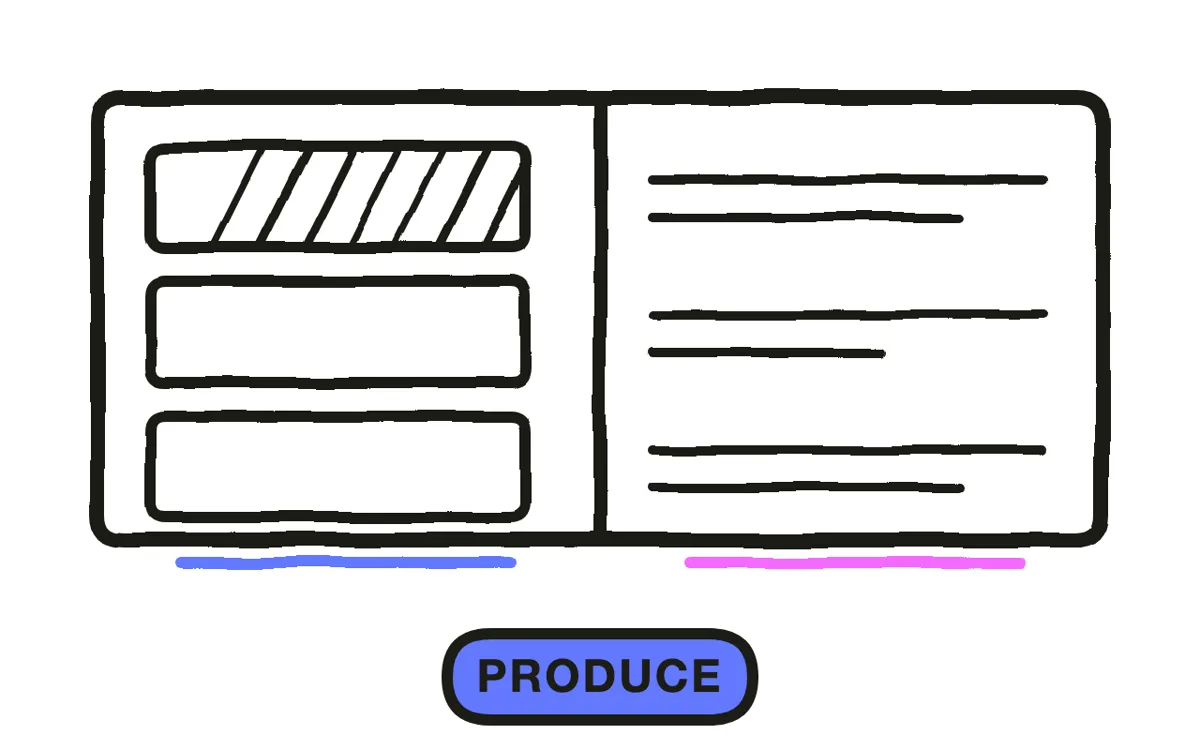
Step 4: Produce the sequence
Three routes work. Drawing on a tablet is fastest here of all the hand-drawn styles, because doodle needs no precision. Template tools with doodle libraries are quicker still and produce a look shared with other companies. Generation builds the sequence from the script.
Pexo's text-to-video workflow generates doodle-style sequences holding one line quality across every frame, which is the thing that most often goes wrong when drawings come from a mixed library.
Step 5: Pace the drawing faster
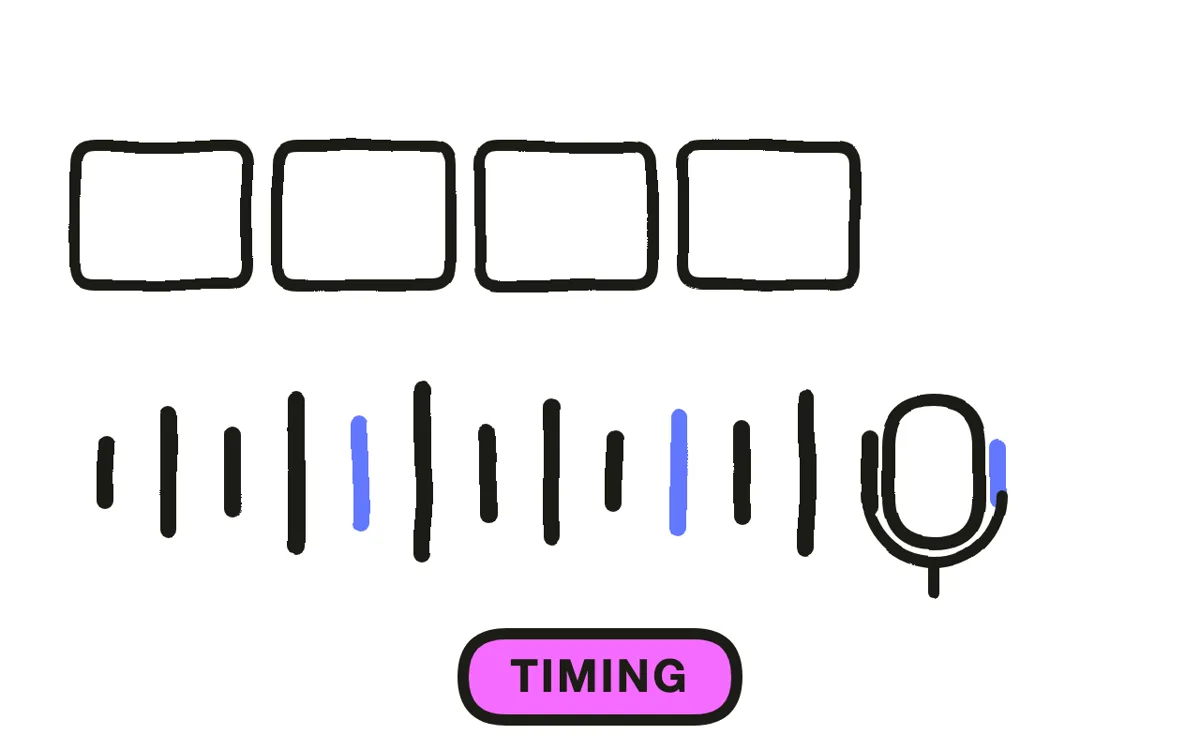
Let elements appear in a beat rather than being drawn out stroke by stroke. Doodle is not waiting for a hand to finish, which is the main reason it moves faster than whiteboard animation and why it suits shorter runtimes.
Still reveal in order: subject, then relationship, then label. A label arriving before its shape makes the viewer read a word attached to nothing, and in a fast-paced format that confusion costs more because there is no time to recover. Pexo generates narration with natural voices and times the reveals to it.
Step 6: Export for your placement
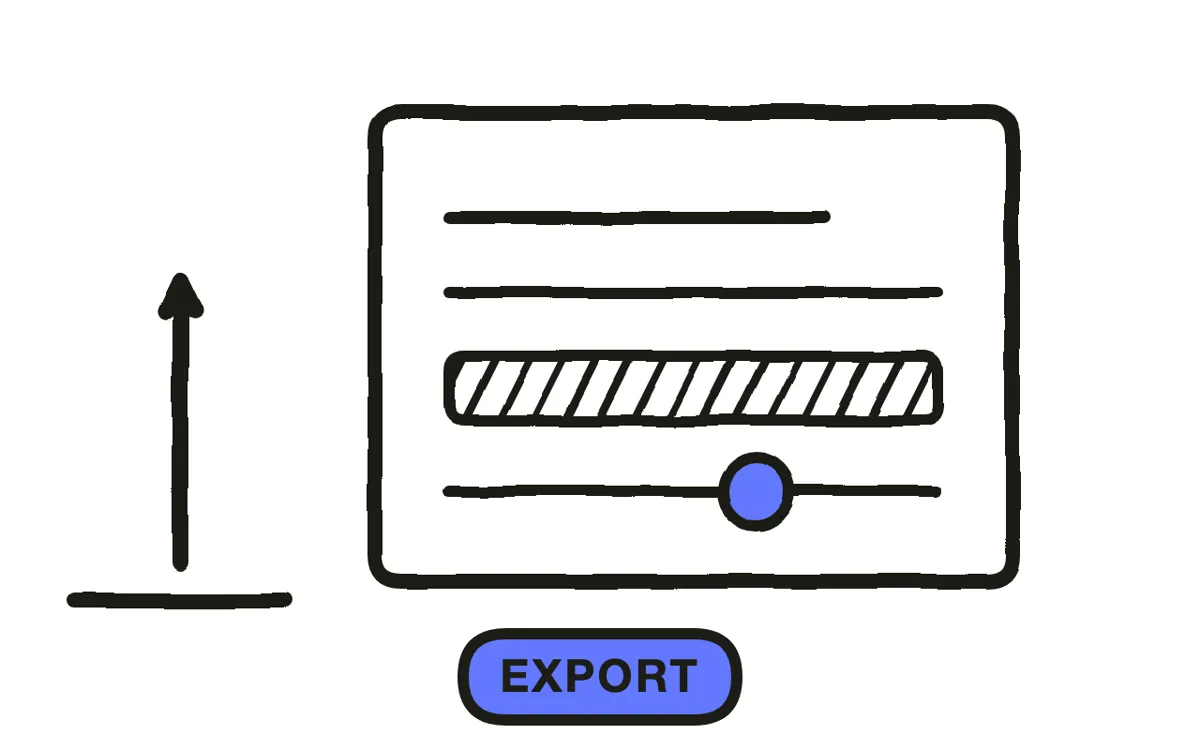
Export 16:9 at 1080p or higher for a website, YouTube, and presentations. Export 9:16 for Reels, TikTok, and Shorts, and 1:1 for feeds. Pexo exports all three from one project.
Redraw compositions for vertical rather than cropping, since the arrangement of doodles on the page is usually carrying the relationship being explained. Check exports for compression damage, because thin wobbly line work is exactly what heavy compression turns to mush.
How to Make a Doodle Explainer Video with Pexo
The six steps above work with any tool. Pexo handles steps 4 through 6 in a single conversation, and holding one line quality across a whole set is the part hand-assembled libraries reliably get wrong.
Open the sketch video page and describe the piece: "A 75-second doodle explainer on why meetings multiply, deliberately rough marker line, one orange accent on black and white, six doodles, dry conversational narration." Pexo generates the set in one consistent hand, records the narration, and times the reveals.
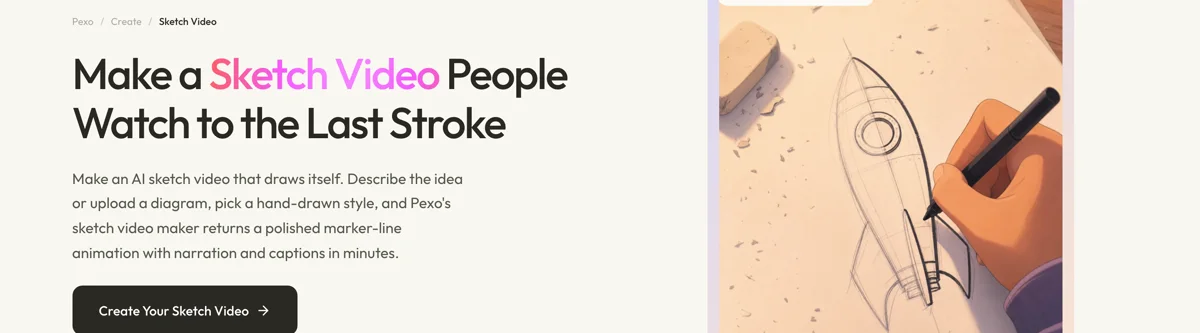
Adjust any doodle by describing the change in the chat, and Pexo regenerates that segment alone. The platform runs across Seedance 2.0, Kling AI, and more.
For related styles, the whiteboard animation page covers the drawing-reveal format and paper animation covers cut-out handmade work.
5 Mistakes That Make Doodle Work Look Careless
1. One carefully drawn element among rough ones. It reveals the looseness elsewhere as a limitation rather than a choice.
2. Using it where credibility is the question. Casual is the opposite of the signal an enterprise or regulated buyer is looking for.
3. Full colour. It turns doodle into illustration and loses the margin-note quality that made the style distinct.
4. Drawing everything out stroke by stroke. That is whiteboard animation. Doodle's advantage is that elements can just appear.
5. Asking it to carry detail. The style holds informality well and complexity badly. Past ninety seconds, change format.
Related Tutorials
- How to make a sketch explainer video for more considered hand-drawn work
- How to make a whiteboard explainer video for the drawing-reveal format
- How to make a stick figure explainer video for minimal character work
- How to make a 2D explainer video for polished vector animation




