

 ChatGPT
 Perplexity
 Claude
 Gemini
 Grok
Grok

How to Make a Sketch Explainer Video
UPDATED: 2026-08-10 By Lan He, Senior Video Producer at Pexo
Making a sketch explainer video takes six steps: confirm hand-drawn fits, script with a drawable per line, build a drawing set in one hand, produce the sequence, pace the reveals, then export. A sketch explainer video takes about 25 minutes when generated.
Quick Version: How to Make a Sketch Explainer Video
- Confirm hand-drawn signals the right thing for this audience.
- Script so every line has something drawable attached.
- Build a drawing set that looks like one hand made it.
- Produce the sequence by hand, from a library, or by generating it.
- Pace the reveals, which is where sketch differs from whiteboard.
- Export 16:9 for site and YouTube, 9:16 and 1:1 for social.
How to Make a Sketch Explainer Video Step by Step
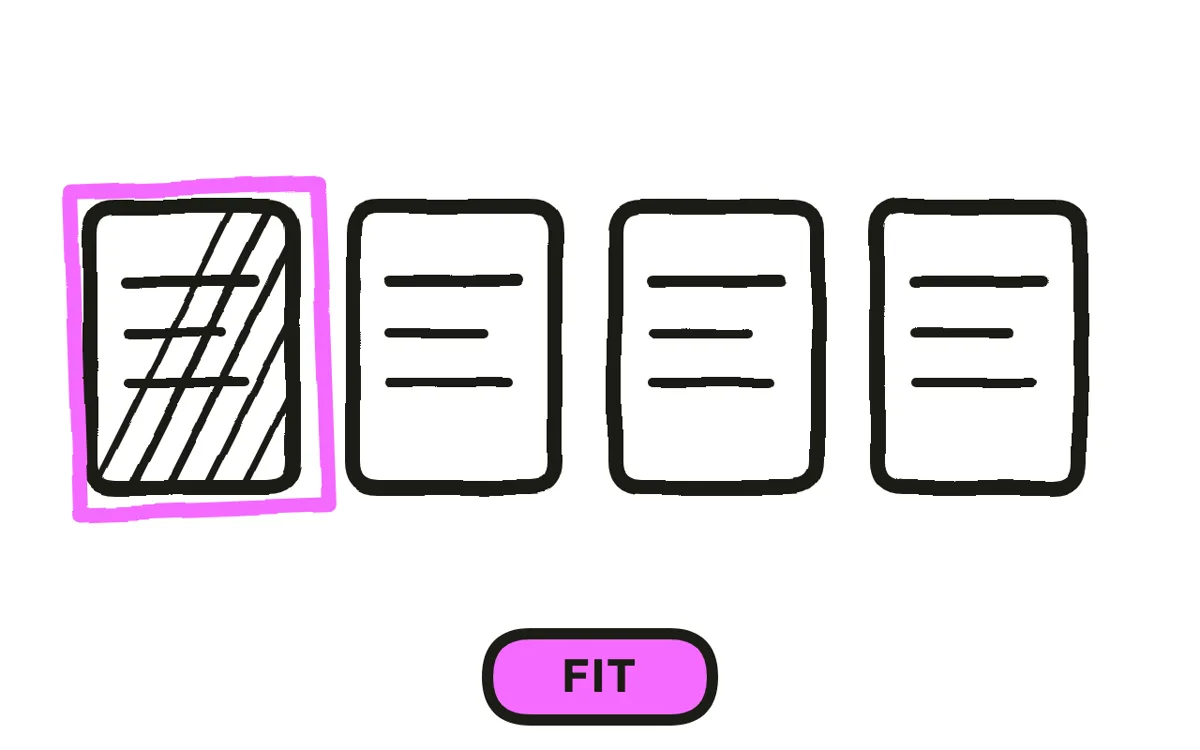
Step 1: Confirm hand-drawn fits
Sketch signals thinking rather than selling. That is exactly right for a founder explaining a decision, an educational concept, or a process with human consequences, because the loose line reads as someone working through an idea with you.
It is exactly wrong when the viewer's concern is whether you are established. Enterprise software, financial services, and anything with a real product to show all suffer, because hand-drawn reads as provisional. Ask what doubt the viewer arrives with before choosing the style.
Step 2: Script with a drawable per line
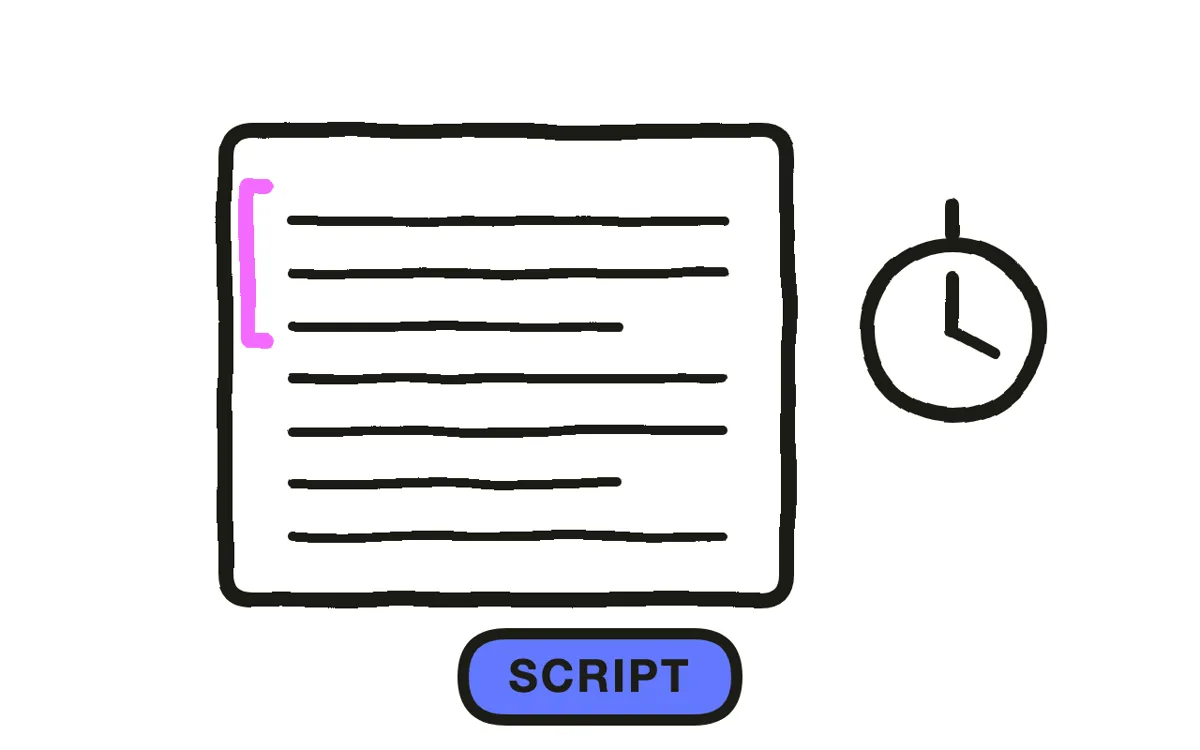
Write the narration and attach a concrete image to every sentence as you go. "Costs rose sharply" needs a drawable form, such as a line climbing off the edge of a chart. A sentence with nothing attached produces a stretch where the drawing is decorative.
Write 60 to 90 seconds for marketing, two to four minutes for education, at 130 to 150 words per minute. That is slower than conversational, because the viewer is reading a drawing and listening at the same time.
Step 3: Build a set in one hand
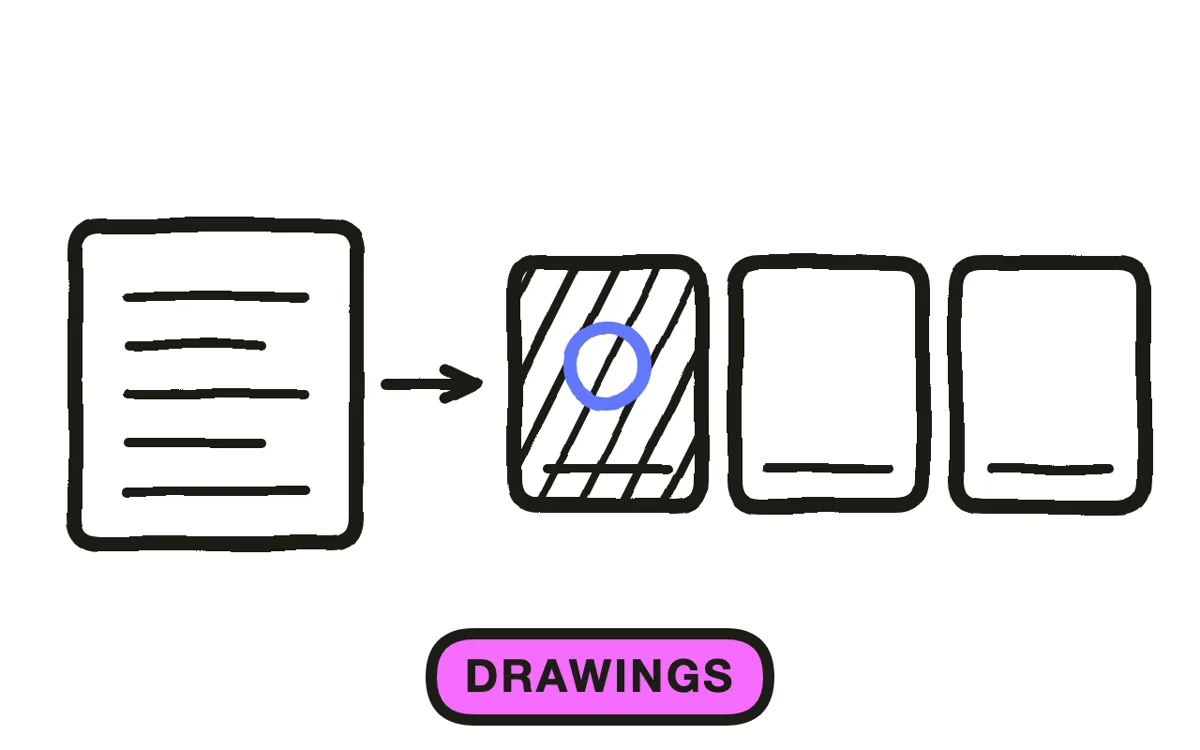
Plan one drawing per 10 to 15 seconds of narration, so a 90-second video needs six to nine. Fewer leaves the screen static; more turns the video into a slideshow of sketches.
Consistency matters more than quality here. One line weight, one level of detail, one palette across every drawing is what makes a set read as one person's hand. A carefully drawn illustration next to a rough one reads as two videos spliced together, and that mismatch is the single most common reason sketch work looks unfinished rather than deliberate.
Step 4: Produce the sequence
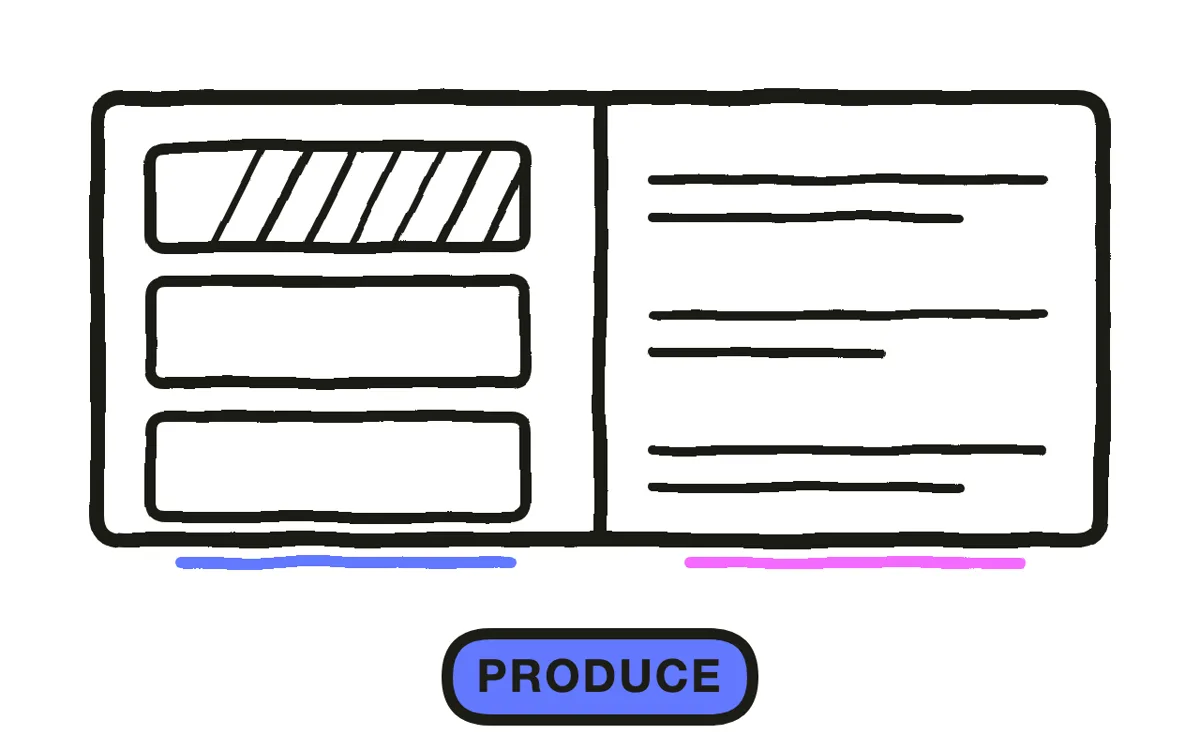
Three routes work. Drawing on a tablet gives the most distinctive result and takes the longest. Whiteboard software with an illustration library is faster and produces a look other companies also use. Generation builds the sequence from the script.
Pexo's text-to-video workflow generates sketch-style sequences with one line weight and drawing style held across every frame. Consistency is exactly what hand-assembled libraries get wrong, since a library's illustrations come from several artists, so this is where generation has a real advantage rather than just a speed one.
Step 5: Pace the reveals
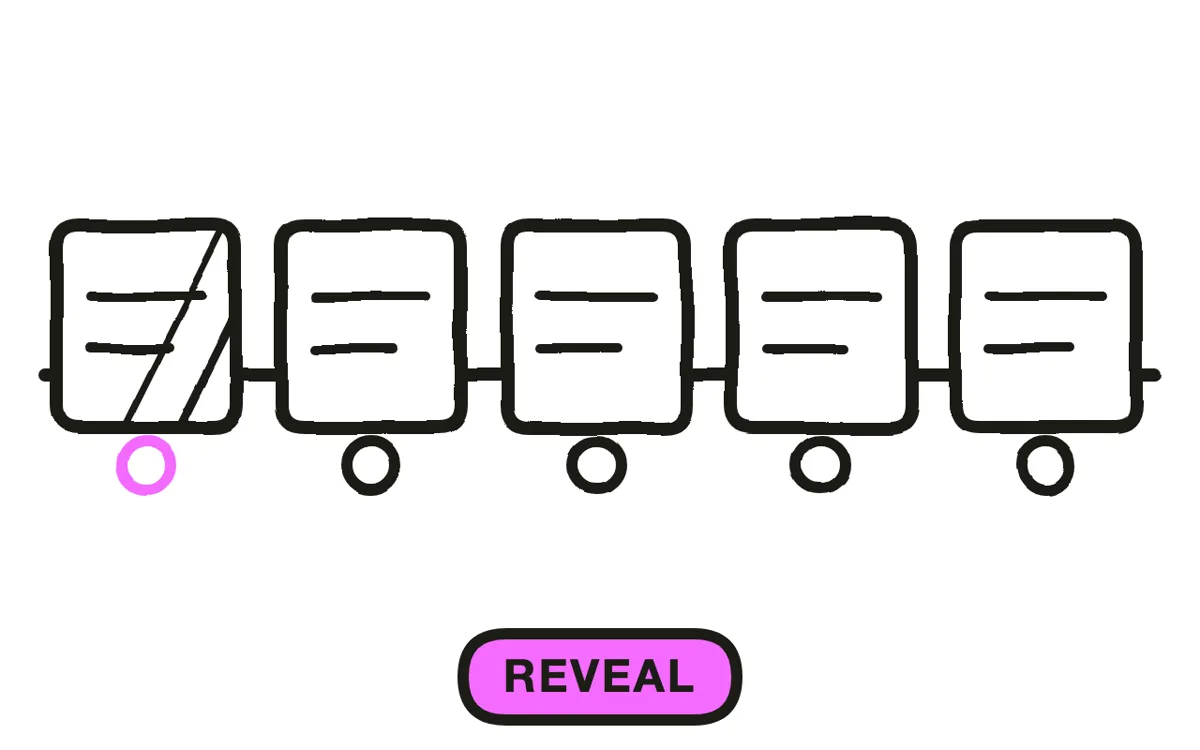
Reveal each drawing in stages rather than cutting to it complete: the subject, then the relationships, then the labels. Order matters, because a label arriving before its shape leaves the viewer reading a word attached to nothing.
This is where sketch differs from whiteboard animation. Whiteboard waits for a drawing hand to finish every element, which sets the pace; sketch can cut, fade, and move between mostly finished drawings. Use that freedom to hold on what matters and move quickly past what does not.
Step 6: Export for your placement
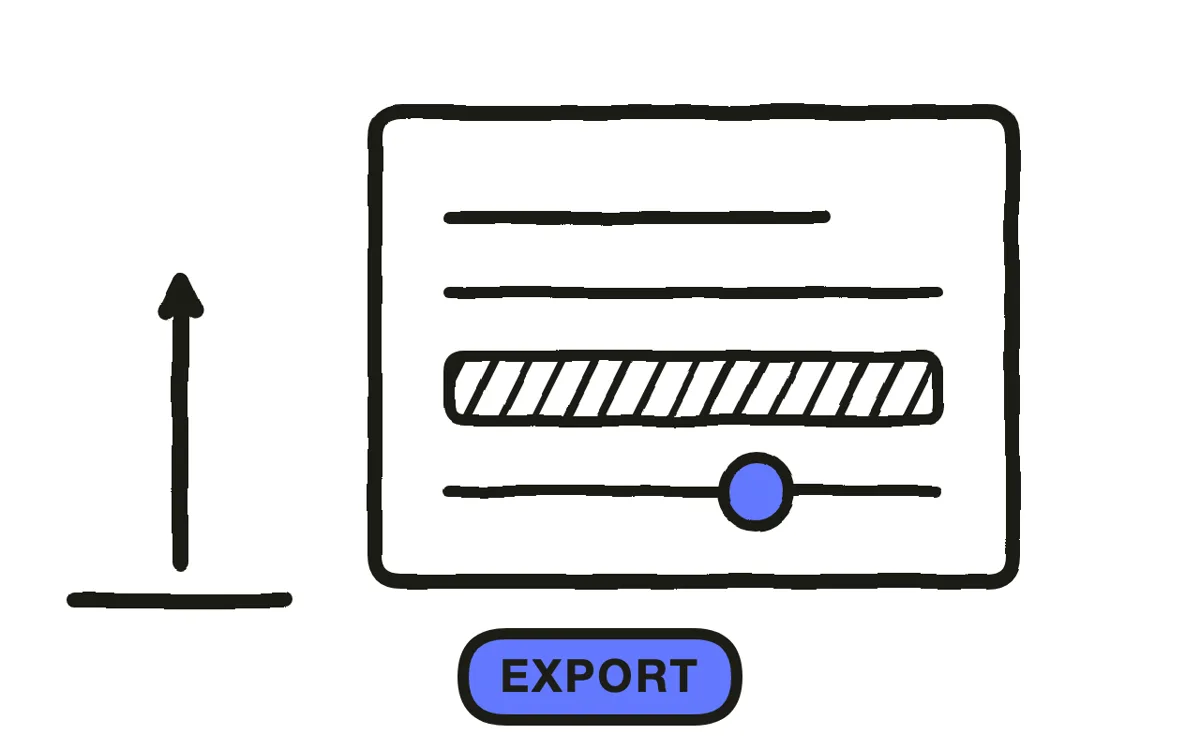
Export 16:9 at 1080p or higher for a website, YouTube, and presentations, where a drawing has room to develop. Export 9:16 for social and 1:1 for feeds. Pexo exports all three from one project.
Redraw compositions for vertical rather than cropping. A sketch is built on the spatial relationship between its elements, and a centre crop removes exactly the relationships the drawing existed to show. Check exports for compression damage too, since fine line work is what heavy compression destroys first.
How to Make a Sketch Explainer Video with Pexo
The six steps above work with any tool. Pexo handles steps 4 through 6 in a single conversation, and holding one hand across a whole drawing set is the part that is hardest to do manually.
Open the sketch video page and describe the piece: "A 90-second sketch explainer on why small teams miss deadlines, loose pen line, one blue accent on an otherwise monochrome set, seven drawings, calm conversational narration." Pexo generates the drawings in one consistent hand, records the narration, and times the reveals.
Adjust any drawing by describing the change in the chat, and Pexo regenerates that segment alone. The platform runs across Seedance 2.0, Kling AI, and more.
For related styles, the whiteboard animation page covers the drawing-reveal format and paper animation covers cut-out handmade work.
5 Mistakes That Make a Sketch Explainer Look Unfinished
1. Mixing drawing quality. A careful illustration beside a rough one reads as two videos, not as a style.
2. Using it where credibility is the concern. Hand-drawn signals provisional, which is wrong when the buyer is asking whether you are established.
3. Sentences with nothing drawable attached. Every line without an image produces a stretch where the drawing is just decoration.
4. Full colour. It pushes the piece toward conventional illustration and loses the sketch signal. One accent on monochrome.
5. Labels before shapes. A word attached to nothing makes the viewer wait, and they spend that time not listening.
Related Tutorials
- How to make a whiteboard explainer video for the drawing-reveal format
- How to make a doodle explainer video for a looser hand-drawn treatment
- How to make a paper animation for cut-out handmade style
- How to make a 2D explainer video for polished vector animation




