

AI B-Roll Showcase Video
Make a b-roll showcase video with Pexo. Group recorded B-roll by setting, action, and detail. Show how your footage can support a story.
Make an AI cinema drone aerial showcase video from recorded footage. Give each landscape or property a clear wide view, contrast it with overhead detail, and share a coherent reel with clients or collaborators.
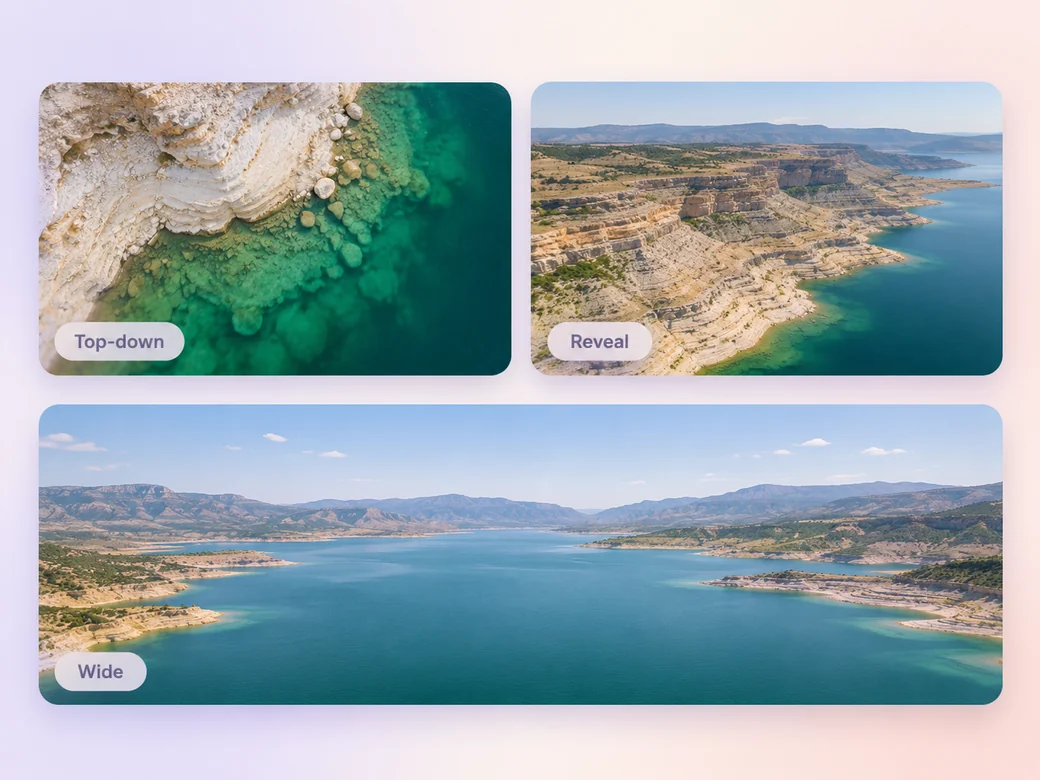
Start with the aerial shots that clearly show the place. In Pexo’s cinema drone aerial showcase video maker, group your footage by location and place the strongest example near the beginning. Use Merge Videos to put the wide, top-down, and reveal views in a review order you can share.

The preview opens over the reservoir and holds long enough to see how the forest meets the shoreline.
What to review
Follow a broad reservoir view with the edge of the water or a shape only visible from overhead. Return to a wider shot when you move to the next location. Each angle should tell viewers a little more about the place and give the reel room to breathe.
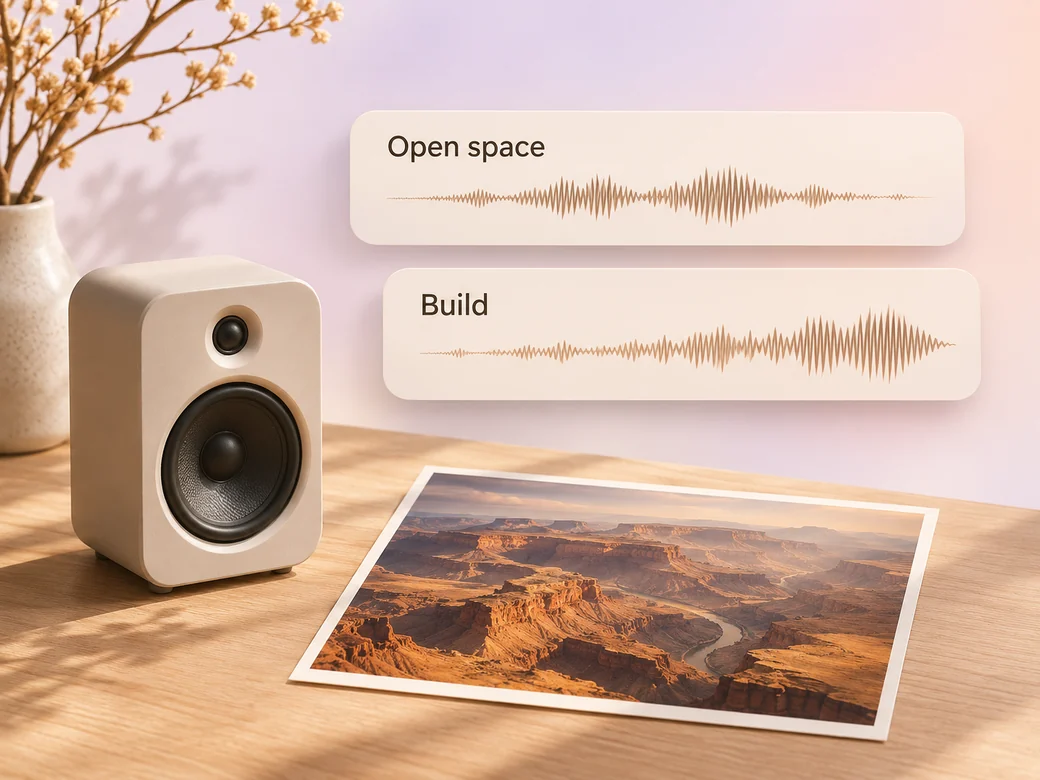
Try a sparse instrumental when the wide view needs time and a gentle build as the next ridge or shoreline comes into view. Tell Music Generation where the score should change, then listen against the images. Bring back location sound when it adds a sense of place.
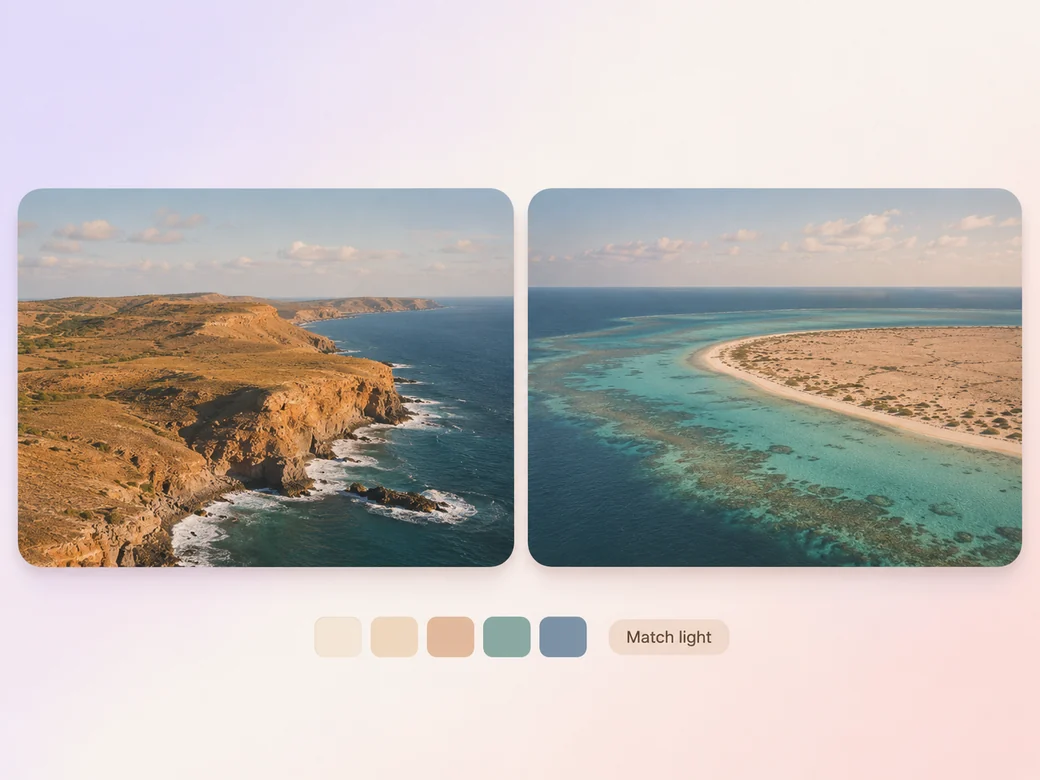
Compare adjoining frames for changes in brightness and color. Start with scenes that have similar daylight, and use a chapter break when you move from clear midday to dusk. Ask for a consistent grade across each group and check that water, trees, and stone still look like the location.
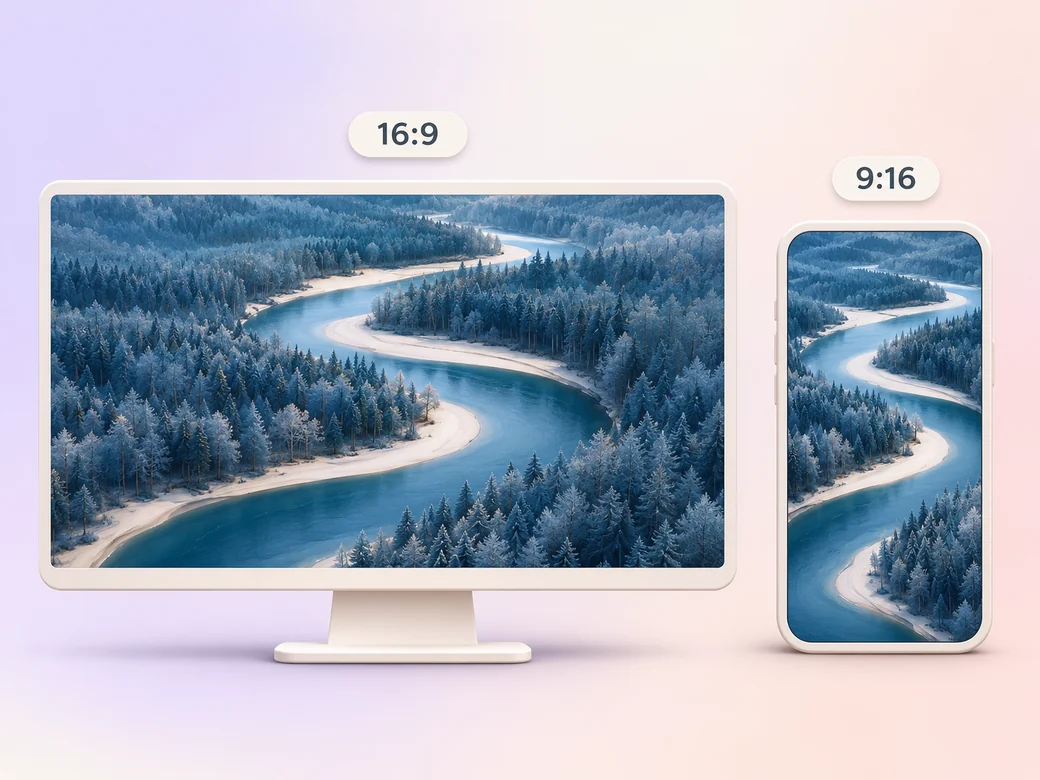
Keep a 16:9 portfolio version when the whole horizon or river bend matters. For a vertical teaser, select a subject that holds its shape in the crop. Preview the ridge or shoreline on a phone before you post and keep the wider version available for the full view.
“I want the reel to show where the view sits in the landscape. A single wide shot gives all the closer details a place.”

“I compare the light at the end of one shot with the start of the next. Matching the time of day helps the reel feel intentional.”

“The music should give a reveal time to land. I listen for a cue that follows what I see in the footage.”

A cinema drone aerial showcase video is a short reel of recorded aerial views made to show a location or demonstrate the quality of the footage. It often pairs a wide establishing view with an overhead detail and a reveal. The sequence lets viewers see the place in relation to its surroundings.
Select the recorded aerial views that best show the place, including an establishing angle, one distinct detail, and a strong ending view. Group them by location and lighting. Include a shot list or place names if those details belong in the finished reel, and use footage you have permission to share.
Give each shot a purpose. Open on the wide landscape to establish scale, get closer to one contour or surface, and introduce the next place with a different angle. If two shots appear to tell the same story, keep the one that gives the viewer a clearer sense of the geography.
Pexo helps order your recorded camera views, match the music to the sequence, and prepare a shorter cut after review. Use your real captures to represent the location. Try Kling AI 3.0 for an optional separate animated scene based on a licensed still, such as a visual opening for the portfolio.
An aerial showcase focuses on height, perspective, and how the shots reveal a place. A cinematic video may combine aerials with faces, dialogue, ground-level shots, and a broader story. Use the aerial reel to present the camera work itself or share a separate location preview with a client.
Use subject + action + camera movement + setting + style. Try ‘Start on the wide filmed reservoir view. Follow the slow lateral move above the trees, then cut to the existing top-down shoreline shot. Keep the color natural and place the music lift on the final ridge reveal.’
Bring a wide view, an overhead detail, and a reveal. Give each angle a place in your reel.
Make a b-roll showcase video with Pexo. Group recorded B-roll by setting, action, and detail. Show how your footage can support a story.
Make a video montage with Pexo. Arrange clips and photos around one theme, pace the cuts to music, and turn separate moments into a finished montage.
Make a Steadicam tracking shot showcase video with Pexo. Arrange recorded follow and lateral takes into a reel that shows how each move starts and lands.
Make an FPV drone flythrough video with Pexo. Organize recorded passes into one clear route, choose the sound, and prepare a wide reel or vertical cut.
Make a wedding video from ceremony clips, photos, and recorded messages. Use Pexo to tell the story of the day and keep the voices that matter.
Make an affirmation video with your own words, an optional voiceover, and time to pause. Review the pacing and readability with Pexo.
Make a graduation video from school photos, ceremony clips, and personal messages. Use Pexo to tell the story from the first day to the final walk.
Make a meditation video with a steady view, gentle movement, and quiet ambience or silence. Use Pexo to shape the scene and its pace.