




Real Estate Explainer Video
Create a real estate explainer video that shows each step of booking a viewing or preparing an application with Pexo.
Make an AI video production planning explainer from your brief and shot list. Use Pexo to walk your crew or client through the shoot, confirm what everyone needs to prepare, and collect decisions before filming.
Paste your written brief and draft shot list into Pexo. Say who will watch and what they need to decide. Ask Pexo to open with the goal, group the work into filming setups, and close with the outstanding decisions. Use script to video to turn the outline into a narrated first draft.
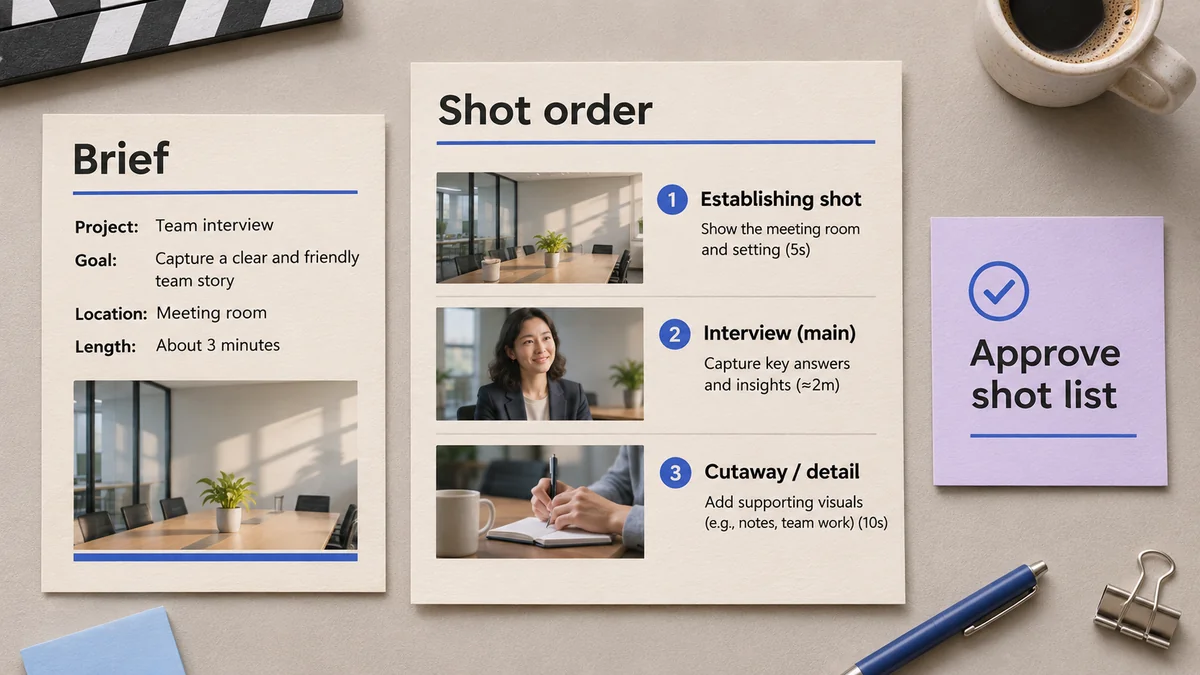
Use the first cut to check whether the shoot order and the approval request agree with your brief.
What to refine in Pexo
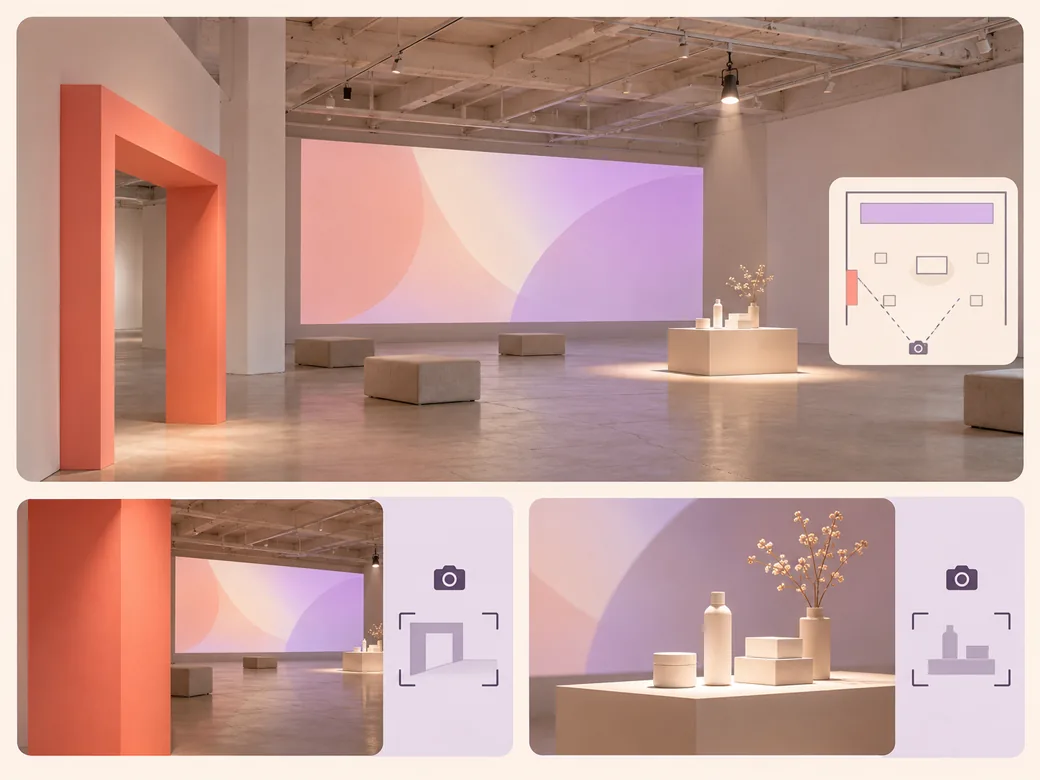
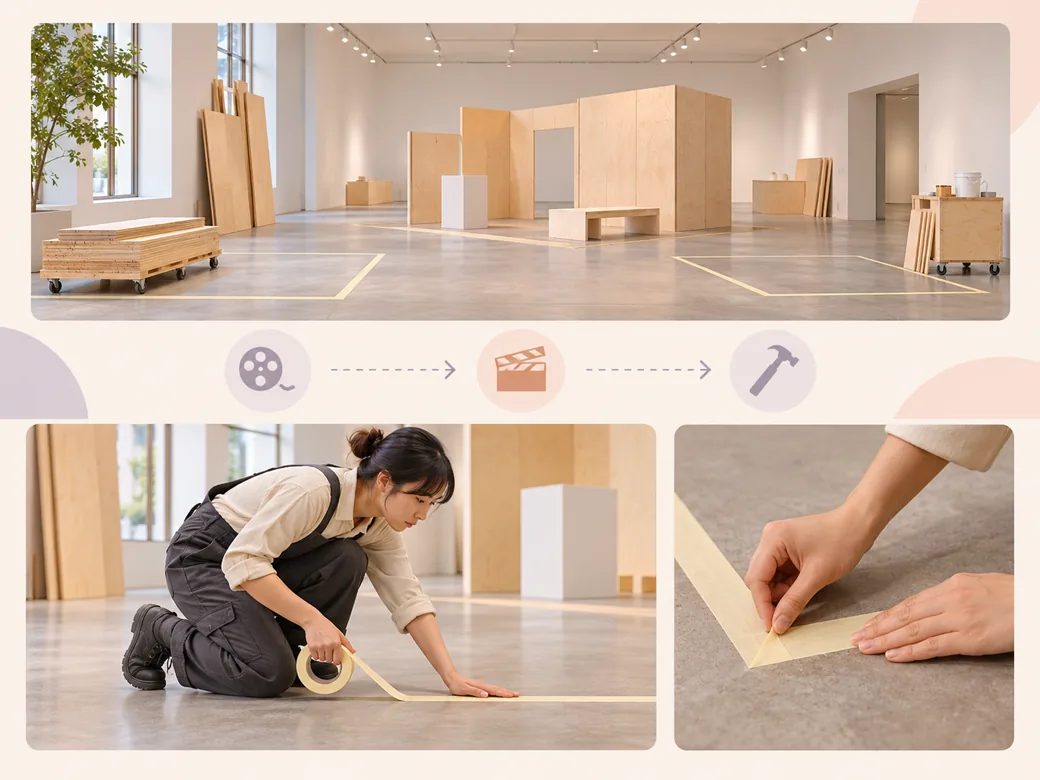
For each setup, write down what the crew needs to capture, why it matters, and who is responsible. Tell Pexo to give each setup a short label and put the labels in the order the crew will work. Call out any shot that depends on talent, access, or equipment that still needs confirmation.
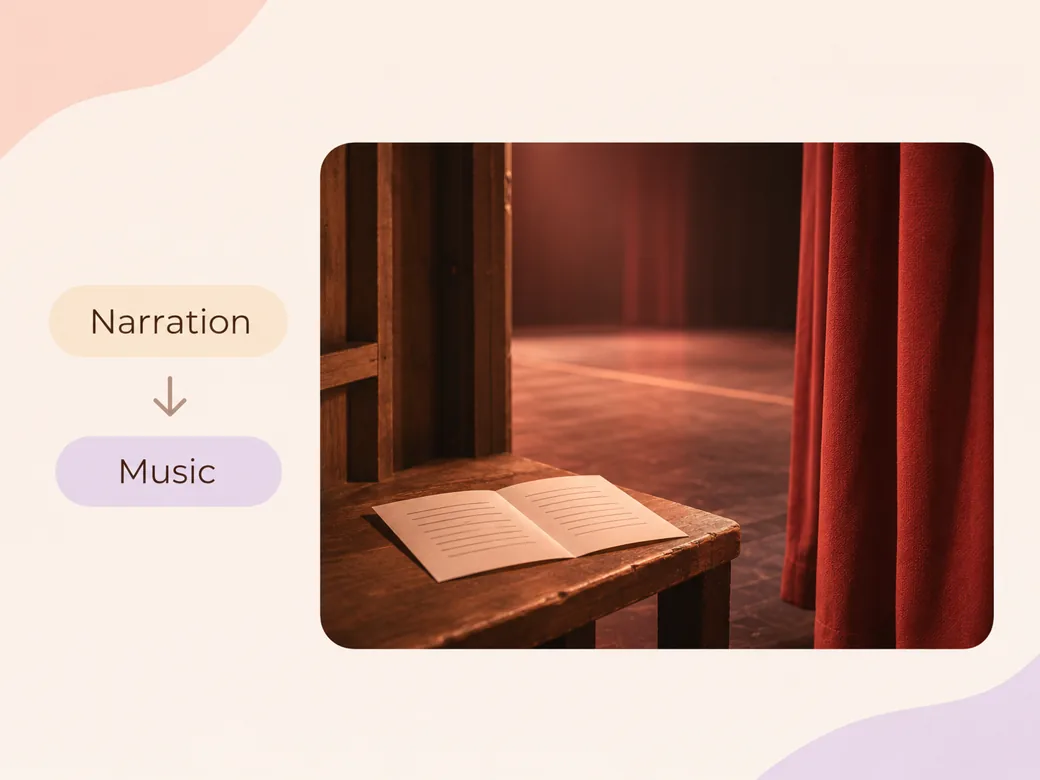
Ask for a steady read with one instruction per sentence. Give Pexo the exact names and terms the narrator needs to say, and use voiceover to prepare the read. Add short captions for each setup, then check that the owner and next action are clear even when the viewer watches on mute.
Share the first cut with the person who can approve the scope. When a note comes back, tell Pexo which part to revise and what was agreed. Ask it to put confirmed choices in the main walkthrough and collect open items on a closing screen with an owner and a deadline.
Use a 16:9 walkthrough for a kickoff call or a shared presentation. Ask for a 9:16 recap if the crew needs a quick update on mobile. Give the full walkthrough and the recap the same list of approvals, and check that titles and responsibilities are readable at the size people will actually watch.
“I check which setups we can film together and which depend on access or talent. I want to know who will confirm each open item before the crew arrives.”

“I need to see what the shoot will cover and which decisions are mine. Give me a concrete choice and a reply deadline so I can approve the scope in one pass.”

“I use the walkthrough to check that the planned coverage supports the edit. If we need a reaction, cutaway, or transition shot, flag it while there’s still time to schedule it.”

A video production planning explainer is a short video about how an upcoming shoot will work. It tells the crew or client what will be filmed, why the main shots matter, and what decisions are still open. Share it alongside the current brief so reviewers can check details and respond before filming.
A written brief and a rough shot list are enough to start. Include who will watch, the purpose of the shoot, the setups you expect to use, and the questions you need answered. Add storyboards or location references if they help communicate a visual decision. Name the owner for each open approval.
Yes. Ask Pexo to turn the written shot plan into a narrated walkthrough before you have footage. Use captions or simple visual references to clarify the order. If you include illustrative footage for a location or setup, label it as a proposal and confirm the actual arrangements with the production team.
Pexo’s video production planning explainer generator is useful when you need a narrated first cut that you can revise in chat. Give it the shoot order, the exact terms to use in narration, and the approval you need. Have a producer review the video against the current schedule before sending it out.
A production planning explainer serves the people who will make or approve the shoot. It covers setups, responsibilities, and decisions. A standard explainer video helps its audience understand a product, process, or idea. For example, the planning video can ask the client to approve a demo setup, while the public video teaches viewers how to use the product.
Include the viewer, project goal, shot order, responsibilities, and final approval request. Try “Make a 45-second 16:9 kickoff video for our product demo crew. Explain the presenter setup, hands-on demonstration, and close-ups in filming order. Add captions for each setup. End by asking the producer to confirm the shot list by Thursday.”
Bring your brief, draft shot list, and open decisions. Use Pexo to make a walkthrough your crew or client can review before shoot day.
Create a real estate explainer video that shows each step of booking a viewing or preparing an application with Pexo.
Create an insurance explainer video with Pexo. Use approved policy wording and make each step and contact option visible.
Use Pexo to make a B2B explainer video that explains one buyer workflow and gives the buying team a clear next step.
Create an app explainer video in Pexo from current screenshots, a short script and a visible completion state.
Make a corporate explainer video from your internal brief. Show roles, handoffs and next steps with Pexo.
Make an article-based explainer video with Pexo. Turn the main point, evidence, and examples into a short video that stands on its own.
Create Bible videos from reviewed verses, lesson notes, book overviews, timelines, and character studies with clear scenes, narration, captions, and human review.
Create Islamic videos from reviewed sources and lesson notes, covering history, culture, ethics, and education with respectful visuals and narration.