
Pexo›AI Video Gallery›Launch Video
Launch Video Examples
Explore launch video examples using kinetic text, interface motion, feature reveals, brand loops, and visual announcements for new digital products.

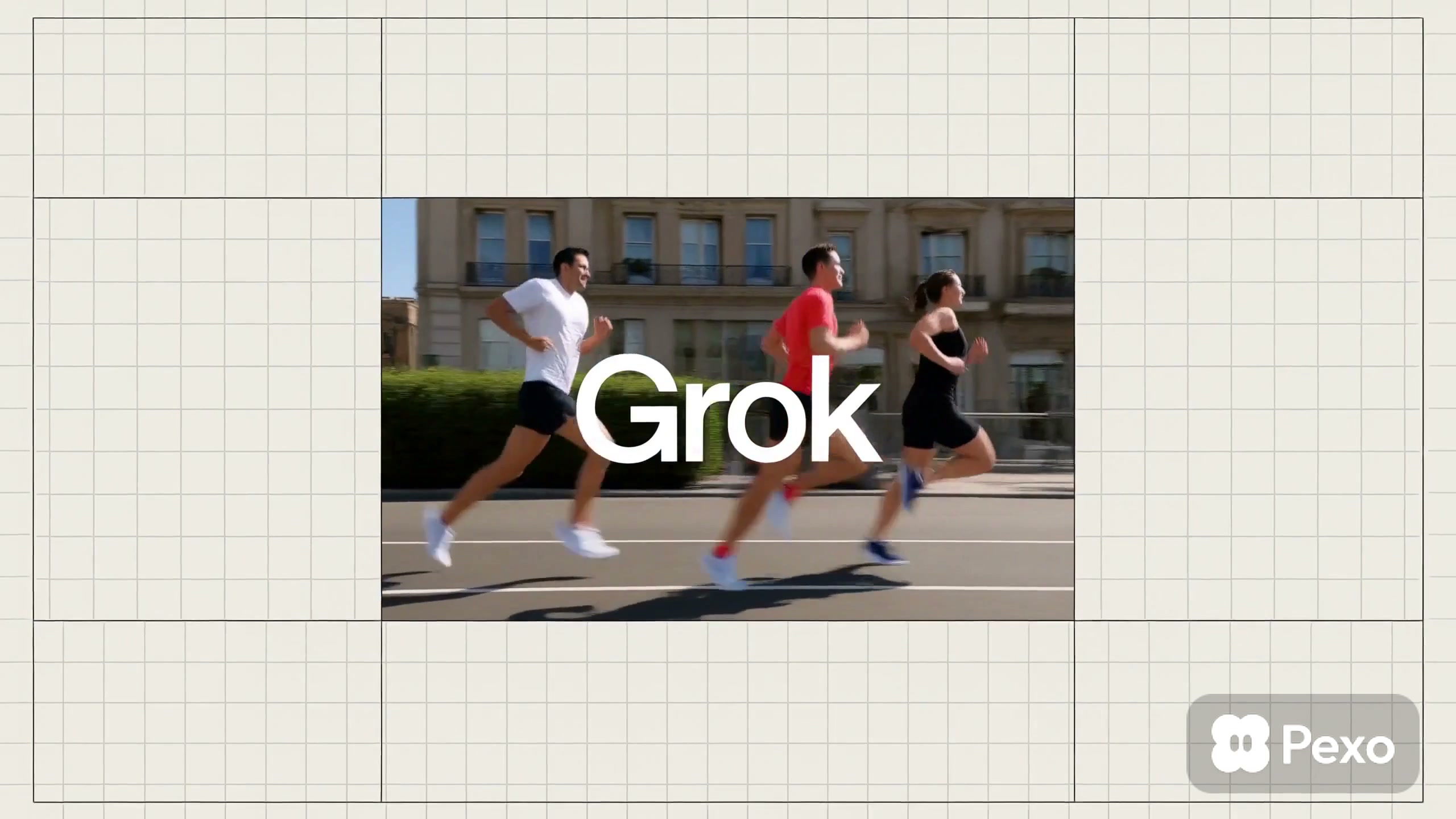
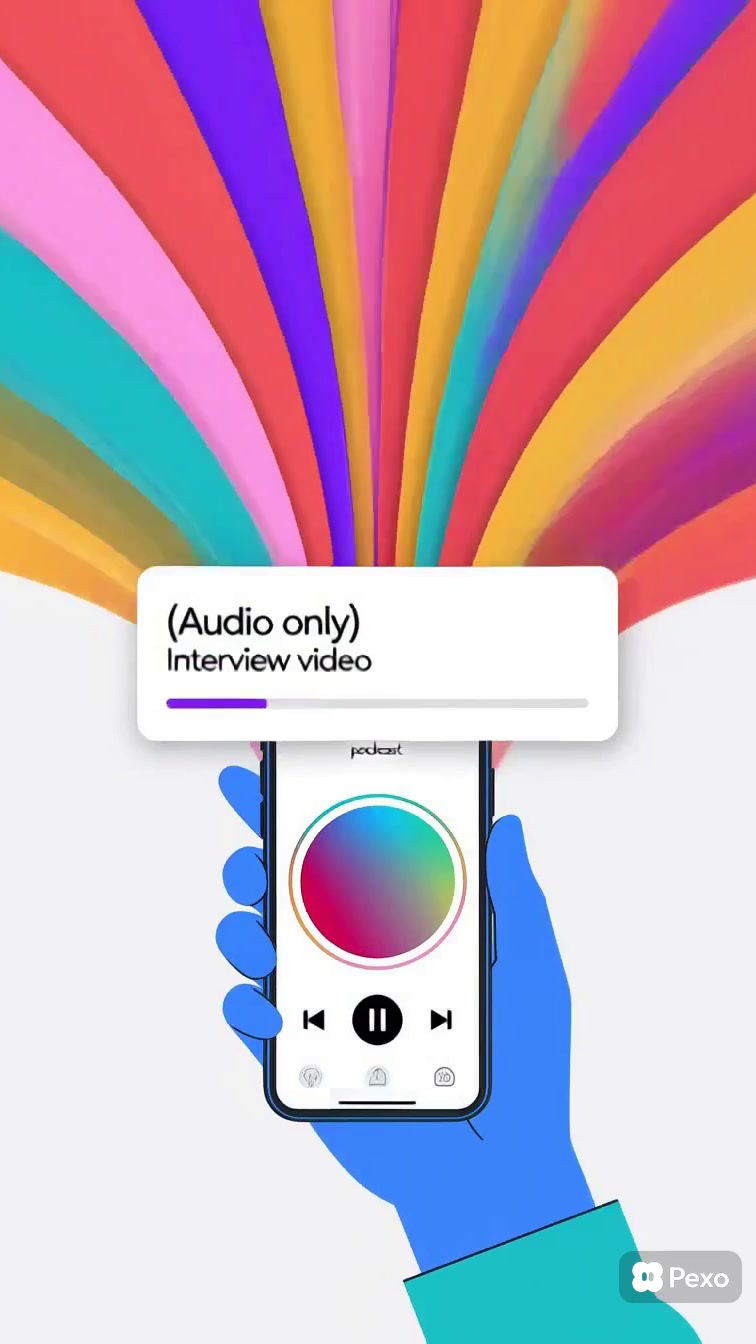
Explore the gallery
Launch Videos Build Momentum Around What Is New
Launch videos are focused announcements that introduce a new product, feature, identity, or direction with a clear sense of arrival. They combine a strong opening signal with selected proof, using text, interface views, brand motion, or a controlled reveal to show what is new without explaining everything at once.
This page helps visitors compare how launch video examples balance anticipation with useful information. The clips offer references for deciding when to lead with a brand cue, show the product immediately, build through kinetic text, or let one interface interaction become the center of the reveal.
Looking for a Launch Video Style That Fits the Reveal?
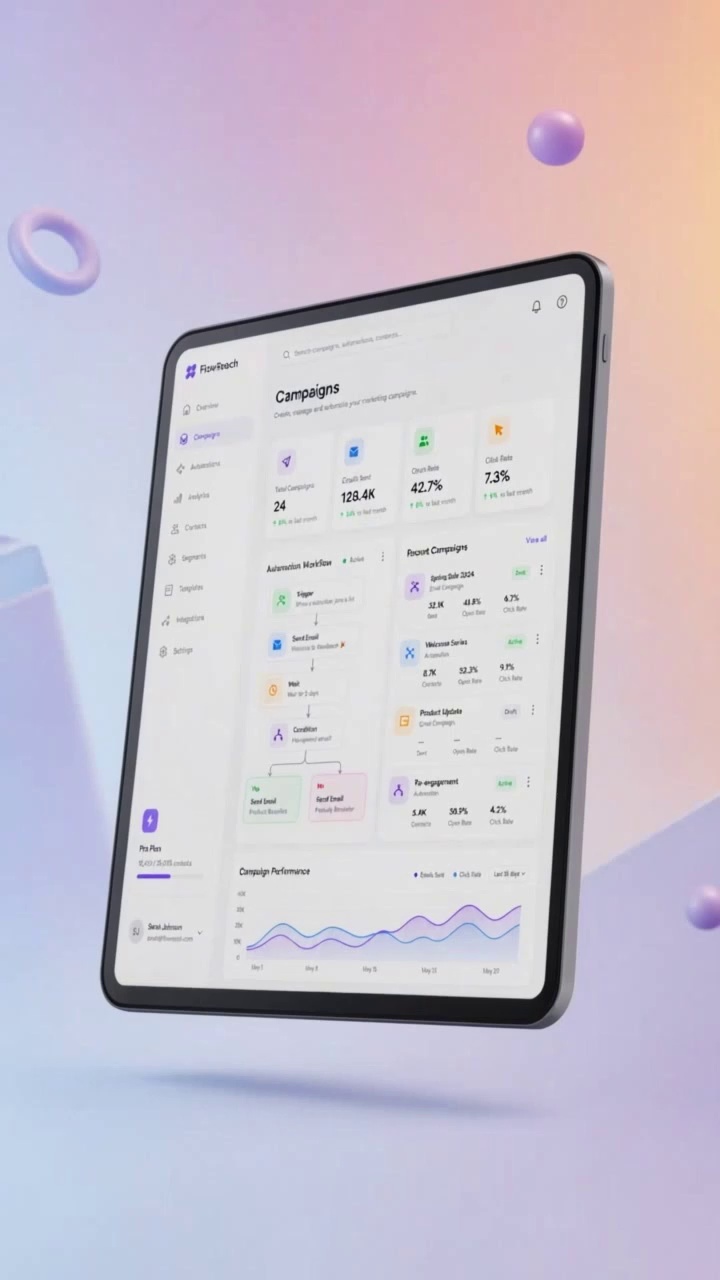
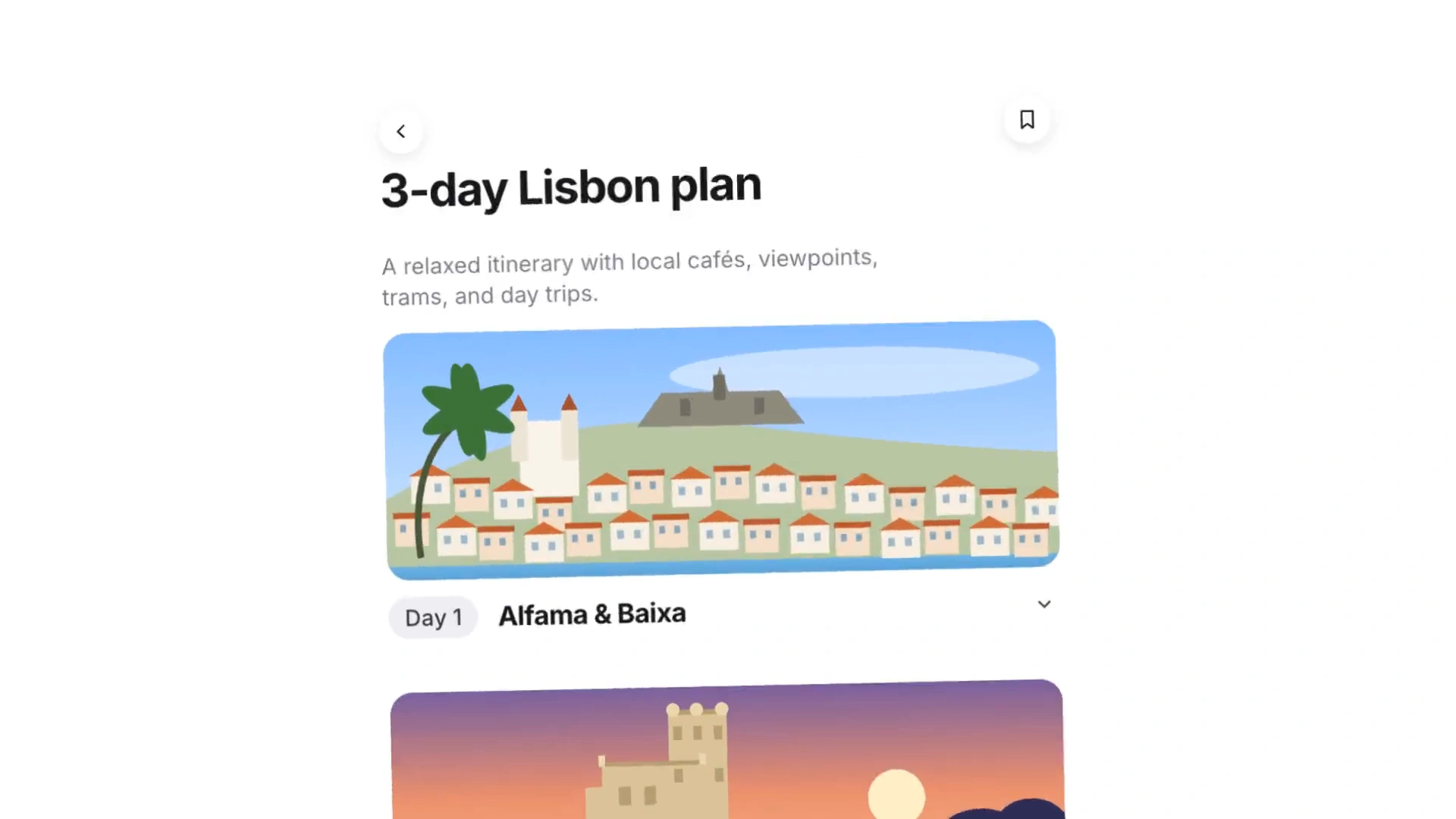
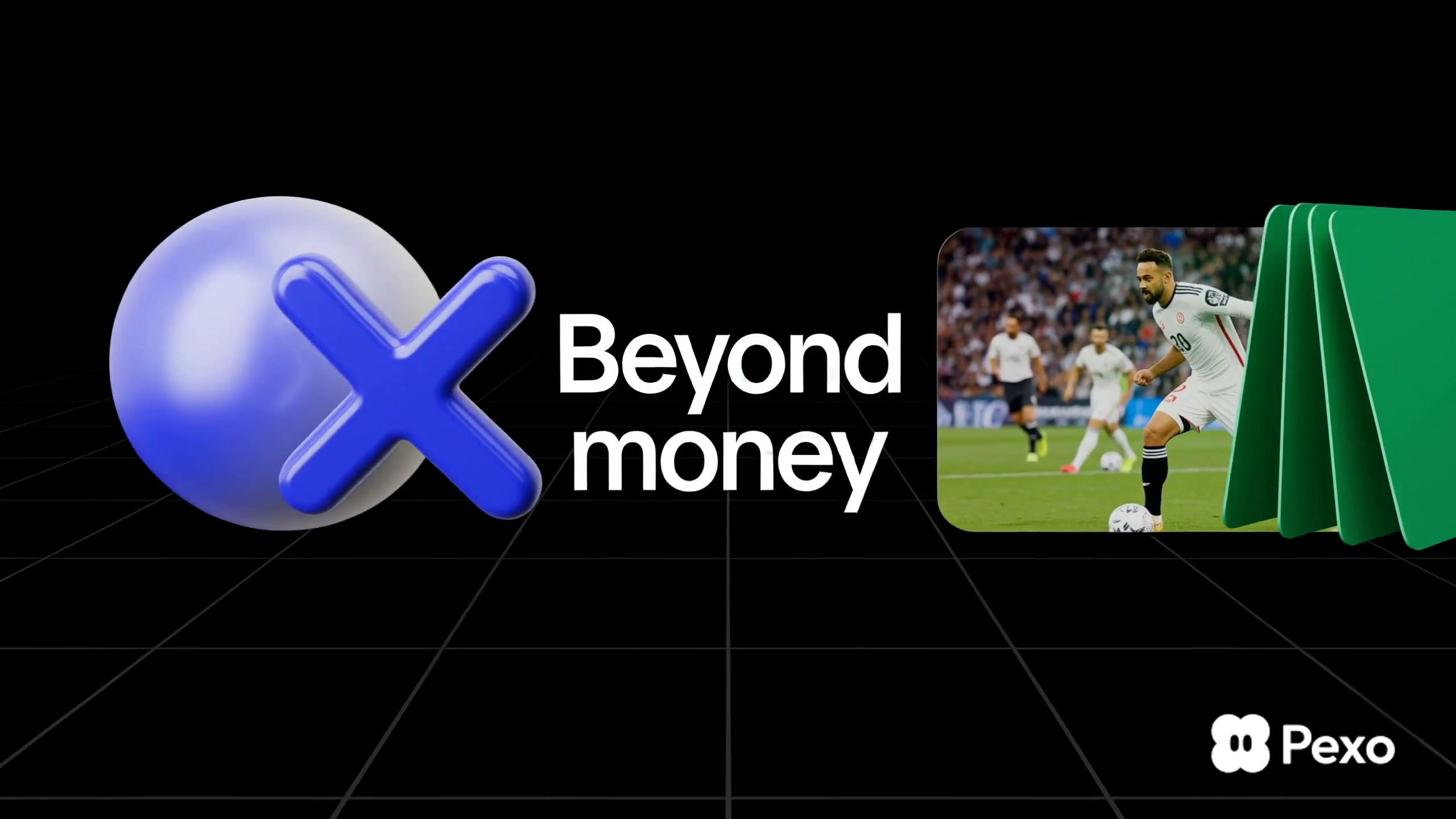
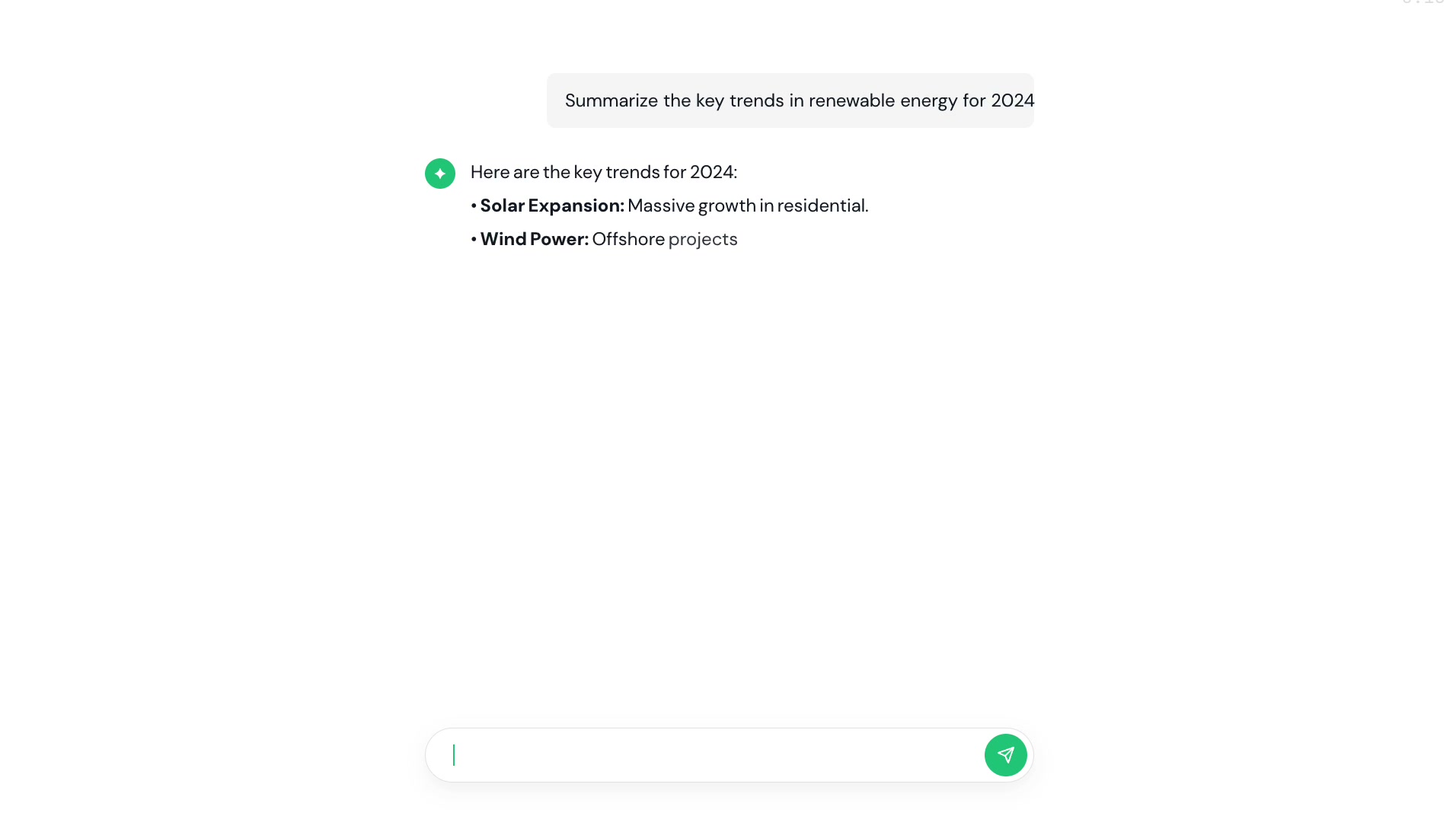
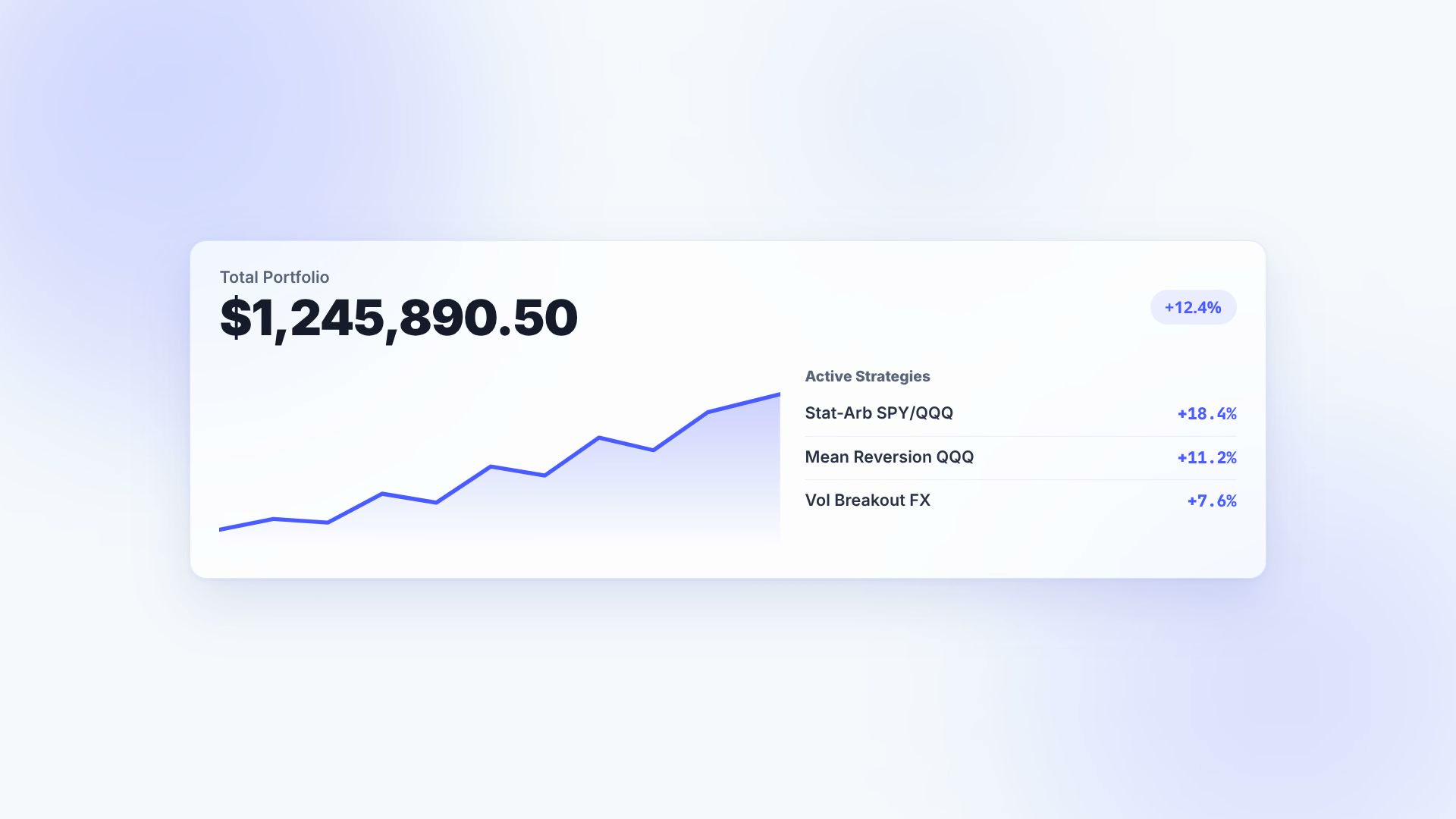
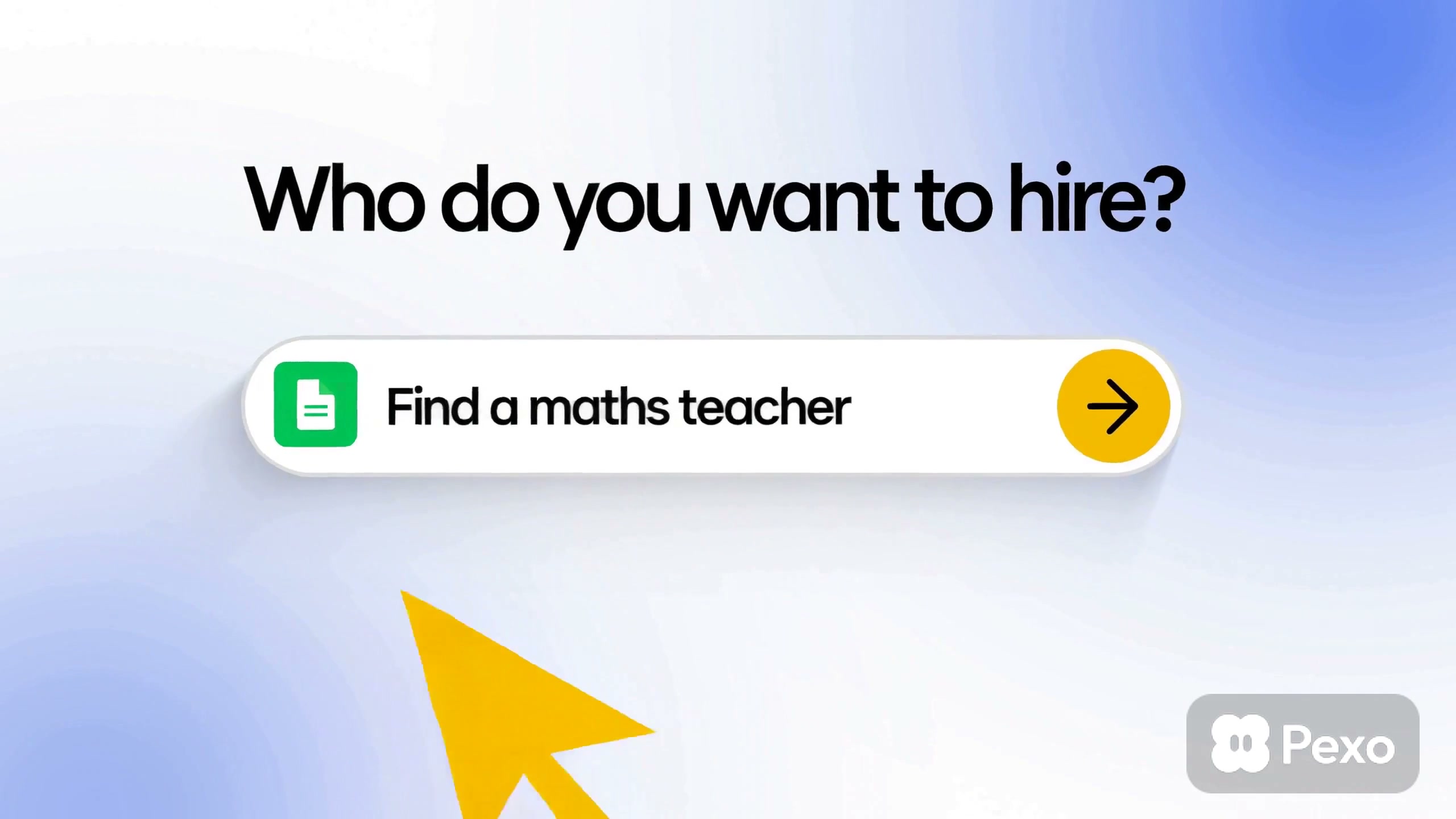
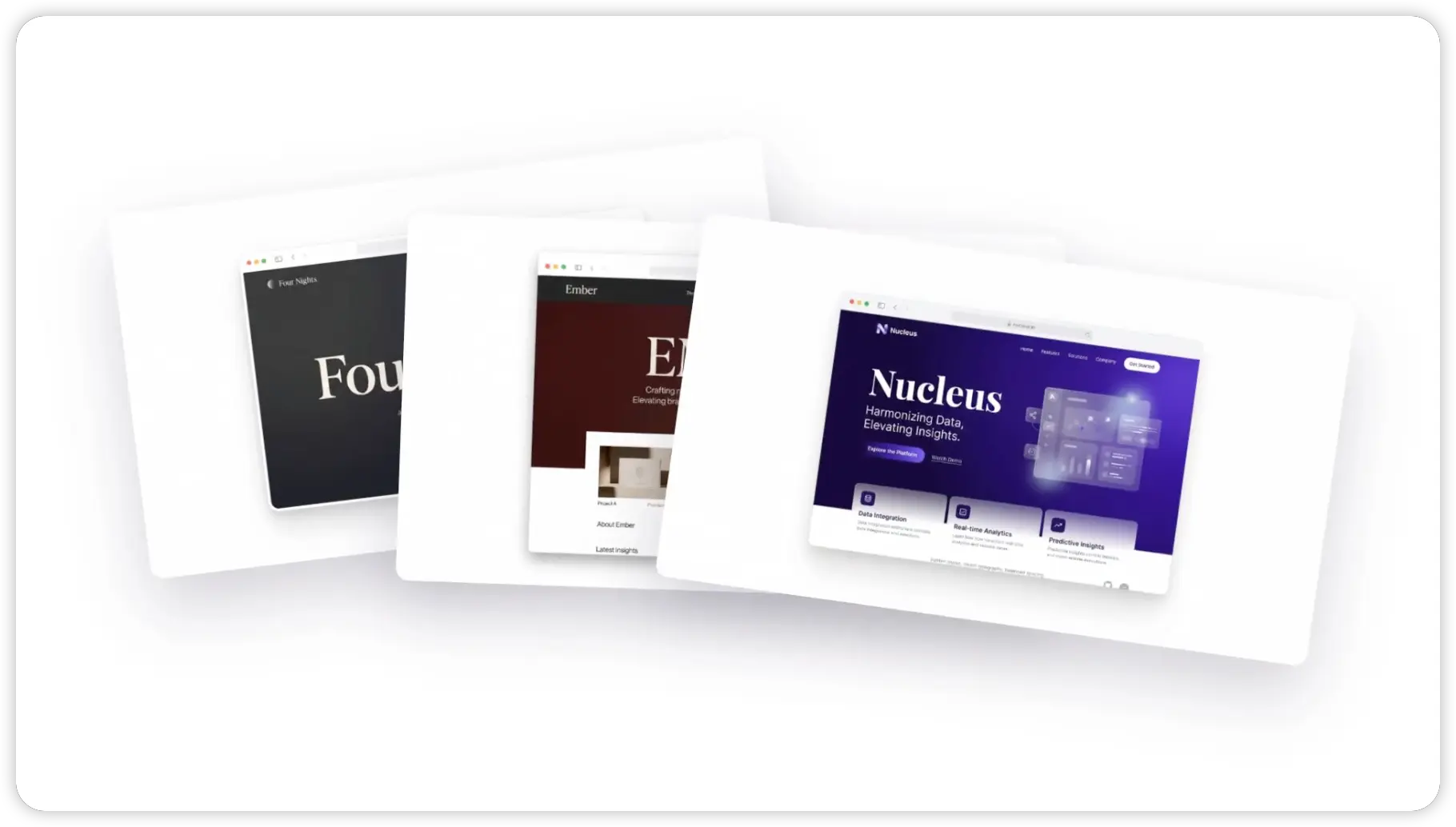
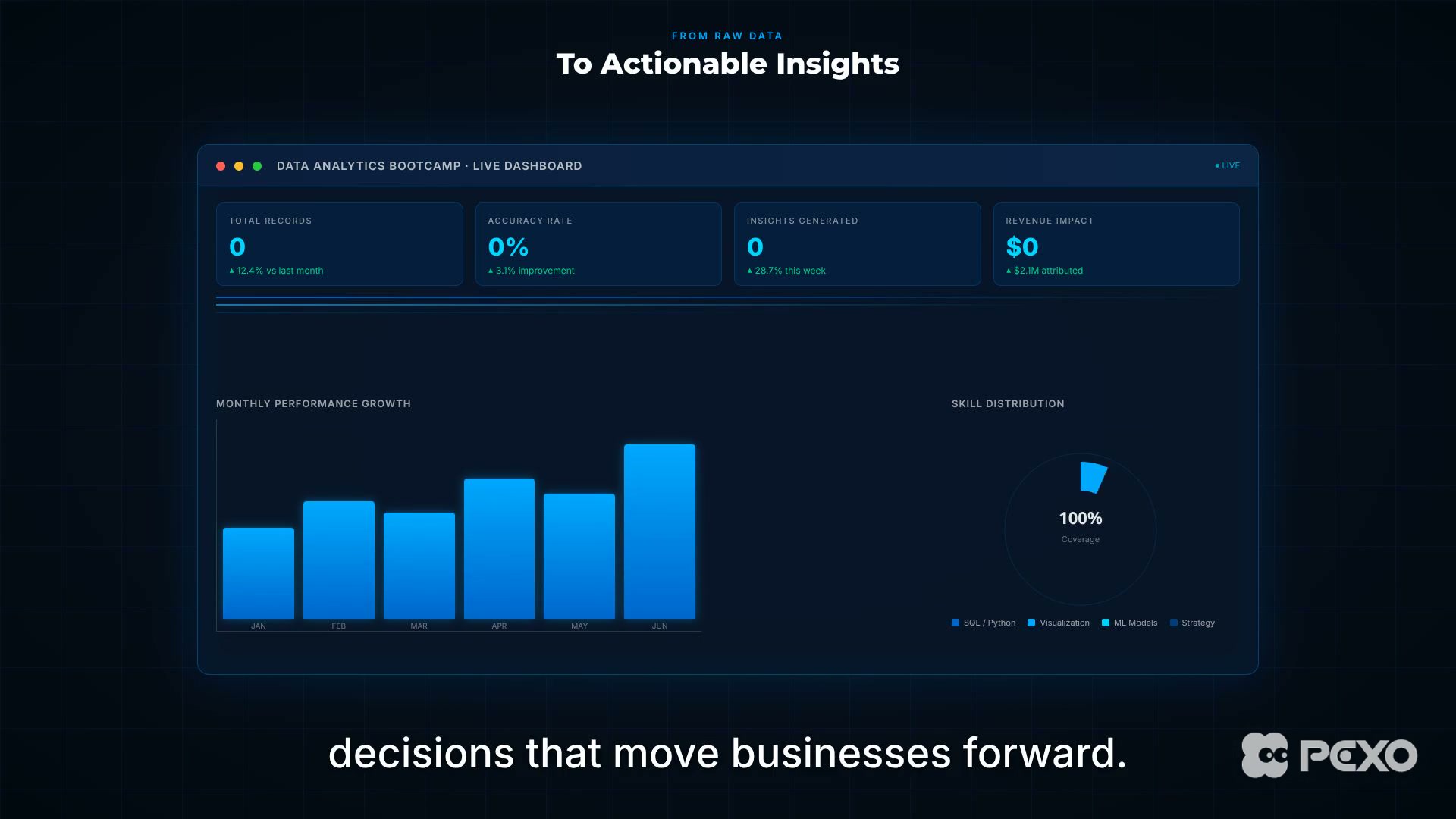
The current collection includes an AI prompt screen recording, a trading analytics promotion, chat and web-design interface sequences, a looping ribbon identity, and a doodle-style football introduction. All six assets use landscape framing, and most rely on motion graphics, UI movement, or animated text rather than filmed product demonstrations.
A teaser can hold back detail and use a single visual clue to create curiosity. A feature reveal needs enough interface or product evidence to make the change understandable, while a brand launch can give more space to type, color, shape, and rhythm. The intended takeaway should decide how much information appears before the final name or message.

Questions?
We're here to make it clear. Check out our FAQs, and if you still have questions, Pexo is always ready to help.
Should a launch video begin with the product or with a teaser?
Begin with the product when recognition and clarity matter most. Use a teaser when the audience already has context and the goal is to build anticipation before a later, fuller reveal.
How many launch messages should one video include?
One primary message is easiest to remember. Supporting features can appear as proof, but they should reinforce the same launch idea rather than compete as separate announcements.
How can a launch video work when viewers watch without sound?
Make the new product, feature, or name visible on screen and use short text cues for the key change. Music can add energy, but the announcement should remain understandable without it.