

 ChatGPT
 Perplexity
 Claude
 Gemini
 Grok
Grok

How to Make a Comic Explainer Video
UPDATED: 2026-08-10 By Lan He, Senior Video Producer at Pexo
Making a comic explainer takes six steps: confirm there is a story to tell, break the script into panel beats, choose an art style, add panel motion, letter for video pace, then export. A comic explainer takes about 25 minutes when generated.
Quick Version: How to Make a Comic Explainer Video
- Confirm the explanation has a character something happens to.
- Break the script into panel beats, not scenes.
- Choose an art style that reads at speed.
- Add panel motion so static art becomes video.
- Letter bigger and shorter than a printed comic.
- Export 16:9 for site and YouTube, 9:16 and 1:1 for social.
How to Make a Comic Explainer Video Step by Step
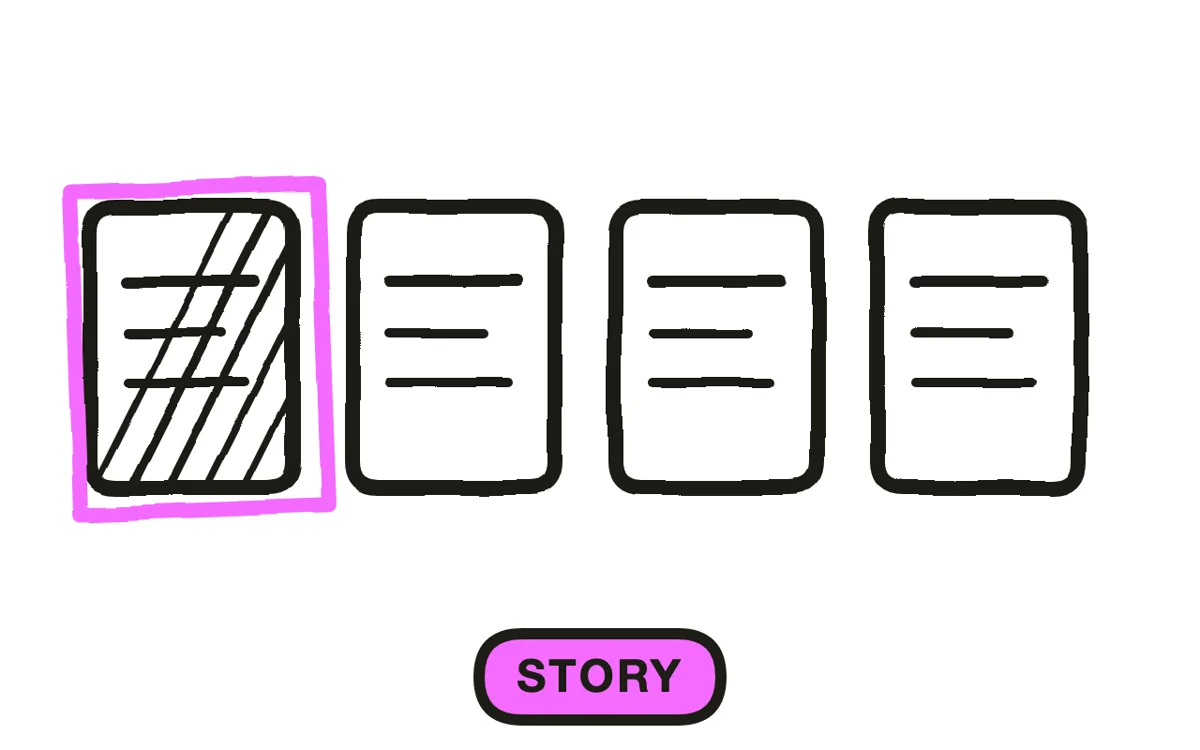
Step 1: Confirm there is a story
Comics compress. A panel can skip an hour, a week, or a whole misunderstanding without reading as a jump cut, which makes the format unusually efficient for explanations built around something happening to someone: a customer hitting a problem, an employee facing a decision, a before and after.
Without a protagonist there is nothing to compress. A feature set or a technical system has no story, and forcing one produces a character standing next to things pointing at them, which is less useful than a plain diagram and considerably more work.
Step 2: Break the script into panel beats
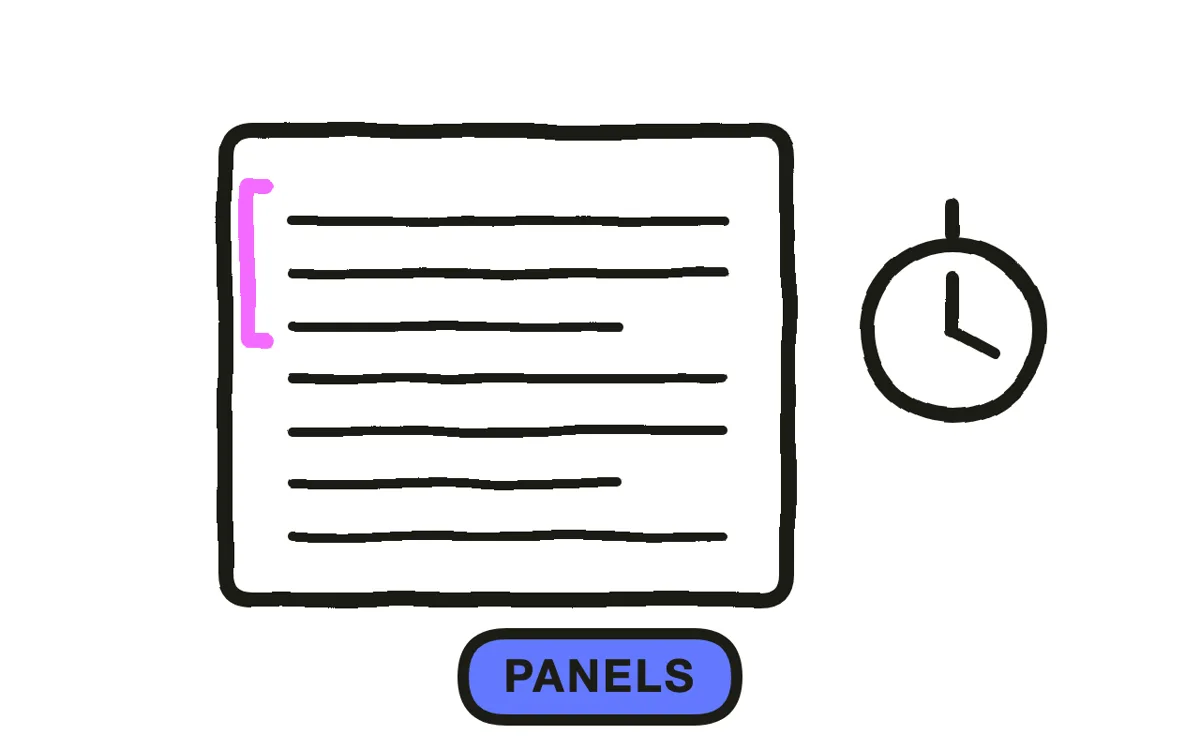
A panel is not a scene. It is one moment: a decision, a reaction, a consequence. Write the script, then mark where each moment lands, and expect to cut the connective sentences between them, because the gap between panels is doing that work.
Plan roughly one panel per five to eight seconds, so a 90-second video needs 12 to 18. Fewer and the format stops reading as a comic; more and the viewer is being shown pictures faster than they can read the words in them.
Step 3: Choose an art style that reads at speed
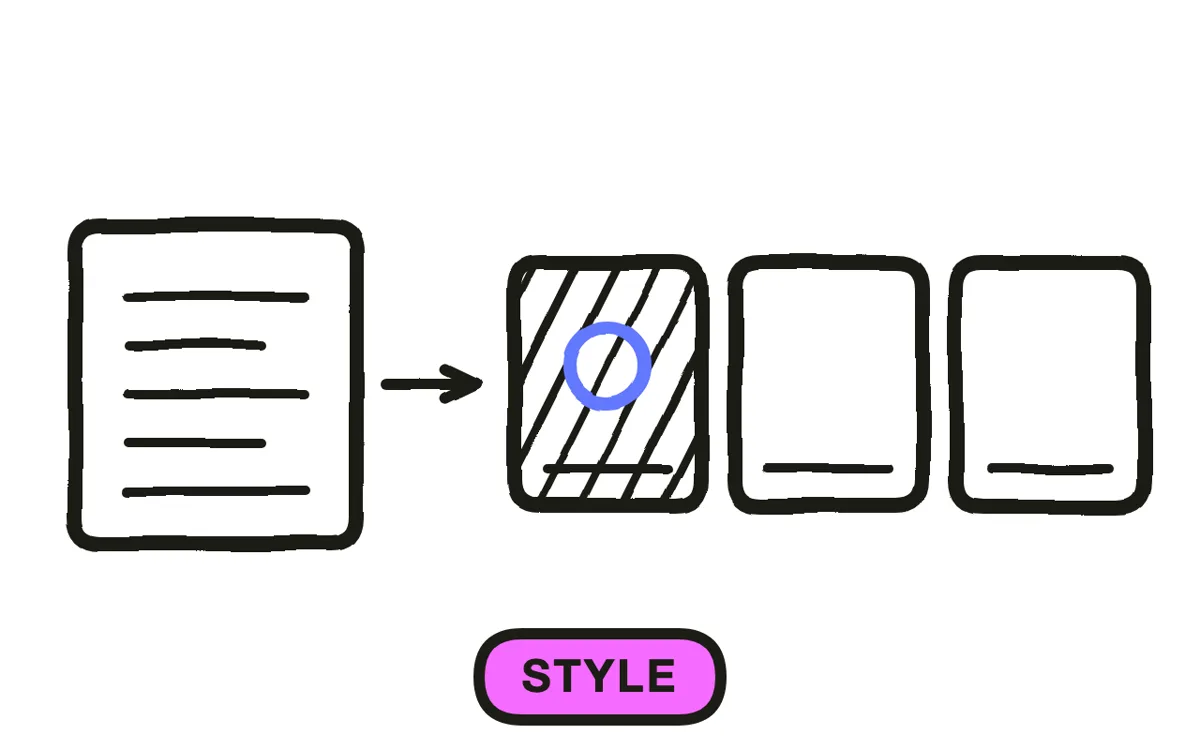
Pick a style with strong outlines and flat colour. Detail that rewards a reader lingering on a page is wasted on a viewer who gets four seconds, and dense crosshatching or painterly shading actively slows recognition at phone size.
Consistency of the character matters more than the quality of any single panel. A protagonist who is recognisably the same person across 15 panels carries the story; one who drifts in face or build between panels breaks it, and that drift is where hand-assembled illustration sets most often fail.
Step 4: Add panel motion
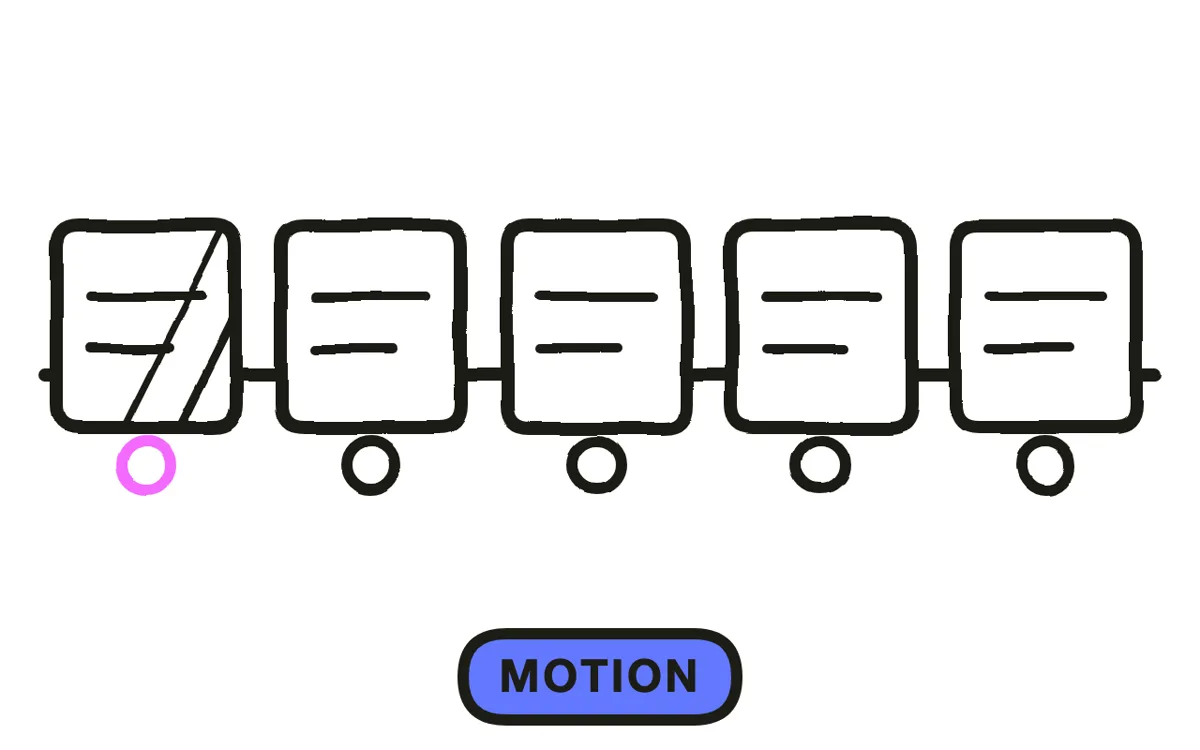
Static panels cut together are a slideshow. What makes this format video is motion applied to still art: a slow push into a panel, a pan across a wide one, layers separating for parallax, a panel sliding in from the edge as the previous one leaves.
Reveal within panels too. Showing the character first and the thing they are reacting to a beat later gives a still image a sense of timing that a straight cut cannot. Pexo's image-to-video workflow animates panel art this way, and text-to-video generates the panels themselves with the character held consistent.
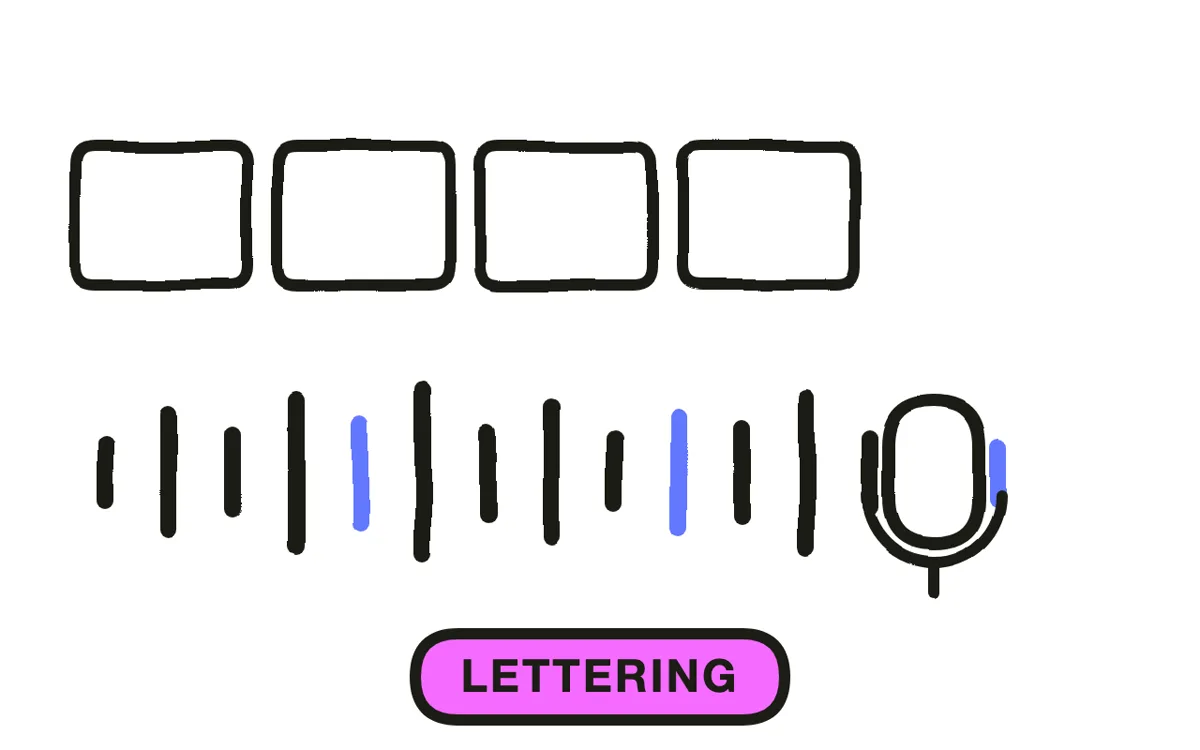
Step 5: Letter for video pace
Make bubbles bigger and their contents shorter than a printed comic. A reader controls their own pace and a viewer does not, so text that works on a page is usually about twice too long and a size too small once it is on a phone for four seconds.
Add narration carrying the connective explanation while the panels carry the story. Dialogue-only comic explainers ask a viewer to read every word at a pace they cannot control, which is where the format most often fails on mobile. Pexo generates the narration with natural voices.
Step 6: Export per placement
Export 16:9 at 1080p for a website, YouTube, and presentations. Export 9:16 for Reels, TikTok, and Shorts, and 1:1 for feeds. Pexo exports all three from one project.
Vertical suits this format unusually well, since one tall panel fills the frame naturally rather than needing a multi-panel layout squeezed into it. Check the piece muted with captions on, because a comic explainer read without its narration should still make sense from the panels alone.

How to Make a Comic Explainer Video with Pexo
The six steps above work with any tool. Pexo handles steps 3 through 6 in a single conversation, and holding one character across every panel is what the format lives or dies on.
Open the comic video page and describe the piece: "A 90-second comic explainer following a shop owner discovering duplicate orders, 14 panels, bold outlines and flat colour, slow pushes and parallax, short dialogue with a wry narrator." Pexo generates the panels with a consistent character, animates them, and records the narration.
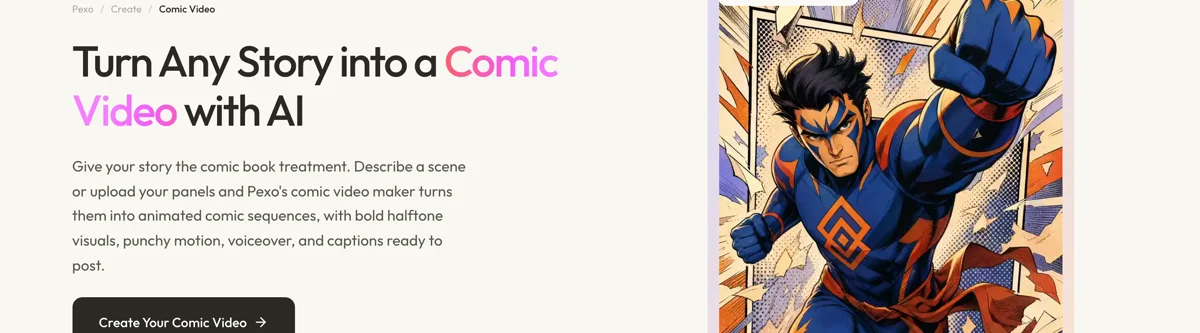
Adjust any panel by describing the change in the chat, and Pexo regenerates that panel alone while keeping the character consistent.
For related styles, the manga video page covers the manga treatment and animated story video covers narrative animation.
5 Mistakes That Make a Comic Explainer Unreadable
1. No protagonist. Without someone for something to happen to, there is nothing for panels to compress.
2. Cutting between static panels. That is a slideshow. Panel motion is what makes the format video.
3. Print-sized lettering. A reader sets their own pace; a viewer gets four seconds and a phone screen.
4. A character who drifts. Fifteen panels only tell one story if the person in them is recognisably the same.
5. Dialogue with no narration. Asking a viewer to read every word at a pace they cannot control fails on mobile.
Related Tutorials
- How to make a cartoon explainer video for full character animation
- How to make a sketch explainer video for looser hand-drawn work
- How to make a 2D explainer video for polished vector animation
- How to create an explainer video for the general production process




