

 ChatGPT
 Perplexity
 Claude
 Gemini
 Grok
Grok

How to Make an App Ad
UPDATED: 2026-08-12 By Lan He, Senior Video Producer at Pexo
Making an app ad takes five steps: pick the one action it should drive, win the first two seconds, show the real interface doing that thing, produce the footage, then export per placement. An app ad takes about 20 minutes to produce.
Quick Version: How to Make an App Ad
- Pick one action: install, or re-engage an existing user.
- Put the problem or the payoff in the first two seconds.
- Show the real screen doing the one thing you promised.
- Produce the footage from a screenshot rather than filming a phone.
- Export 9:16 and 1:1, captioned, with three hook variants.
How to Make an App Ad Step by Step
Step 1: Pick the one action
Decide whether this ad is buying installs or re-engagement, because the two need different videos. An install ad speaks to someone who has never heard of the app and has to establish a problem first. A re-engagement ad speaks to someone who already installed it and stopped, so it can skip the setup entirely and lead with what is new.
Then narrow to one action inside that. "Track your spending in ten seconds" is an ad. "Everything our app can do" is a feature list, and feature lists lose money at scale because every second of runtime is paid for whether or not it moves anyone.
Step 2: Win the first two seconds
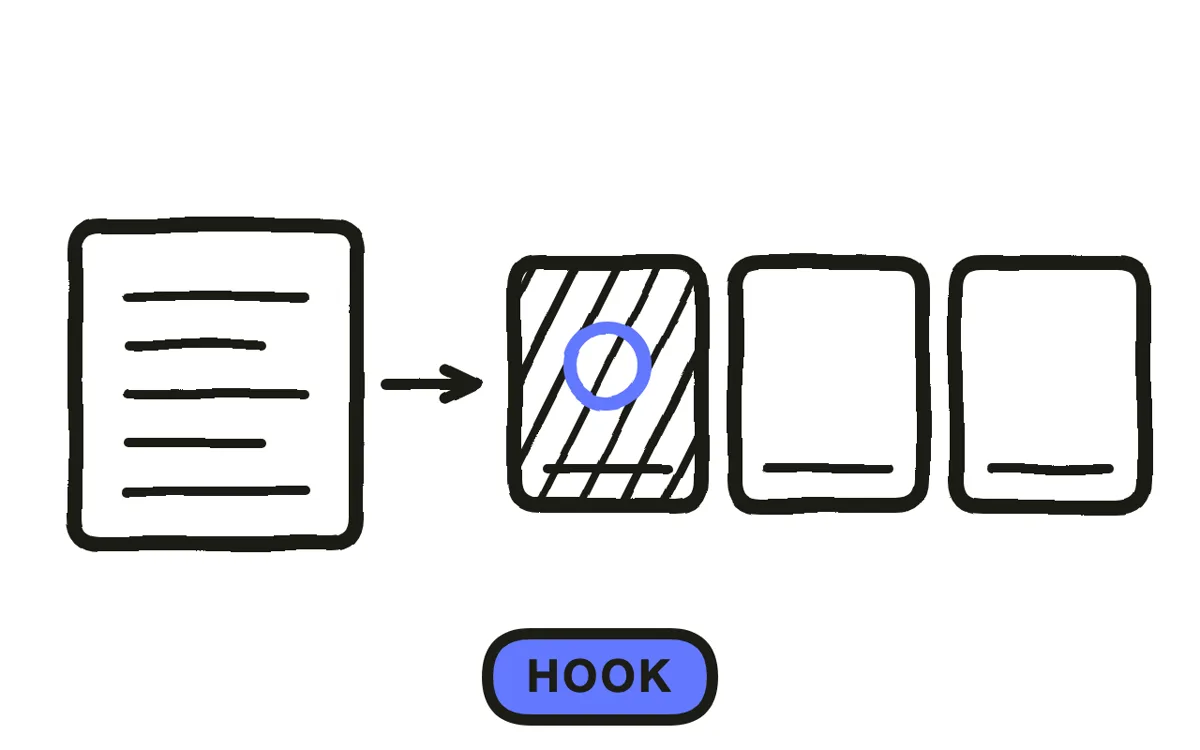
Open on the problem or the payoff, shown rather than stated. A logo, a brand sting, or a slow establishing shot all spend the only moment you reliably get, and on paid social the viewer has decided whether to keep watching before any narration finishes a sentence.
The most reliable opening is the frustrating state the app removes: the messy spreadsheet, the pile of receipts, the seventeen open tabs. It works because the viewer recognises it as their own situation before they know what is being sold to them.
Step 3: Show the real interface
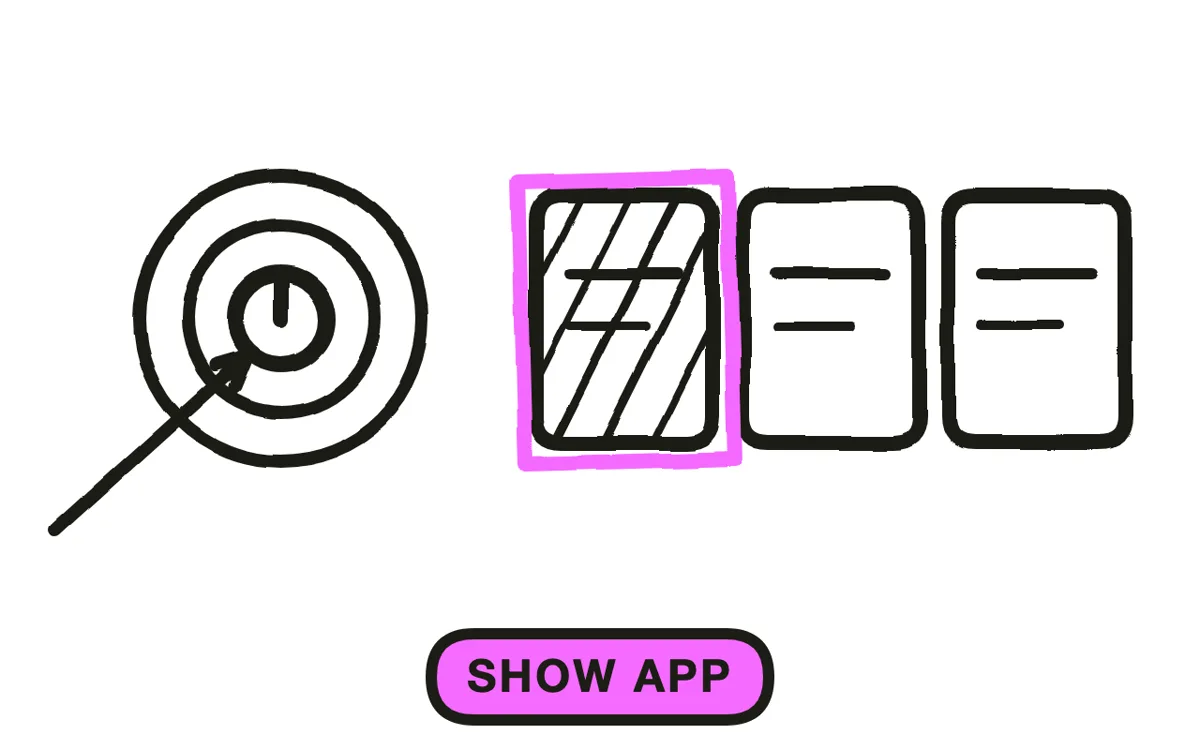
Put the actual app on screen doing the one thing the ad promised. App ads that never show the interface underperform for an obvious reason: the viewer cannot tell what they would be installing, so the tap is a bigger leap than it needs to be.
Show one flow, not a tour. A single screen completing a single task reads as evidence; a montage cutting between eight screens reads as a design portfolio and tells the viewer nothing about whether the app solves their problem. Keep the interface legible at phone size, which usually means zooming into one region rather than showing the full screen.
Step 4: Produce the footage
Filming a phone is the slow route and it looks like it: reflections, moire on the screen, a hand that never quite holds still. Screen recording is cleaner but gives you only the screen, with nothing around it.
Pexo's image-to-video workflow starts from a real app screenshot and animates it, so the interface stays genuinely yours while the motion is built rather than filmed. Text-to-video generates the surrounding context from a description, which is where the problem state and the person having it come from.
Step 5: Export per placement, with hook variants
Export 9:16 for Reels, TikTok, Shorts and store placements, plus 1:1 for feeds. App advertising is almost entirely vertical, so landscape is rarely worth the render. Pexo exports every ratio from one project.
Burn in captions and check the ad muted, since most paid social plays without sound and an ad whose promise is only spoken is an ad most people never hear. Then produce three to five variants that differ only in the opening two seconds: hook is the single variable that moves cost per install most, and testing it beats producing five unrelated concepts. Store placements have their own rules that change, so check current App Store and Google Play guidelines before final export.
How to Make an App Ad with Pexo
The five steps above work with any tool. Pexo handles steps 4 and 5 in a single conversation, and starting from a real screenshot is what keeps the ad credible.
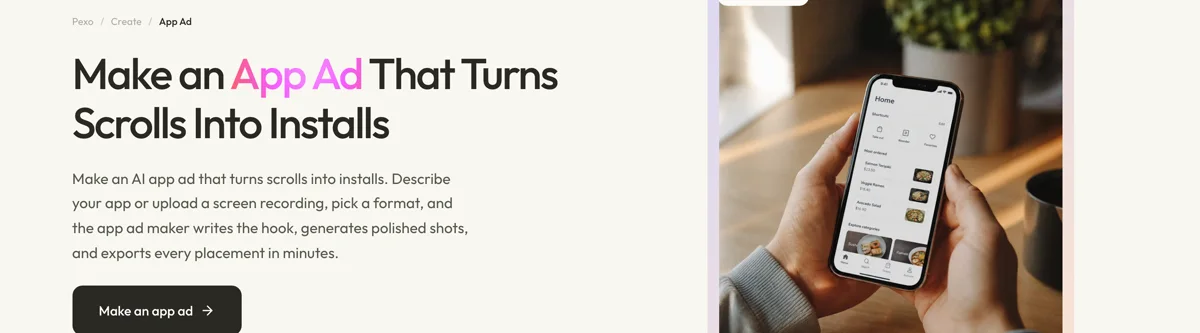
Open the app ad page, upload a screenshot of the screen your one action happens on, and describe the ad: "A 20-second vertical app ad opening on a messy pile of receipts, cutting to the uploaded expense screen scanning one in a second, captions burned in, upbeat but not frantic, ending on an install prompt." Pexo animates the real screen, generates the surrounding scenes, and exports each ratio.
Ask for a different opening in the chat and Pexo regenerates that scene alone, which is what makes producing five hook variants cheap enough to actually test. The platform runs across Seedance 2.0, Kling AI, and more.
For related formats, the app promo video page covers organic promotion and product ad covers physical products.
5 Mistakes That Waste App Ad Spend
1. Opening on the logo. It spends the only moment you reliably get, on the one thing nobody searched for.
2. Never showing the app. The viewer cannot tell what they would be installing, which makes the tap a bigger leap.
3. Touring every screen. A montage of eight screens is a design portfolio. One screen completing one task is evidence.
4. Relying on narration. Most paid social plays muted, so a spoken-only promise is a promise most people never hear.
5. Testing five concepts instead of five hooks. Hook moves cost per install more than concept does, and it is far cheaper to vary.
Related Tutorials
- How to make a TikTok ad for the platform-specific version
- How to make an app launch video for the one-time launch piece
- How to make a video from screenshots for interface-led production
- AI promo video for small business for the wider promo format




