




AI Reframed Vertical Social Media Video
Reframe a wide master for vertical social video with Pexo. Follow the subject as the focus shifts and check that faces, action, and captions remain visible.
Use Pexo to make an AI highlight video for Shorts and Reels from one strong moment. Keep the context, main action, and payoff clear in a portrait cut.
Give Pexo the full source excerpt and mark the action’s beginning and result. Decide how much setup a new viewer needs. Use Merge Videos to arrange the relevant clips, then hold the outcome long enough to understand from the portrait frame.

Choose one moment whose outcome is understandable on its own. Trim to the context the viewer needs and hold on the outcome for a beat.
What to review
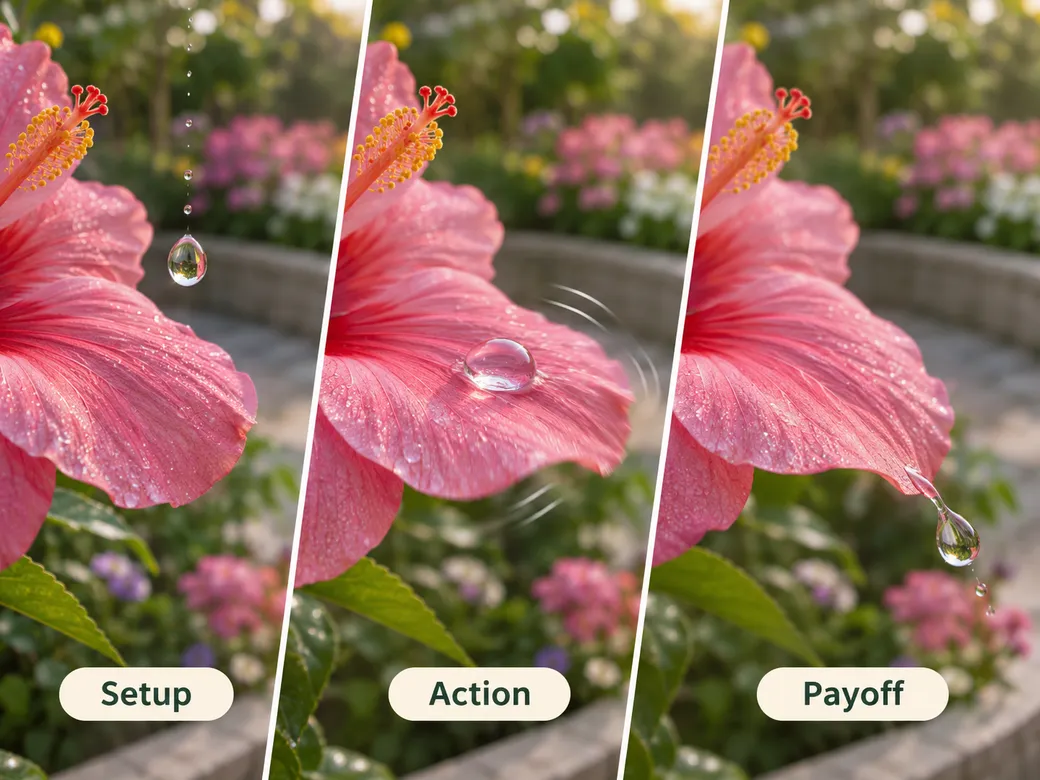
A good highlight gives viewers a reason to watch and a clear result. Keep the smallest amount of context that explains the action. Watch the cut without the rest of the source video to make sure a new viewer can follow it.
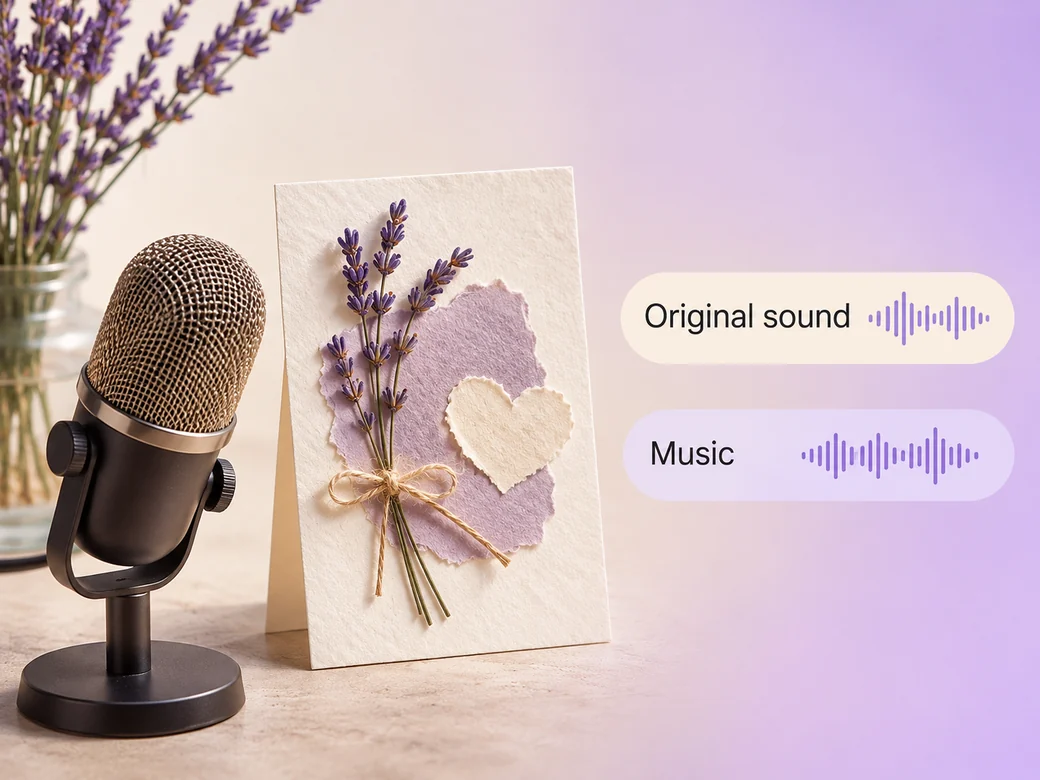
Keep a sound that identifies the action or leads into the payoff. Add a simple score where it helps the sequence. Leave room for the host or any real reaction in the clip. Use Music Generation to try the treatment and listen against the actual pictures.
Place readable text where it stays away from the subject and the platform interface. Check how names and any brief caption look in each intended player. Keep the result visible after the opening hook.
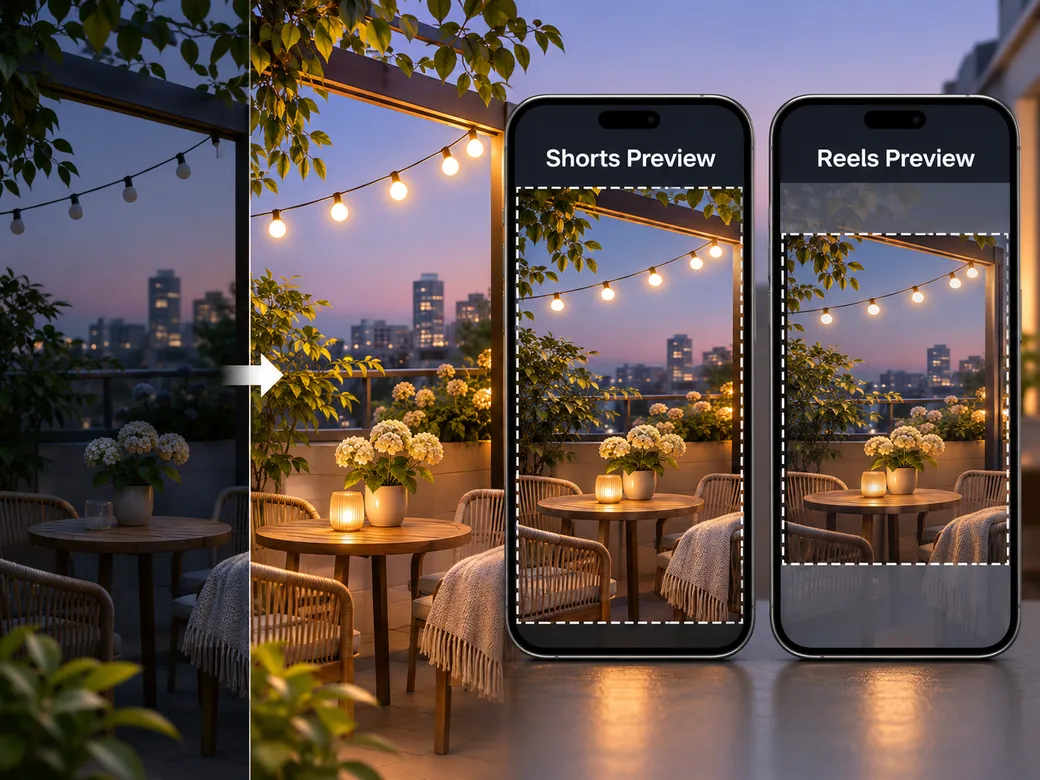
Start with a 9:16 master for the intended portrait placements. Keep the setup, action, and payoff readable inside the viewing area, then check captions and important edges in each platform preview. Make a separate wide cut when you also need a desktop embed.
Open with enough context to understand the event. Let viewers see the outcome before the cut ends.

Listen to the original sound through the decisive action. Keep any cue the viewer uses to understand the payoff.

Watch the result in Shorts and Reels previews. Verify that buttons and caption overlays leave the action readable.

A highlight video for Shorts and Reels adapts a memorable recorded moment into a self-contained vertical clip. It keeps the minimum context needed to understand the action and leaves enough time for the payoff before the cut ends.
Bring the source clip with the setup and result intact, any line or sound that makes the payoff clear, and the intended placements. Mark where the action starts. Include priority text and identify anything the crop must keep visible.
You can prepare a portrait version around one self-contained moment and review it separately for the placements you plan to use. Check the current upload requirements and safe areas for each platform. Keep audio rights and captions appropriate for each destination before you share the video.
Pexo is useful for selecting, cropping, and captioning a short moment from material you can reuse. Mark the point the viewer must see and give it the expected platform. Review the portrait cut in each actual placement before posting.
A highlight video for Shorts and Reels starts from a distinct moment and adapts it for more than one short-form channel. A YouTube Shorts workflow can start with any original concept for YouTube. Choose the highlight format when the source already shows the moment and you need to retain its context and payoff.
Name the source time range, subject, action, and final result. For example, ask for a 9:16 clip that opens just before a catch, follows the hands through the action, and holds the reaction while the original sound finishes.
Bring one strong moment and the source around it. Make a portrait highlight that keeps the action and reaction in context.
Reframe a wide master for vertical social video with Pexo. Follow the subject as the focus shifts and check that faces, action, and captions remain visible.
Make a captioned social media clip with Pexo. Keep the context of a recorded answer and check wording, timing, and safe areas for sound-off viewing.
Make a gameplay Shorts video with Pexo. Reframe one recorded play for 9:16 and keep the player, key game cues, and final result visible on a phone.
Make a TikTok montage video with Pexo. Open with a clear subject, cut related clips to a track you can use, and check the ending in a portrait feed.
Make a captioned interview video with Pexo. Review the spoken words, correct names and timing, and place readable captions for a full cut or social clip.
Create a 2D avatar AI UGC video in Pexo. Pair a scripted illustrated presenter with real product shots and review the demo before sharing.
Make a mobile app preview video with Pexo. Use the path to a saved note to tell a clear story. Organize your material and review the finished video.
Make a repurposed social media video with Pexo. Give one idea from a longer recording its own clip. Keep the context, reframe it, and add readable captions.