



AI Highlight Video for Shorts and Reels
Make a highlight video for Shorts and Reels with Pexo. Shape one recorded moment into a 9:16 cut that keeps its setup, action, and payoff clear.
Use Pexo to turn a wide master into an AI reframed vertical social media video. Follow the important movement and keep the words, subject, and result readable in portrait.
Give Pexo the wide source and note where the focus changes or where two important elements are far apart. Use Reframe Video to plan a portrait view for each moment. Compare it with the source and check that the action and captions remain understandable.

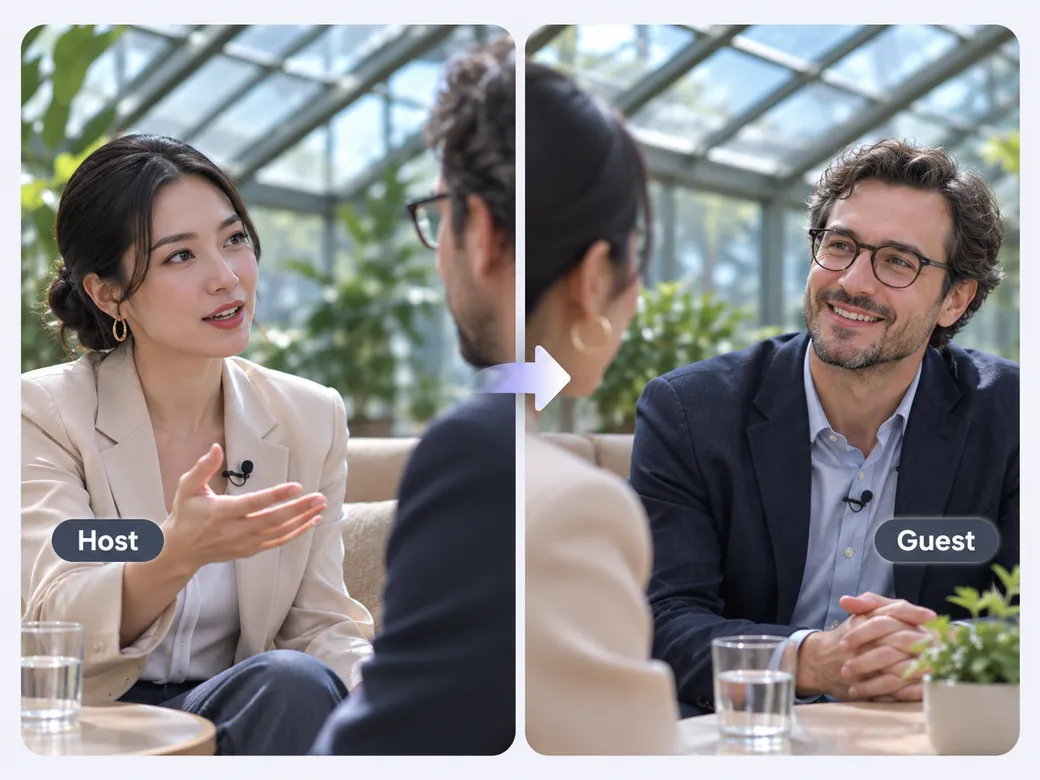
Plan the vertical frame around what the viewer needs to follow at each moment. Use a deliberate second view when one crop cannot show the whole relationship.
What to review
Follow where the main subject moves and where viewers need to look. Select a crop or separate shot that keeps the meaningful gesture, face, or object in view. Preview the crop at the beginning, end, and busiest part of each scene.
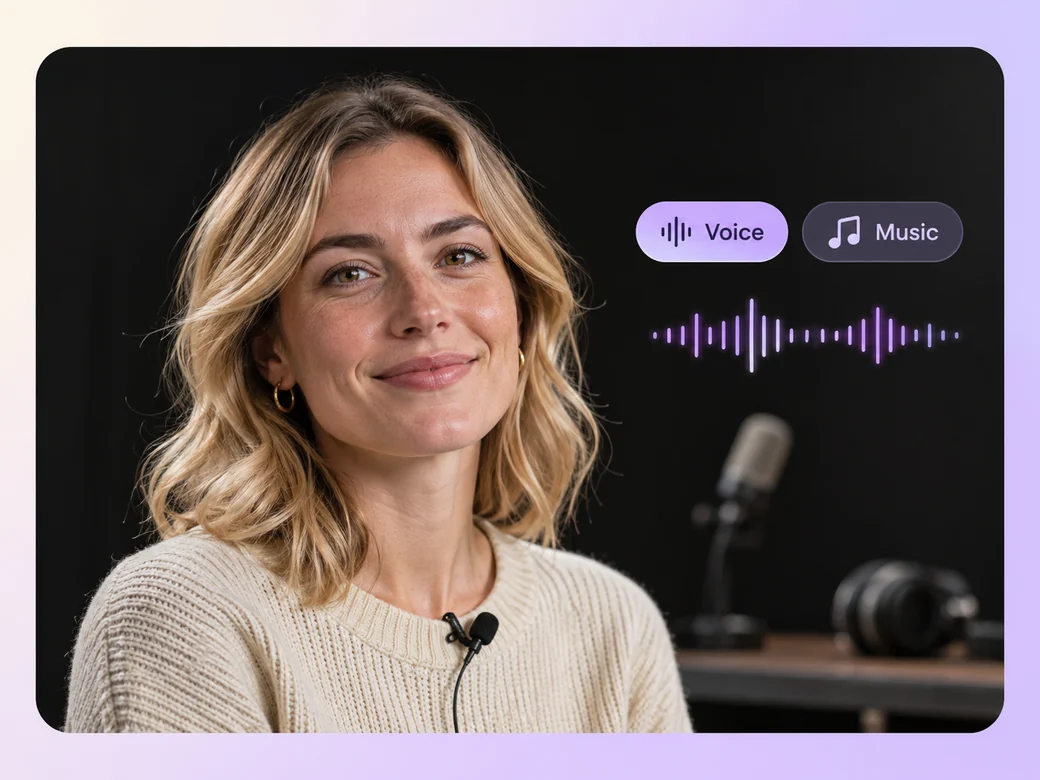
Keep original dialogue and let important pauses remain where the frame moves to a new subject. Review the music below the speaking voice and check caption placements in the final aspect ratio. Use Music Generation to try the treatment and listen against the actual pictures.
Play the result beside the original, then look for action, names, or context that fell outside the narrow view. Reposition the frame or choose an alternate angle when the subject needs more space.
Make portrait the main output for the intended feed. Preview the action from beginning to end and check that captions, faces, and supporting details stay visible. Keep the wide master nearby as a reference and adjust the portrait version when the scene’s focus shifts.
Check what the viewer needs to follow as the focus changes. Reposition the frame or cut to a suitable alternate view.

Listen across any edit that follows a change of focus. Keep meaningful speech and pauses intact.

Check the final portrait version in its intended feed. Verify that the wording and main action stay clear of app controls.

A reframed vertical social media video adapts existing footage to a taller frame. The new framing follows the subject, makes room for captions, and uses deliberate cuts or split views when important elements cannot fit in one portrait crop.
Bring the wide master, the moments that need to survive the new frame, and the transcript or text to include. Identify who or what the frame needs to follow and where that changes. Mark any point where two subjects or important labels sit far apart.
Choose which subject matters at that point in the video. Use a close angle or switch the crop when attention moves to the next speaker. Consider a wider view or a split layout if understanding the action requires both at once. Finally, watch on a phone to see whether the sequence still reads.
Pexo is useful for trying a portrait framing plan and revising sections where the subject moves. Tell it which details must remain visible and when the crop can change. Watch beside the original to verify that the same action and meaning survive.
A reframed vertical social media video starts from a wide master and adjusts what viewers can see in a narrower layout. A general social media video can be filmed for the phone from the start. Choose a reframe when you want to preserve an existing moment and its useful context in a new crop.
Supply the master, intended vertical placement, and the people or objects the frame needs to follow. For example, ask to center the presenter during their line, then use a separate crop for the demonstrated object and keep both captions readable.
Bring the wide master and identify what the viewer needs to follow. Reframe the action for the intended portrait placement.
Make a highlight video for Shorts and Reels with Pexo. Shape one recorded moment into a 9:16 cut that keeps its setup, action, and payoff clear.
Make a captioned social media clip with Pexo. Keep the context of a recorded answer and check wording, timing, and safe areas for sound-off viewing.
Make a gameplay Shorts video with Pexo. Reframe one recorded play for 9:16 and keep the player, key game cues, and final result visible on a phone.
Make a TikTok montage video with Pexo. Open with a clear subject, cut related clips to a track you can use, and check the ending in a portrait feed.
Make a captioned interview video with Pexo. Review the spoken words, correct names and timing, and place readable captions for a full cut or social clip.
Create a 2D avatar AI UGC video in Pexo. Pair a scripted illustrated presenter with real product shots and review the demo before sharing.
Make a mobile app preview video with Pexo. Use the path to a saved note to tell a clear story. Organize your material and review the finished video.
Make a repurposed social media video with Pexo. Give one idea from a longer recording its own clip. Keep the context, reframe it, and add readable captions.