
AI YouTube Montage Video
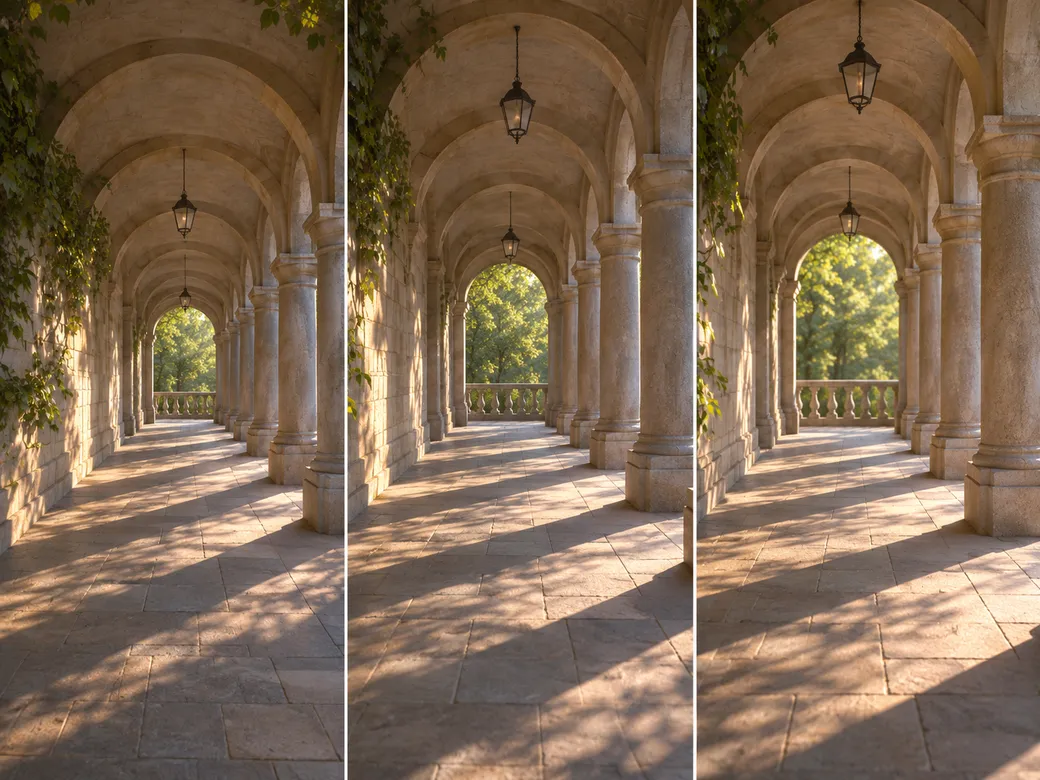
Make a YouTube montage video with Pexo. Turn approved clips into a wide edit with a recognizable opening, deliberate progression, and a clear ending.
Make an AI relaxation music video that pairs soft instrumentals with a steady scene. Choose the pace of the visuals and the balance of music and natural sound, then review a cut for your channel or a quiet space.
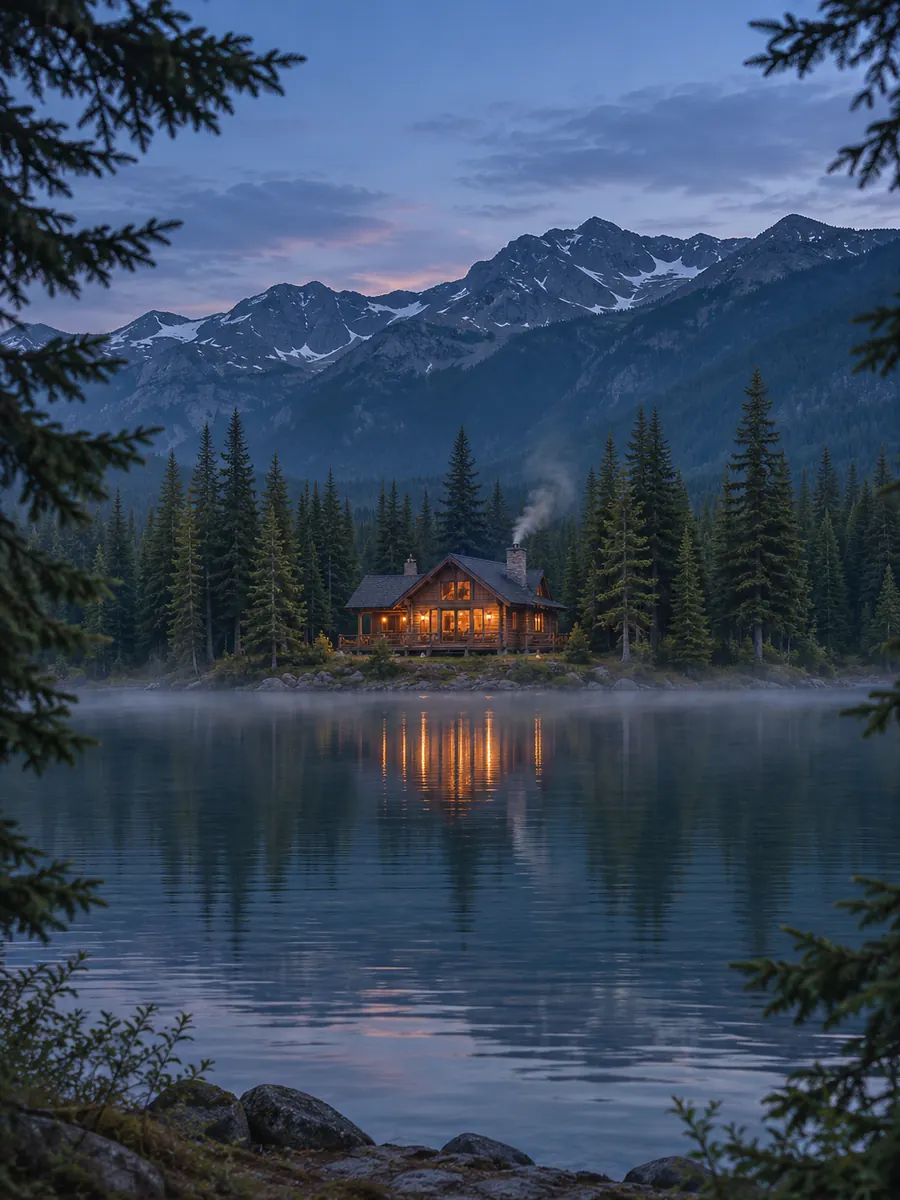
Choose a simple view you can stay with, such as rain on a boathouse window or mist lifting off a lake. In Pexo’s relaxation music video maker, describe one motion to bring it to life and name the kind of music you want. Preview the first shot with its audio before deciding how to extend it.
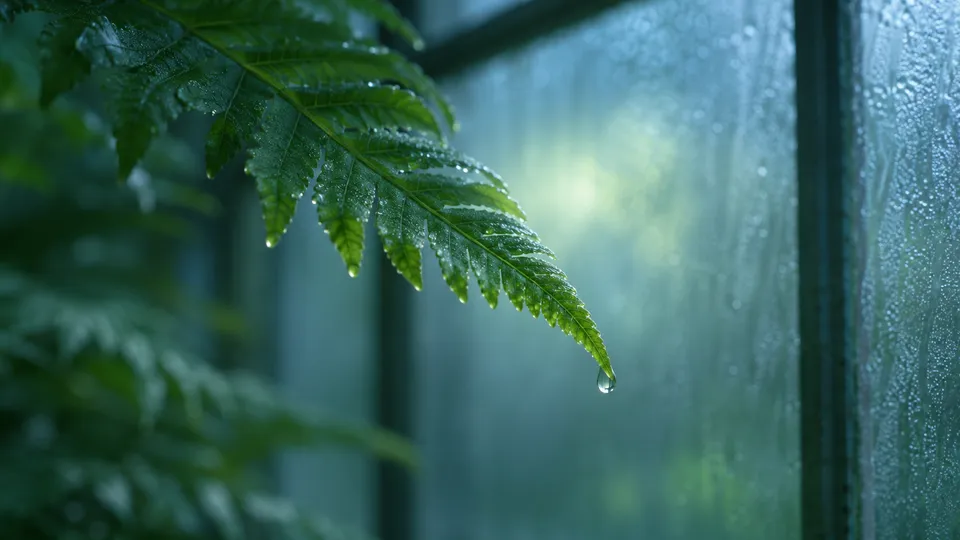
Describe the visual motion, the instrumental, and the natural sound you want. Ask Pexo for a short section you can watch and listen to before extending.
What to review
Use Image to Video to give a still photo a small amount of motion. Describe a slow drift near the reeds or a gradual change in the light. Give each view time to settle so the next shot feels like part of the same walk.
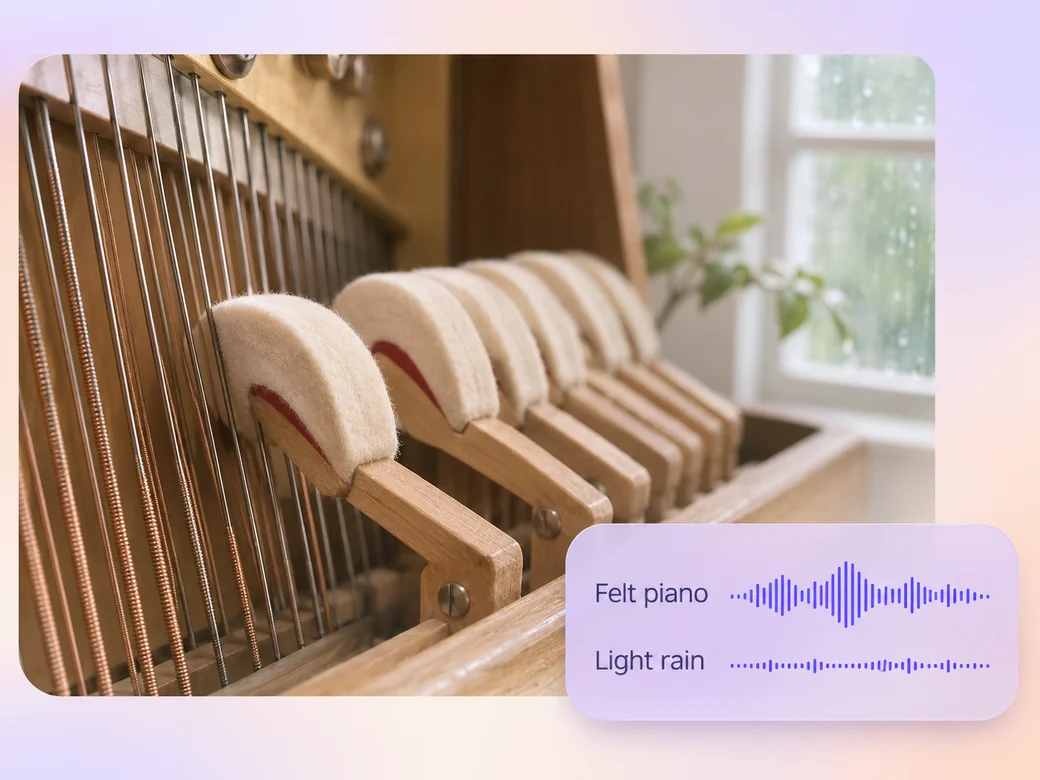
Use Music Generation to describe the mood and instruments, such as soft felt piano with long gaps between notes. If you add rain or moving water, keep it lower than the music. Listen on headphones and on a small speaker before settling on the mix.
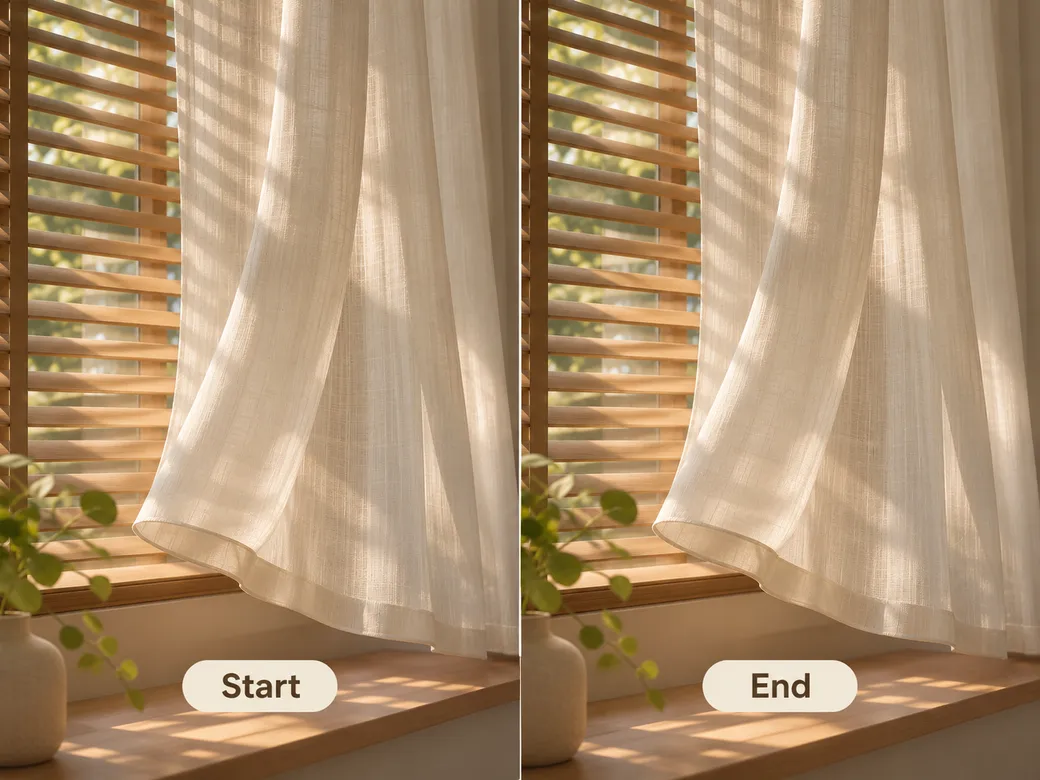
For a repeatable clip, choose opening and closing frames with similar light, motion, and composition. Listen to the join several times and check whether a note or a rain burst calls attention to the cut. Use a gentle ending fade when the video should play through once.
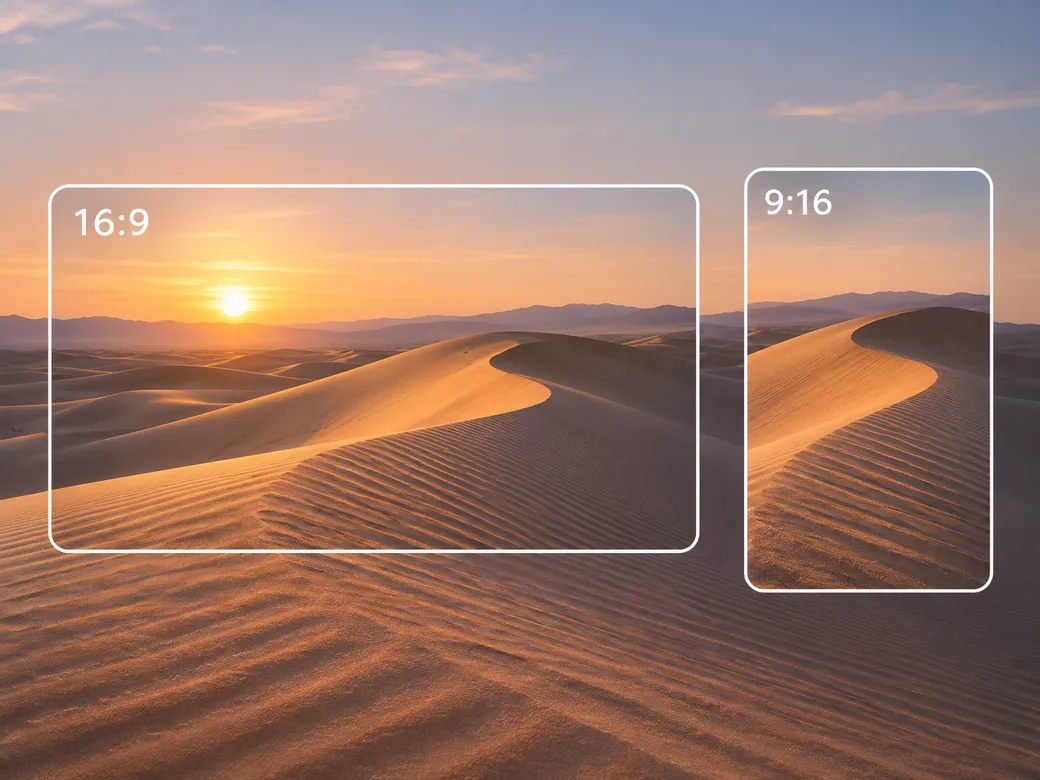
Keep a wide 16:9 scene for a channel upload or background display. For a short portrait version, choose one detail such as the surface of the water and keep it within the narrower crop. Preview the change on an actual phone so the smaller framing still feels spacious.
“I listen for how one piano note fades into the next. A steady, open arrangement lets me keep the water audible at a low level.”

“One track across three gently changing views can carry the piece. I allow time for the viewer to notice what moves in each scene.”

“I play the end straight into the start before sharing the clip. The light and the audio should feel as if they belong to the same moment.”

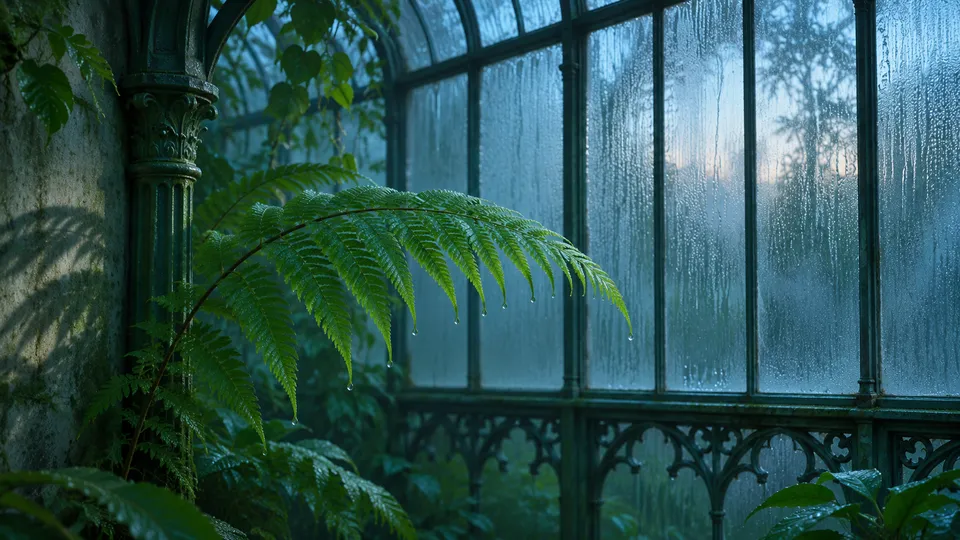
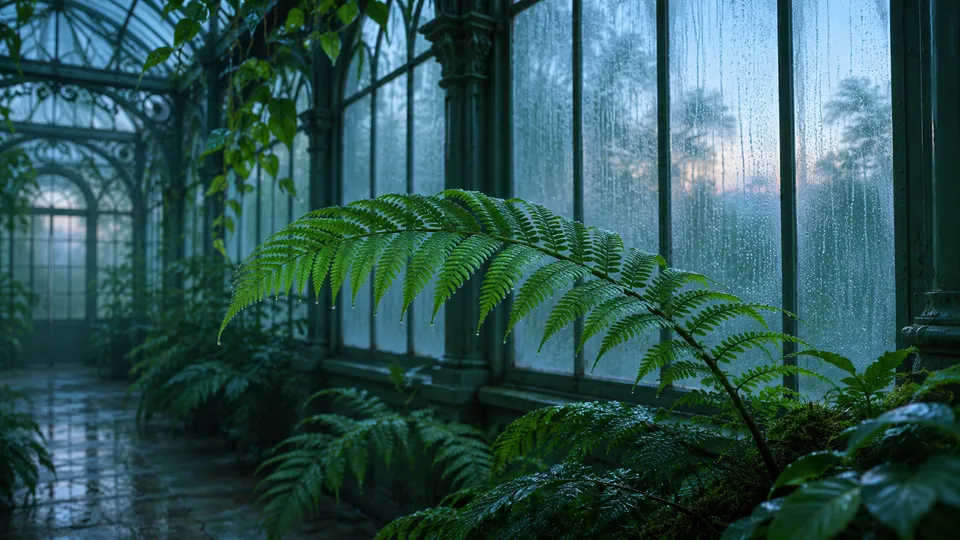
A relaxation music video pairs a gentle instrumental track with calm visuals, such as water, light rain, or a slow look across a landscape. It can also include quiet natural sound. The main choices are the pace of the cuts, how much movement stays on screen, and how the music sits above the ambience.
Yes. Bring an original or licensed track you are allowed to pair with video. Describe which sound should lead and where a softer layer can come in. If your source is a field recording, preview it at ordinary volume to catch sudden noises that might stand out in the final mix.
Match the composition, light, and movement of the opening and closing frames. Try a steady source such as ripples or rain, then listen across the join for a sudden change in volume or an interrupted note. Review the actual export on repeat because the join can feel different once the audio is in place.
Pexo lets you give the visual scene and the instrumental direction in the same brief and review how they work together. For example, animate a still lake with Kling AI 3.0, then review a sparse piano score and soft rain with the picture. Ask for a slower camera drift or a lower ambience level after listening.
A relaxation music video is led by the instrumental and gives viewers a steady visual to leave playing. A meditation video can take viewers through a guided moment using voice, breathing cues, or on-screen instructions. Choose the type that matches what someone expects to hear when they press play.
Use subject + action + camera movement + setting + style. Try ‘Light rain runs down a broad window. Keep the camera locked inside a timber boathouse overlooking a gray lake at dawn. Use soft natural light, sparse felt piano, and a quiet layer of rain. Let the closing shot match the open.’
Describe a scene you could watch for a while and the sound you want underneath it. Listen back and refine the balance.
Make a YouTube montage video with Pexo. Turn approved clips into a wide edit with a recognizable opening, deliberate progression, and a clear ending.
Make a birthday slideshow video with Pexo. Arrange approved family photos and recorded greetings, then check that faces and voices come through on the event screen.
Make an employee motivation video with Pexo. Turn project photos and a specific milestone into a team kickoff or all-hands video with a clear next step.
Make a memorial slideshow video with Pexo. Arrange family photos, names, and recorded memories in a gentle tribute for a service or private viewing.
Make a proof of concept film with Pexo. Turn a script excerpt into a short sample, test one creative choice, and share it in a pitch or review.
Make a live-action wedding film with Pexo. Edit the footage and original sound around complete moments and prepare a cut for the couple to review.
Edit recorded underwater footage into a showcase reel with Pexo. Guide viewers from the setting to the subject and prepare a clear cut for review.
Make a kids’ product and toy showcase video with Pexo. Show the included pieces, a clear play action, and the finished result in a buyer demo.